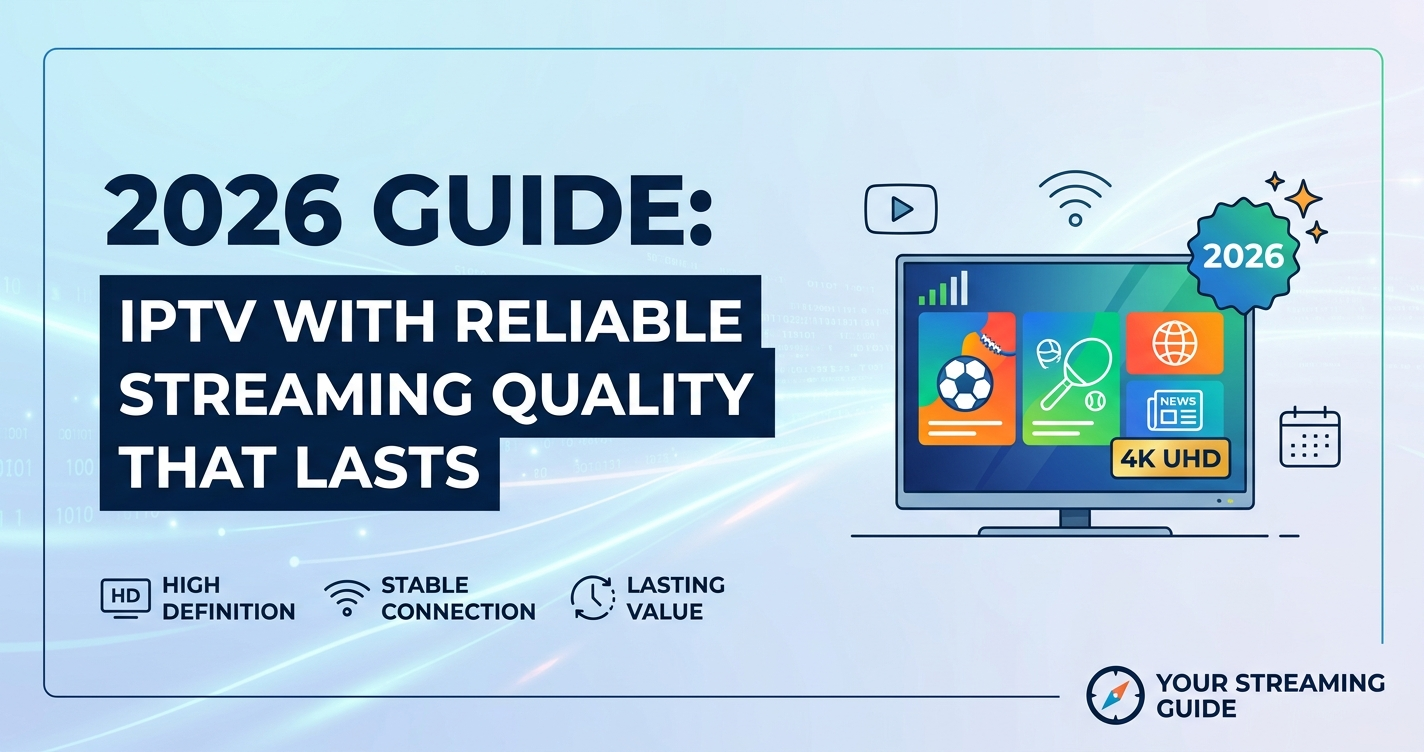

If you want IPTV with reliable streaming quality in 2026, the stream quality has almost nothing to do with channel count or app design. It comes down to three things: the infrastructure behind the panel, how the provider handles ISP interference, and whether redundancy exists when something fails. A service can look identical to a competitor on the surface and still buffer constantly, because the difference lives in the server architecture, not the interface.
The fastest way to judge reliability before committing is to ask how many points of failure exist between the source and your screen. One server, one route, no backup — that’s a service waiting to fail during peak hours.
Why “More Servers” Doesn’t Mean More Reliable
A mistake we repeatedly see: providers advertise “20 servers” as a selling point, assuming customers will read that as redundancy. In practice, 20 servers with no load balancing between them just means 20 single points of failure instead of one. Reliable streaming quality depends on how servers communicate and fail over, not how many exist on paper.
During a migration project a few years back, we watched a provider move from four standalone servers to a load-balanced cluster with shared failover. Buffering complaints dropped by more than half in the first month, without a single server upgrade. The hardware was the same. The architecture changed.
Pro Tip: When researching a provider, ask directly whether they use automatic failover or manual server switching. Manual switching means a human has to notice the outage first — which during a live match can mean 10–15 minutes of dead air.
How ISP Throttling Quietly Wrecks Stream Quality
ISP throttling rarely announces itself. Customers assume their internet is fine because speed tests look normal, but speed tests measure raw bandwidth, not the specific traffic pattern that streaming uses. Deep packet inspection (DPI) lets ISPs identify and selectively slow down streaming-pattern traffic without touching general browsing speeds.
We noticed unusual ISP behaviour during a major football tournament: identical connections, identical hardware, but customers on one regional ISP reported buffering while customers on another ISP with the same package didn’t. The common factor was DPI-based throttling on streaming ports, not the service itself.
This is one reason IPTV with reliable streaming quality (2026) increasingly depends on multi-uplink redundancy and traffic obfuscation rather than just raw server capacity. Providers serious about reliability now route traffic through multiple paths so that if one gets fingerprinted and throttled, another carries the load.
What DNS Poisoning Has to Do With Buffering
DNS poisoning is a separate issue from throttling, but it produces similar symptoms — stalled loading, channels that won’t resolve, apps that hang on “connecting.” Instead of slowing traffic, a poisoned DNS response redirects or blocks the lookup before the stream even starts.
Reliable IPTV setups counter this with DNS failover: if the primary DNS path returns a bad or blocked response, the system automatically tries a secondary route. Services without this fallback tend to fail entirely during enforcement waves rather than degrading gracefully.
The Hidden Cost of Cheap IPTV Infrastructure
Cheap infrastructure isn’t cheap because providers are lazy — it’s cheap because redundancy costs money that doesn’t show up anywhere in the customer-facing product. A backup uplink, a secondary CDN node, an extra failover server: none of it improves the app icon or channel list. It only matters the moment something breaks.
| Cheap Infrastructure | Infrastructure Built for Reliable Streaming Quality |
|---|---|
| Single source | Multiple geographically distributed sources |
| No failover | Automatic failover between servers |
| No redundancy | Backup uplinks on separate networks |
| Frequent downtime during peak events | Stable performance during traffic spikes |
| Limited or no monitoring | Active 24/7 monitoring with alerts |
After reviewing hundreds of support requests, the pattern is consistent: complaints cluster heavily around major sporting events, holidays, and evenings — exactly when shared infrastructure gets stressed past its design limit. Providers without redundancy don’t fail randomly. They fail predictably, at the worst possible time.
Sports-Event Traffic Spikes Are the Real Stress Test
Anyone can deliver IPTV with reliable streaming quality on a quiet Tuesday afternoon. The real test is what happens when 40% of the customer base tries to watch the same match simultaneously. Concurrent connection limits, CDN routing efficiency, and HLS segment delivery all get tested at once during these windows.
What typically breaks first during a traffic spike:
- Shared bandwidth on underprovisioned servers
- EPG (electronic programming guide) data lagging behind live schedules
- Adaptive bitrate streaming dropping resolution under load
- Support queues overwhelmed by simultaneous tickets
During a major sports event last year, one mid-sized operation lost a noticeable share of its customer base in a single weekend — not because the content was wrong, but because the infrastructure simply couldn’t hold the concurrent load. Customers don’t distinguish between “your panel” and “your provider’s CDN.” They just leave.
Why Trial Users Rarely Become Paying Customers
This connects directly to reliability. After reviewing trial-to-paid conversion patterns across different setups, the biggest single drop-off cause isn’t price — it’s a buffering or freezing experience during the trial window. A potential customer’s first 24–48 hours are usually their highest-traffic-sensitivity test, often timed (intentionally or not) around an evening or weekend, which is exactly when weak infrastructure shows its weaknesses.
Step-by-step, what a reliability-focused trial period should include:
- Test during peak evening hours, not just daytime
- Test on at least two different devices
- Test during a live sports broadcast if possible
- Check channel switching speed, not just playback once loaded
- Note any pixelation drops under adaptive bitrate streaming
What Support Tickets Reveal About Long-Term Churn
An infrastructure issue appeared when one operator scaled from a few hundred to a few thousand subscribers without expanding backup uplinks. Support tickets jumped sharply — not because more people joined, but because the same fixed infrastructure now had less headroom per user. Reliable streaming quality isn’t a fixed feature; it’s a ratio between capacity and active concurrent users.
This is also where the conversation shifts from “subscriber experience” toward reseller-side decisions. An IPTV reseller managing their own customer base through a reseller panel needs visibility into this ratio, because a sub-reseller adding 200 new credits without checking server headroom creates exactly this kind of churn spike two weeks later.
What This Means for IPTV Resellers and Panel Owners
For an IPTV reseller, “reliable streaming quality” isn’t just a customer-facing promise — it’s a direct input into renewal rates and panel credit economics. A reseller panel that doesn’t expose concurrent connection limits per customer makes it nearly impossible for a panel owner to diagnose whether a complaint is local (one customer’s ISP) or systemic (the whole IPTV distribution network straining).
Established resellers tend to build a simple internal habit: track buffering complaints by time of day and event type before assuming it’s a customer device issue. A credit reseller managing 30–40 sub-resellers benefits from this same tracking at a larger scale, since one upstream infrastructure problem can quietly generate complaints across an entire IPTV distribution network simultaneously.
Pro Tip: If complaints spike specifically during football weekends and major sporting events but stay normal otherwise, the issue is almost always concurrent load on shared infrastructure — not individual customer connections.
For UK IPTV reseller comparing infrastructure providers, britishreseller.com is a useful reference point for understanding what a properly load-balanced reseller setup looks like in practice, particularly around how panel credits and failover capacity are structured together rather than sold separately.
Mini Case Study: One Reseller’s Costly Assumption
One reseller lost customers because they assumed all panel credits were functionally identical regardless of which upstream server pool the panel pulled from. After a wave of cancellations during a tournament weekend, an audit showed the panel’s credit allocation wasn’t tied to any load-balancing logic — credits were sold without regard to which physical server cluster handled them. The fix wasn’t more credits. It was rebuilding the allocation logic so panel credits mapped to actual server capacity, not just a number in a dashboard.
Success Checklist:
Subscribers
- Test any new service during peak evening hours before committing long-term
- Confirm whether the provider offers DNS failover, not just app-level reconnect attempts
- Check if pixelation occurs specifically during high-traffic events vs. daily use
- Avoid judging reliability from a single quiet-hours test
IPTV Resellers
- Ask your upstream provider directly about failover and redundancy architecture
- Track complaint timing against major sports events and holidays
- Don’t allocate reseller panel credits without confirming server headroom
- Separate “my panel UI” issues from “upstream infrastructure” issues before troubleshooting
Sub-Resellers
- Confirm with your credit reseller which server pool your credits draw from
- Set customer expectations clearly around peak-hour performance
- Report patterns (not just individual tickets) back to your panel owner
- Avoid overselling capacity during known high-traffic periods like major tournaments
FAQ
What causes most IPTV buffering issues in 2026?
Most buffering in 2026 traces back to ISP throttling via deep packet inspection, shared server load during peak events, or missing failover when a primary route fails. It’s rarely the app itself — the app is usually just displaying a symptom of an infrastructure-level problem.
Is IPTV with reliable streaming quality (2026) realistic on a standard home connection?
Yes, in most cases. A standard broadband connection is usually sufficient if the provider’s infrastructure includes proper failover and load balancing. The bigger variable is provider-side redundancy, not your home connection’s raw speed.
How can I tell if buffering is my connection or the provider’s infrastructure?
Test the same stream on a different network, such as mobile data, at the same time. If buffering persists across networks, the issue sits with the provider’s infrastructure rather than your ISP.
Does IPTV with reliable streaming quality (2026) cost significantly more?
Not necessarily more, but it does usually come from providers investing in backup uplinks and monitoring rather than the cheapest possible single-server setup. Price alone isn’t a reliable indicator either way.
As an IPTV reseller, how do I know if my upstream provider has real redundancy?
Ask specifically whether failover is automatic or manual, how many independent uplinks exist, and what happens during a major sports event. A reseller panel showing live server load is a good sign of an upstream provider that takes redundancy seriously.
Why do some channels buffer while others on the same panel work fine?
This usually points to source-level issues rather than your connection — specific channel sources may run on different servers with different load levels or geo-routing paths than others on the same panel.
What should new IPTV resellers prioritize to avoid reliability complaints?
New resellers should prioritize understanding their reseller panel’s failover setup and concurrent connection limits before focusing on pricing or marketing. Reliability problems erode trial conversions faster than price competition does.
Does device choice affect IPTV streaming reliability?
Device choice affects playback smoothness somewhat, but it doesn’t fix upstream infrastructure problems. A high-end device on a poorly load-balanced service will still buffer during peak hours.
Conclusion
IPTV with reliable streaming quality (2026) isn’t a feature you can see in a channel list or an app preview — it’s the result of infrastructure decisions made long before a customer ever presses play: failover, redundancy, DNS routing, and load balancing across multiple uplinks. Providers and resellers who treat reliability as an ongoing capacity-to-demand ratio, rather than a one-time setup, are the ones who hold onto customers through tournament weekends instead of losing them.
Final Insight: The single clearest predictor of long-term reliability isn’t server count, price, or app polish — it’s how a service behaves under simultaneous peak load. Test there, ask about redundancy there, and judge any provider or IPTV reseller panel by that standard rather than by a quiet Tuesday afternoon.