
IPTV With Parental Controls (2026): What Actually Works
A support ticket we reviewed last month summed up the whole problem in one sentence: “My son watched three R-rated movies through the kids’ profile and I have no idea how.” That family had IPTV with parental controls turned on the entire time. The controls just weren’t doing what the parent assumed they were doing.
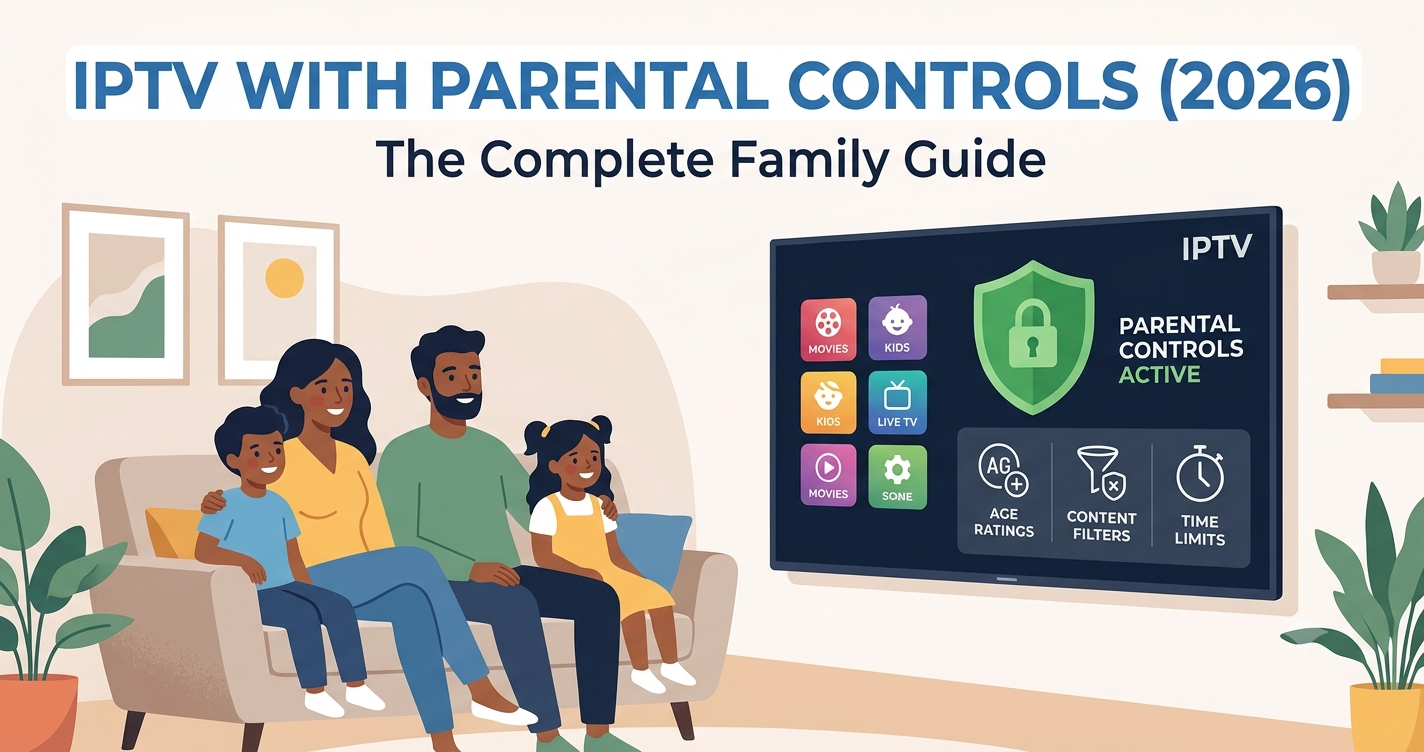
Quick answer: IPTV with parental controls in 2026 works at three separate levels — the app/player, the panel/provider backend, and the device itself — and most failures happen because families only set up one of the three. PIN-locking categories on the player app means nothing if the provider’s EPG still streams unfiltered adult channels in the same playlist, and device-level restrictions (like Apple TV’s Screen Time or Android TV profiles) won’t touch content inside a third-party IPTV app unless the app itself respects those permissions.
The fix isn’t one setting. It’s a layered approach: provider-side category filtering, app-level PIN protection, and device-level app restrictions working together. Skip any one layer and a curious eight-year-old will find the gap within a week.
Why Parental Controls Fail More Often Than Providers Admit
After reviewing hundreds of support requests across multiple UK IPTV reseller panels, a pattern shows up constantly: parents enable a PIN on the TiviMate or IPTV Smarters Pro app, assume the job is done, and never check whether the underlying playlist itself separates adult content into its own category.
Most M3U playlists bundle everything — kids’ channels, sports, adult content — into one undifferentiated feed unless the IPTV reseller panel specifically tags categories. If the panel owner hasn’t organized the EPG into clean, labeled groups, there’s nothing for a player-side parental lock to actually filter.
Pro Tip: Before trusting any parental control claim, ask the provider or IPTV operator whether adult content sits in a separately tagged category at the panel level, not just hidden behind an app PIN. If they can’t answer clearly, assume it isn’t separated.
The Three Layers IPTV With Parental Controls Actually Needs
Genuine IPTV with parental controls requires all three layers working together, not just whichever one is easiest to set up.
Layer 1 — Provider/Panel Level: The IPTV reseller panel must categorize content (kids, general, adult, sports) at the source. This is the foundation. Without it, nothing downstream works reliably.
Layer 2 — App Level: TiviMate, IPTV Smarters Pro, and similar players support PIN-protected categories and parental profiles, but only if the playlist categories already exist to lock.
Layer 3 — Device Level: Firestick, Android TV, Apple TV, and Samsung/LG Smart TVs all offer app-level restrictions, but these control access to the app itself, not content inside it.
A mistake we repeatedly see: families set Layer 3 and assume Layers 1 and 2 are automatically covered. They’re not.
What Support Tickets Reveal About Real Family Usage
We pulled patterns from recurring complaints across reseller support queues. The most common parental-control failure isn’t a technical bug — it’s a structural gap between what the subscriber expects and what IPTV with parental controls can technically deliver without proper category tagging.
- Children sharing the same device profile as adults (most common issue)
- PIN codes left at default values or written on a sticky note near the TV
- Confusing “parental lock” (hides app) with “content filter” (hides categories within app)
- Trial accounts from low-quality IPTV operators with zero category structure
- Assuming Smart TV restrictions extend into third-party streaming apps
Device-Specific Setup: Where It Actually Differs
Parental control behavior changes meaningfully depending on hardware, and this is rarely explained clearly anywhere.
Firestick: Amazon’s native parental controls restrict purchases and age-rated apps, but won’t filter categories inside an installed IPTV app. You must configure restrictions inside the IPTV player itself.
Android TV (including Android boxes and MAG-style devices): Profile-based restrictions exist at the OS level, but most sideloaded IPTV apps ignore these entirely. App-level PIN protection is mandatory here.
Apple TV / iOS: Screen Time restrictions are stronger than Android’s because Apple enforces app-level content ratings more strictly, but only for apps that declare proper content ratings — many IPTV apps don’t.
Samsung/LG Smart TVs: Built-in TV parental locks govern broadcast-style inputs, not internet-streamed IPTV apps, which run as independent sandboxed applications.
| Setup Type | Category Filtering | App PIN Lock | Device Restriction | Real-World Reliability |
|---|---|---|---|---|
| Provider with no category tagging | None | Cosmetic only | Partial | Low |
| Provider with tagged categories + app PIN | Strong | Effective | Effective | High |
| Device restriction only, no provider tagging | None | None | App-level only | Very Low |
| Full three-layer setup | Strong | Effective | Effective | Highest |
During a Major Sports Event, Parental Settings Get Skipped
During a recent FIFA World Cup 2026 viewing surge, we noticed something that doesn’t get discussed: households temporarily disable parental restrictions to avoid buffering interruptions during high-demand matches, then forget to re-enable them. Traffic spikes during major sporting events push some IPTV reseller panels toward degraded performance, and families troubleshooting “why is the stream lagging” often strip away every restriction layer while testing, including parental locks, and never restore them.
This is a behavioral risk, not a technical one — and it’s almost never mentioned in setup guides.
Choosing a Provider That Actually Supports This Properly
Not every IPTV service is built with families in mind. When evaluating a provider or reseller panel for IPTV with parental controls, ask direct questions before paying for anything:
- Are adult, kids, and general categories separated at the panel level?
- Does the player app (TiviMate, IPTV Smarters Pro) support PIN-protected category locks?
- Is there a dedicated kids’ profile option, or just one shared playlist?
- How is EPG content tagged — manually by the panel owner, or automatically?
- Does the sub-reseller or reseller offer a trial period to test the controls before committing?
Reliable infrastructure matters here too. A provider running on a single, unredundant server with no failover will drop streams during peak hours regardless of how well parental categories are tagged — and a frustrated parent fighting buffering issues is a parent who disables every setting just to get the match or show to play.
Checklist:
Subscribers Setting Up IPTV With Parental Controls
- Confirm the provider tags content into separate categories before subscribing
- Set a PIN inside the player app (TiviMate, IPTV Smarters Pro) — never use the default
- Create separate device profiles for kids where the hardware supports it
- Test the lock yourself by trying to access a restricted category as a “child” would
- Re-enable restrictions immediately after any troubleshooting session
- Avoid IPTV services that ship one unsorted playlist with no category structure
IPTV Resellers Supporting Family Subscribers
- Confirm your IPTV reseller panel supports category-level tagging before marketing to families
- Document parental control setup steps per device and send them proactively
- Flag family-friendly category structure as a selling point against cheaper, unsorted competitors
- Track support tickets related to parental controls separately to spot panel credit allocation issues early
- Offer a short trial so subscribers can verify controls work before full payment
Sub-Resellers Reselling Family-Focused Packages
- Verify your upstream IPTV operator actually separates content categories — don’t take their word for it
- Test parental controls yourself on at least two device types before promoting to customers
- Keep panel credits allocated toward providers with documented category structures, not just the cheapest credit reseller rate
- Pass along clear setup instructions rather than assuming subscribers will figure it out
For UK IPTV resellers comparing infrastructure providers and reliability standards more broadly, britishseller.co.uk breaks down what separates dependable IPTV operators from short-lived ones — useful context before recommending any panel to family subscribers.
Frequently Asked Questions
Does IPTV with parental controls actually block adult content automatically?
Only if the provider has tagged adult content into a separate category at the panel level. Without that tagging, app-level PIN locks have nothing to filter, and content remains accessible despite controls appearing “on.”
Which app offers the best IPTV with parental controls in 2026?
TiviMate and IPTV Smarters Pro both support PIN-protected category locks, but effectiveness depends entirely on whether the underlying playlist separates content properly. The app is only as good as the category structure behind it.
Can I set up IPTV with parental controls on a Firestick?
Yes, but Amazon’s native Firestick restrictions won’t filter content inside the IPTV app itself. You need to configure the PIN and category lock within the player app separately from any Firestick-level settings.
Why did parental controls stop working after a software update?
App updates occasionally reset PIN settings or category configurations to default. Always recheck parental lock settings after any update to TiviMate, IPTV Smarters Pro, or similar players.
As an IPTV reseller, how do I market parental controls without overpromising?
Be specific. Tell subscribers exactly which categories are separated and which app settings to enable. Vague claims like “family-friendly” without technical backing damage trust and increase churn once subscribers discover gaps.
Do Smart TVs like Samsung or LG filter IPTV content automatically?
No. Built-in Smart TV parental locks govern live broadcast inputs and app store restrictions, not content streamed through sandboxed third-party IPTV apps. Filtering must happen inside the IPTV app itself.
Is a free trial enough to test parental controls before subscribing?
Yes, and it should be used deliberately. During the trial, actively try to access restricted content as a child might, rather than just checking that a PIN prompt appears. Many failures only surface under real testing.
What’s the biggest mistake families make with IPTV parental controls?
Assuming one layer of protection (usually a device restriction) covers everything. Real protection requires provider-level category tagging, app-level PIN locks, and device restrictions working together.
Conclusion
IPTV with parental controls only works when three separate layers — provider category tagging, app-level PIN locks, and device restrictions — are all configured correctly. Most families, and frankly most resellers, only set up one layer and assume the job is done. The providers and panels that get this right separate themselves clearly from the ones offering parental controls as a checkbox feature with nothing behind it.
Final insight: The technology behind IPTV with parental controls isn’t the weak point — the gap between what subscribers assume is protected and what’s actually configured is. Whether you’re a subscriber locking down a family device or a reseller building trust with family customers, verify each layer individually instead of trusting a single PIN to do all the work.