
Most people searching for a sports streaming trial make the same mistake, they judge a service entirely on the first 24 hours. That is exactly the wrong approach, and it costs thousands of subscribers their money every season.
Here is what actually matters: a trial period is not a product demo. It is a stress test. If you are not testing under real match conditions, during peak hours, on your actual device, you are not testing anything meaningful.
After working across multiple UK IPTV reseller ecosystems through enforcement waves, outages, and infrastructure migrations, the patterns become very clear. The questions subscribers ask during trials rarely match the problems they report three weeks later.
This guide changes that.
Why a Sports Streaming Trial Is Nothing Like Testing Netflix
Streaming Netflix during a trial is straightforward. The content is pre-recorded, cached across hundreds of CDN nodes, and delivered on demand. There is no concurrent load spike at 7:45 PM on a Saturday.
Live sports streaming is entirely different.
When 40,000 concurrent subscribers hit the same channel feed simultaneously, Champions League kickoff, Premier League title race, Super Bowl Sunday, the infrastructure either holds or it does not. A trial period that only runs on quiet Tuesday afternoons tells you absolutely nothing about that moment.
What changes at peak sports traffic: CDN edge nodes experience request floods that can exceed 10x normal load. HLS segment delivery times stretch, causing buffering or stream drops. DNS resolution can slow under attack or simply under volume. ISP throttling becomes more aggressive when they detect mass streaming traffic patterns.
A proper sports streaming trial must be tested during a live match. There is no substitute.
What Most Resellers Never Explain About Their Infrastructure
One observation that comes up repeatedly when reviewing support tickets: subscribers who trialled a service on a Wednesday and then had their first Premier League weekend ruined had no idea the two experiences could be that different.
That gap exists because most resellers do not explain their infrastructure model during the sales process.
There are broadly three infrastructure tiers operating in the market right now.
Tier 1: dedicated server clusters with geo-routing. These operators maintain separate server groups for UK, EU, and North American traffic. During high-demand events, geo-routing automatically distributes load. Trials on these systems are genuinely representative.
Tier 2: shared hosting with limited redundancy. A significant portion of the market sits here. Performance is acceptable during low-traffic periods. During peak sports events, shared uplinks become congested and failover capacity is thin.
Tier 3: resold access to unstable upstream providers. Some resellers are simply reselling access to a single upstream panel without any real infrastructure control. When the upstream goes down, every customer on that panel goes down simultaneously.
Pro Tip: During your sports streaming trial, ask the reseller directly: “Do you operate your own server infrastructure or are you reselling a panel?” The answer tells you everything about your long-term stability.
How to Actually Test a Sports Streaming Trial
Most subscribers open the trial, confirm the channel list looks right, and consider the job done. That approach consistently produces disappointed customers within the first month.
Here is a structured approach that actually works.
Step 1: test during a live sports broadcast, not on-demand content. Load a live football or sports channel during a real match. Watch for at least 20 minutes without switching channels.
Step 2: monitor buffering patterns, not just initial load speed. Some streams load quickly but buffer repeatedly at the 5-10 minute mark as CDN cache refreshes. This is a known weakness in lower-tier infrastructure.
Step 3: test on your actual device, not just one device. Behaviour on a Firestick 4K differs from a Samsung Smart TV or a smartphone. Test the device you plan to use daily.
Step 4: test at peak hours. Saturday 12:30 PM and 5:30 PM kickoffs in the UK. Sunday afternoons for North American sports. These windows reveal true capacity.
Step 5: test the channel change speed. A healthy streaming system changes channels within 2-4 seconds. Anything beyond 8 seconds suggests server-side processing delays that will frustrate daily use.
Step 6: contact support during the trial. Send a test message. Measure response time. A reseller who responds in 30 minutes during a trial but takes 8 hours during a match-day crisis is a pattern, not an exception.
What ISP Throttling Does to Your Sports Stream Mid-Match
One reseller lost a significant portion of their subscriber base not because their infrastructure failed, but because their customers’ ISPs quietly throttled streaming traffic during peak evening hours.
This is one of the most misunderstood problems in the market.
ISPs in the UK, US, and parts of Europe have become increasingly aggressive about identifying and throttling unrecognised video streaming traffic. The mechanism typically works like this: Deep Packet Inspection (DPI) identifies HLS video streams that do not originate from recognised CDN providers like Akamai, Cloudflare, or AWS. Traffic from unknown streaming servers is then deprioritised during network congestion windows, which align almost perfectly with peak sports viewing hours.
Signs your ISP is throttling your stream: streams buffer between 7 PM and 10 PM but run cleanly at midnight. Speed tests show full bandwidth but streaming performance remains poor. Using a VPN resolves the buffering immediately. The problem exists across multiple streaming services, not just one.
During a sports streaming trial, test with and without a VPN. If the VPN version runs significantly better, the problem is ISP-side, not service-side. This distinction matters enormously before you make a purchasing decision.
The DNS Problem Trial Descriptions Never Mention
After reviewing infrastructure across several streaming operations, one recurring weak point stands out: DNS configuration at the reseller or subscriber level.
Streaming services rely on DNS to route your device to the correct streaming server. When DNS resolution is slow, misconfigured, or subject to poisoning, streams stall at the loading stage rather than during playback, which is one of the most frustrating user experiences in the ecosystem.
| DNS issue | Symptom | Fix |
|---|---|---|
| Default ISP DNS (slow) | Channels load slowly but play fine | Switch to 1.1.1.1 or 8.8.8.8 |
| DNS poisoning | Random channel failures, inconsistent access | Use encrypted DNS (DoH) |
| DNS cache conflict | Old server IP cached, stream won’t load | Flush device DNS cache |
| Geo-blocked DNS | Some channels unavailable in your region | Use a DNS service with geo-bypass |
A good reseller will include DNS configuration guidance in their trial onboarding. If they do not mention DNS at all, that is a signal about the quality of their technical support.
Reseller Mistakes That Destroy Trial Conversion Rates
Having worked with resellers managing everything from 50 subscribers to several thousand, the same mistakes appear repeatedly in operations that struggle to convert trials into long-term customers.
Mistake 1: offering trials during off-peak periods. A reseller offering Tuesday free trials for a service that is primarily used for weekend football is setting up a misleading experience. The trial looks great. The first Saturday does not.
Mistake 2: no trial onboarding sequence. Most UK IPTV Panel resellers simply send login credentials. The subscribers who churn during or after trials almost universally received zero guidance on DNS settings, device setup, or what to do if they experience buffering.
Mistake 3: not segmenting trial users from paid subscribers on the panel. Experienced operators discovered during scaling that heavy trial users could generate disproportionate server load, impacting paying subscribers. Proper panel management separates trial and paid traffic.
Mistake 4: offering trials without asking device type. An M3U link that works perfectly on VLC may produce errors on a Smart TV app or Firestick. Resellers who do not ask about device type before sending credentials generate unnecessary support tickets and trial abandonment.
Mistake 5: no follow-up during the trial window. A review of support ticket data across several reseller operations consistently showed that subscribers who received a check-in message during their trial converted at significantly higher rates than those who received nothing.
Pro Tip: If you are a reseller offering a sports streaming trial, schedule a 48-hour follow-up message automatically. Ask one question: “Have you been able to test during a live match yet?” That single touchpoint dramatically reduces silent churn.
What a Legitimate Sports Streaming Trial Should Include
Not all trials are structured the same way. After working with operators at different maturity levels, the difference between a trial that converts and one that does not comes down to what is included, not the price or the length.
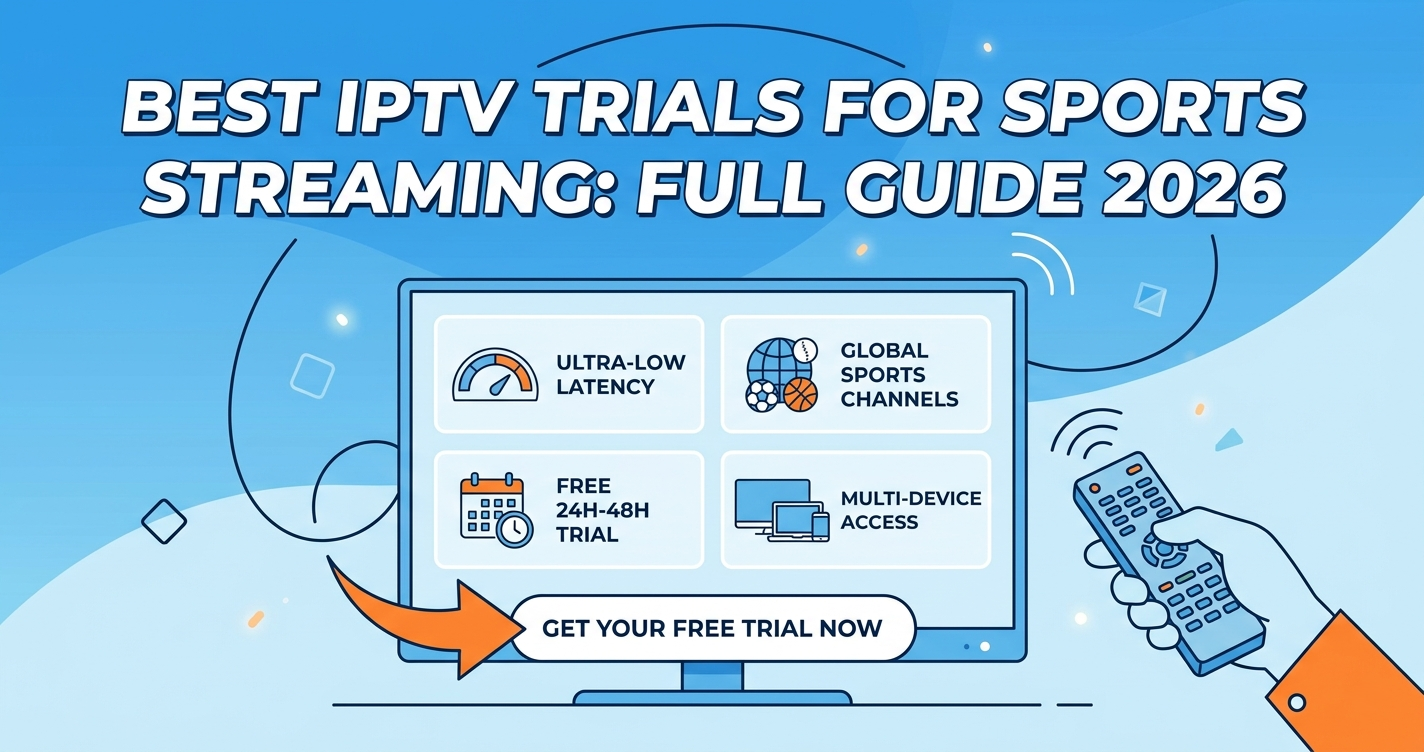
A credible sports streaming trial should provide minimum 24-48 hours of access (72 hours is preferable for weekend match coverage). Full channel access including all sports tiers, not a limited preview package. Technical setup guidance specific to your device. At least one live sports event within the trial window. Direct support contact during the trial period. Clear terms on what the paid subscription includes.
Red flags during a trial: trial access limited to non-sports channels only. Unusually short trial window (under 12 hours). No response to pre-sale technical questions. Support only available through a generic contact form with no stated response time. Reseller unable to confirm their infrastructure model.
Operators with genuinely stable infrastructure have no reason to hide it. The ones who do restrict trial access are often protecting you from seeing what the actual service looks like under load.
If you are comparing UK streaming resellers, services covered at martcarto.shop include detailed infrastructure transparency that is worth reviewing before you commit to any provider.
What Sub-Resellers Should Watch For With Trial Infrastructure
Sub-resellers occupy a specific position in the ecosystem that creates unique trial-related risks. When a sub-reseller offers a sports streaming trial, they are drawing from their reseller’s panel allocation. This creates two problems that rarely get discussed openly.
Problem 1: trial credits reduce available subscription slots. Many panels allocate by connection count. A sub-reseller running multiple simultaneous trials is consuming panel capacity that would otherwise be available to paying subscribers.
Problem 2: sub-resellers cannot directly control server-side performance. If the upstream reseller’s infrastructure degrades during a trial match, the sub-reseller has no remediation tools. They are entirely dependent on escalation speed through the reseller chain.
Experienced sub-resellers work around this by running trials only during confirmed low-traffic windows, limiting simultaneous active trials to 10-15% of their panel capacity, establishing clear escalation SLAs with their upstream reseller before offering trials at scale, and documenting infrastructure commitments from upstream in writing.
Checklist: Making the Most of Your Sports Streaming Trial
Subscribers:
- Test during a live match, not on-demand content
- Test on the device you plan to use permanently
- Run a speed test before and during streaming
- Test with and without a VPN to identify ISP throttling
- Switch DNS to 1.1.1.1 before testing
- Contact support once to measure response time
- Check that full sports channel tiers are included in the trial
- Confirm what the paid plan costs before the trial expires
Frequently Asked Questions
What is a sports streaming trial and how does it work?
A sports streaming trial is a short-access period, typically 24 to 72 hours, that lets you test a live TV streaming service before committing to a paid subscription. You receive login credentials or an M3U link and use it with a compatible app or device to watch live sports channels. The quality you experience during the trial should reflect what you get as a paying subscriber, though some providers limit trial access to lower tiers.
How long should a sports streaming trial last?
A minimum of 48 hours is necessary for a fair evaluation, but 72 hours is strongly preferable. The reason is timing: you need the trial window to overlap with at least one live sports broadcast during a peak viewing period, typically a Saturday or Sunday. Trials shorter than 24 hours rarely coincide with meaningful live sports events and do not provide enough data to make an informed decision.
Can ISP throttling affect my trial results?
Yes, and this is one of the most commonly overlooked variables. ISPs in the UK, US, and Europe increasingly throttle unrecognised streaming traffic during peak evening and weekend hours. If your trial streams perfectly at 2 PM but buffers heavily at 8 PM on a Saturday, ISP throttling is the likely cause, not service quality. Testing with a VPN enabled and disabled during the same live event will tell you which factor is responsible.
What should I look for when testing a sports streaming trial?
Test specifically during a live match. Watch for buffering patterns after the first five minutes, not just at stream startup. Check channel change speed, a healthy service switches within two to four seconds. Test the sports channel tiers specifically, as some providers offer strong VOD performance but weak live sports delivery. And contact support once during the trial to measure their actual response time.
What are the biggest reseller mistakes with sports streaming trials?
The most damaging mistakes are offering trials outside peak sports windows, sending credentials without any setup guidance, and failing to follow up during the trial period. Resellers who do not segment trial traffic from paid subscriber traffic also risk degrading the experience for paying customers during busy periods. Trial conversion rates are directly tied to how well the subscriber was supported during those first 48 to 72 hours.
Is a free sports streaming trial reliable enough to judge a service?
A well-structured free trial is genuinely useful if you test it correctly. The problem is that most subscribers do not test under real conditions. If the trial runs during a live Premier League or NFL match, on your actual device, at peak hours, with a support contact test included, it is a reliable indicator. If you only tested on a quiet Tuesday evening, the trial data is largely meaningless for predicting match-day performance.
How do sub-resellers handle sports streaming trials differently?
Sub-resellers work within panel allocations controlled by their upstream IPTV Panel reseller, which limits their direct control over infrastructure. A responsible sub-reseller will cap simultaneous trials to avoid consuming panel capacity, confirm escalation response times with their upstream before offering trials at scale, and only run trials during periods when infrastructure reliability has been confirmed. Sub-resellers who oversell trials without understanding their capacity limits are one of the most common sources of poor trial experiences.
What should a legitimate sports streaming trial include?
A credible trial includes full sports channel access (not a limited preview), a minimum 48-hour window that covers at least one live event, device-specific setup instructions, direct support access during the trial, and clear information about what the paid subscription provides. Any reseller who restricts sports channel access during trials or offers less than 24 hours is likely managing a capacity or infrastructure problem they do not want you to see.
That wraps this field guide on sports streaming trials, written from the infrastructure up, not the marketing down. If it saved you one bad subscription decision or helped one reseller fix their trial conversion rate, it did its job.