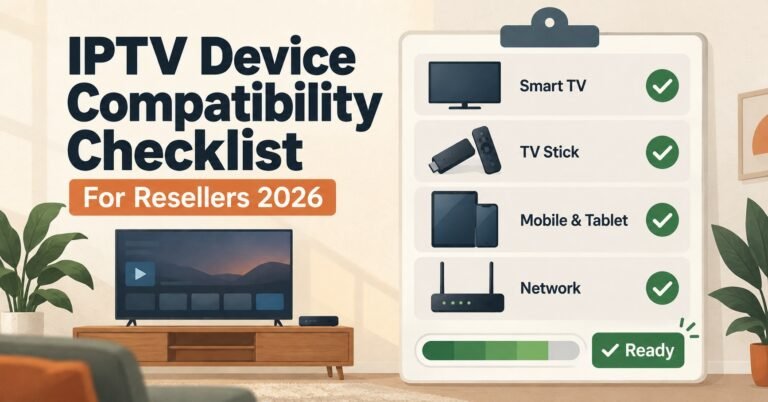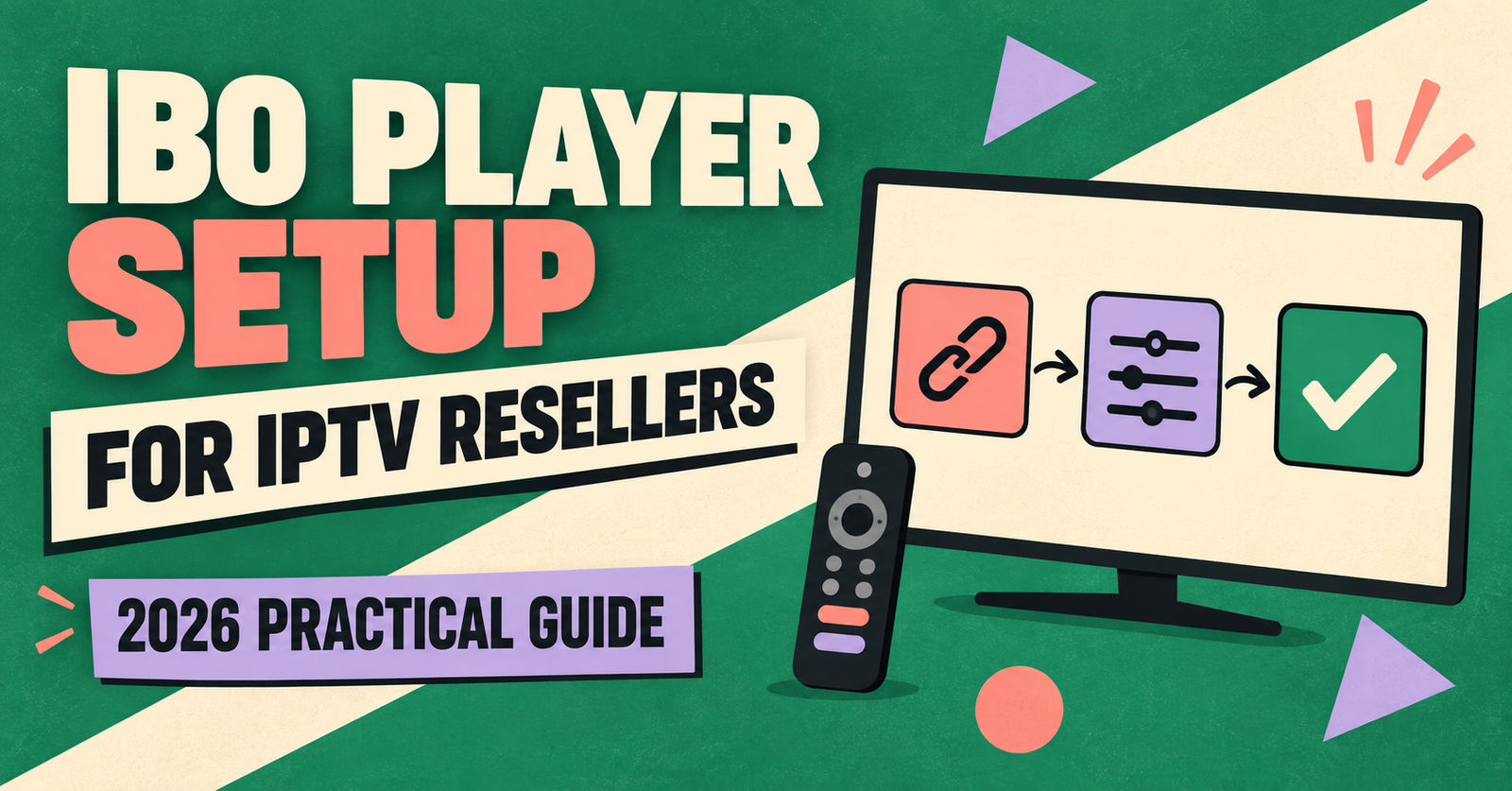

IBO Player setup for IPTV resellers Panel usually comes down to one thing: getting a customer’s Xtream Codes or M3U details from your panel into the app without a support ticket landing in your inbox two hours later. The app itself is simple. The friction almost always sits in how the credentials are generated and handed over, not in the player.
What IBO Player Actually Needs From Your Panel
IBO Player doesn’t carry channels. It’s a client, the same way a browser renders a website rather than hosting one. What it needs from you, the reseller, is a working set of login details, either an M3U playlist link or Xtream Codes credentials made up of a server URL, username and password. Your panel generates both formats automatically the moment you create a customer line, so the actual “setup” work on your side is mostly about choosing which format suits the customer’s device and making sure it’s copied across correctly.
Xtream Codes tends to be the steadier option where it’s supported, since it authenticates directly against the server rather than pulling a static playlist file that has to be refreshed. M3U still has its place, particularly on older devices or apps that don’t offer an Xtream Codes login screen. If you want the fuller breakdown of when each format makes sense, M3U and Xtream Codes for IPTV subscriptions covers the distinction in more detail than is useful to repeat here.
IBO Player Setup for IPTV Resellers: The Core Steps
The activation flow changes slightly by device, but the shape of it stays the same across Samsung, LG, Android TV and Apple TV.
First, the customer installs IBO Player from their device’s app store, or sideloads it where the platform allows that. Second, they open the app and it displays a MAC address and a device key, both unique to that installation. Third, either you or the customer takes those two values to the IBO web portal and logs the device in. Fourth, inside that portal, a playlist gets added, either the M3U link or the Xtream Codes details from your panel. Fifth, the app is closed and reopened on the TV, at which point channels, categories and the EPG should populate.
That MAC and device key step is where most confusion happens, mainly because customers assume it’s something you generate rather than something the app displays. A quick note in your onboarding message, telling them where to find those two values on screen, saves a repeat question almost every time.
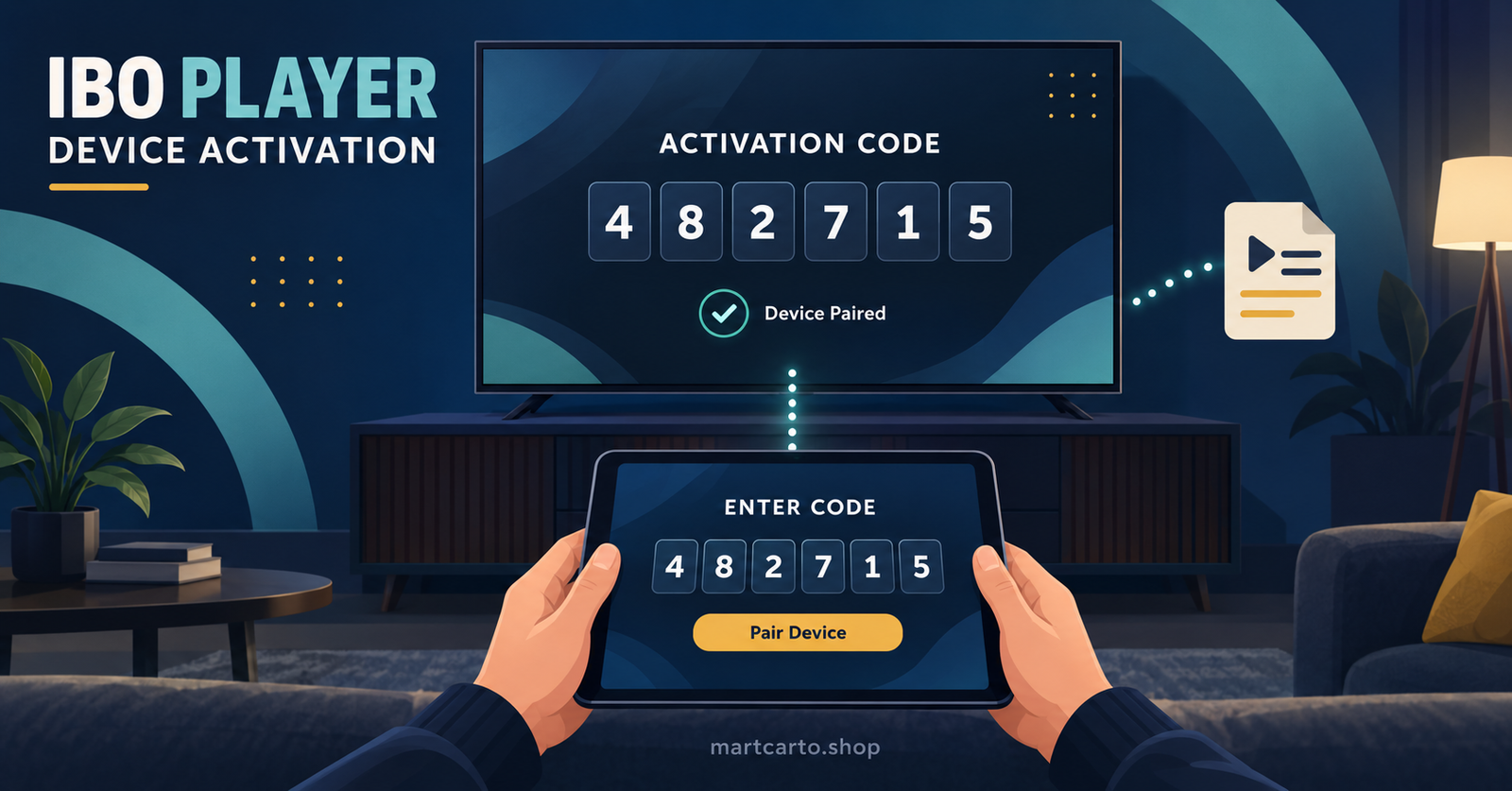
Mobile and Windows installs skip the MAC pairing step entirely. On those, the credentials go straight into the app itself through an “Add Playlist” screen, which is a shorter path but occasionally confuses customers coming from a Smart TV background who expect the portal step.
| Device | Activation method | Typical friction point |
|---|---|---|
| Samsung / LG Smart TV | MAC + device key via web portal | Customer reads the wrong code off screen |
| Android TV / Fire TV | MAC + device key, or direct in-app entry | Sideloading blocked by device settings |
| iPhone / iPad / Windows | Direct in-app playlist entry | Copy-paste errors in long Xtream URLs |
Pro tip: Send Xtream Codes details as three separate lines, server URL, username, password, rather than one paragraph. Customers copy the wrong string far less often when it’s broken apart.
Verifying the Setup Actually Worked
Getting past activation isn’t the same as confirming the customer is properly set up. Before you close out a new line, it’s worth checking a few things rather than assuming silence means success.
Ask the customer to load a channel from a different category than the one they land on by default, since a working EPG on one bouquet doesn’t guarantee it’s populated across all of them. Check that the connection limit matches what they paid for, one or two simultaneous streams, because a customer testing on two devices at once will report buffering that’s actually a hard connection cap rather than a stream problem. And if catch-up or VOD was part of the package, have them open it once rather than taking for granted that live channels working means everything else does too.
Pro tip: Keep a saved message template with the exact wording for “try a channel outside your main bouquet” and “confirm your device count.” Half of week-one support tickets get pre-empted by asking the customer to do this once, unprompted.
Common Setup Failures and What’s Actually Behind Them
Most IBO Player problems reported by IPTV Panel resellers trace back to a handful of repeat causes rather than anything unusual about the app itself.
A blank channel list after activation is, more often than not, a copy-paste error in the Xtream URL rather than a server-side issue. Double-checking for a stray space at the start or end of the string resolves this more frequently than any other fix. A playlist that loaded once and then stopped updating usually means the app needs a manual refresh from its settings menu, since IBO Player doesn’t always auto-poll for changes to bouquet assignments made after the initial activation.
Persistent buffering that survives a channel switch is rarely the player’s fault. It’s typically either the customer’s connection sitting below the 10 Mbps threshold needed for stable HD, or a routing mismatch where their ISP is being pointed at a server path tuned for a different region. Where your panel supports switching the delivery path, that’s usually the faster fix over troubleshooting the customer’s home network.
And on older Samsung and LG sets specifically, a very large channel list can cause the app to load slowly or stutter on first launch. This is a device-side limitation, not something your panel or the app is doing wrong, and it’s worth mentioning to the customer up front so it doesn’t read as a broken service.
Operational Considerations Before You Hand Off Credentials
A few habits at the reseller level make IBO Player setup noticeably smoother across a growing customer base, rather than something you solve one ticket at a time.
Naming conventions matter more than they seem to. If your panel lets you label lines with a customer reference rather than a generic username, tracking down which line belongs to which support conversation gets considerably faster once you’re past a few dozen customers. It’s also worth deciding early whether you’re going to standardise on Xtream Codes for new customers by default, only falling back to M3U where a device genuinely requires it, since supporting both formats evenly adds unnecessary complexity to your own documentation.
Bandwidth expectations are worth setting before activation rather than after a complaint. Ten megabits stable is a reasonable minimum to quote for HD, with something closer to 25 Mbps for 4K content, and a wired connection on a Smart TV will consistently outperform Wi-Fi in a way that’s worth mentioning to any customer who asks why a neighbour’s setup looks smoother than theirs.
Pro tip: Build a one-page reference sheet covering activation steps per device type and hand it to new customers alongside their credentials. It cuts down on repeat explanations far more than a longer, all-in-one guide would.
If you’re still evaluating panel options rather than running one already, what a reliable IPTV panel should offer is a useful comparison point before committing, since server routing and credit handling both affect how smoothly this whole process runs day to day.
Frequently Asked Questions
Does IBO Player work without an active subscription?
No. The app installs and opens on its own, but it needs either an M3U link or Xtream Codes login from a provider before any channels appear.
Can one customer use IBO Player on more than one device at once?
Only up to the connection limit set on their line. Two devices logged in simultaneously on a one-connection line will cause one of them to be dropped or blocked, not both to stream.
Why does the EPG show for some channels but not others?
This is usually a bouquet-level gap rather than an app fault. Some channel groups carry fuller EPG data than others, depending on what the source feed provides.
Is Xtream Codes always better than M3U for IBO Player?
Not always, but it’s generally steadier where the device supports it, since it authenticates live against the server rather than relying on a static file that can go stale.
What should I check first if a customer reports the app “not working”?
Ask exactly what they see. A blank screen, a login error and a frozen channel are three different problems with three different fixes, and “not working” on its own tells you almost nothing.
Reseller Setup Checklist
- Confirm which format the customer’s device needs, M3U or Xtream Codes, before generating the line
- Send credentials as separate labelled lines, not one block of text
- Note the MAC and device key location for Smart TV customers in your onboarding message
- Ask the customer to test a channel outside their default bouquet before marking the line complete
- Confirm the connection limit matches what was sold
- Keep a device-specific quick reference sheet ready to send alongside credentials
- Log the delivery path used, in case a routing switch is needed later for buffering complaints
Getting IBO Player setup for IPTV Panel resellers right isn’t really about the app, since the install itself takes a few minutes on any supported device. It’s about how cleanly credentials move from your panel to the customer and how much verification happens before you consider the line finished. Most of the recurring support tickets trace back to a handful of predictable points, a mistyped URL, an unclear connection limit, or a customer left to guess where their MAC address is displayed, and each of those is solvable with a short habit rather than a longer troubleshooting session after the fact.