
IPTV Customer Onboarding is everything that happens between a customer paying and that customer watching without needing to message you. In practice it comes down to seven things handed over in the same order every time: working credentials, a confirmed device, one agreed player app, a programme guide that actually loads, a clear support route, a renewal date in writing, and an honest statement of what the service does and does not include.
The setup itself is rarely what goes wrong. What goes wrong is ambiguity: a password sent as a screenshot, a guide that stays empty because the wrong link format was used, a customer who has no idea whether to message you, the app developer or someone else when something stops working. If you run the same handover for every sale and confirm each item rather than assuming it, most of the messages you would otherwise receive in the first week never arrive.
Where Post-Sale Support Tickets Usually Start
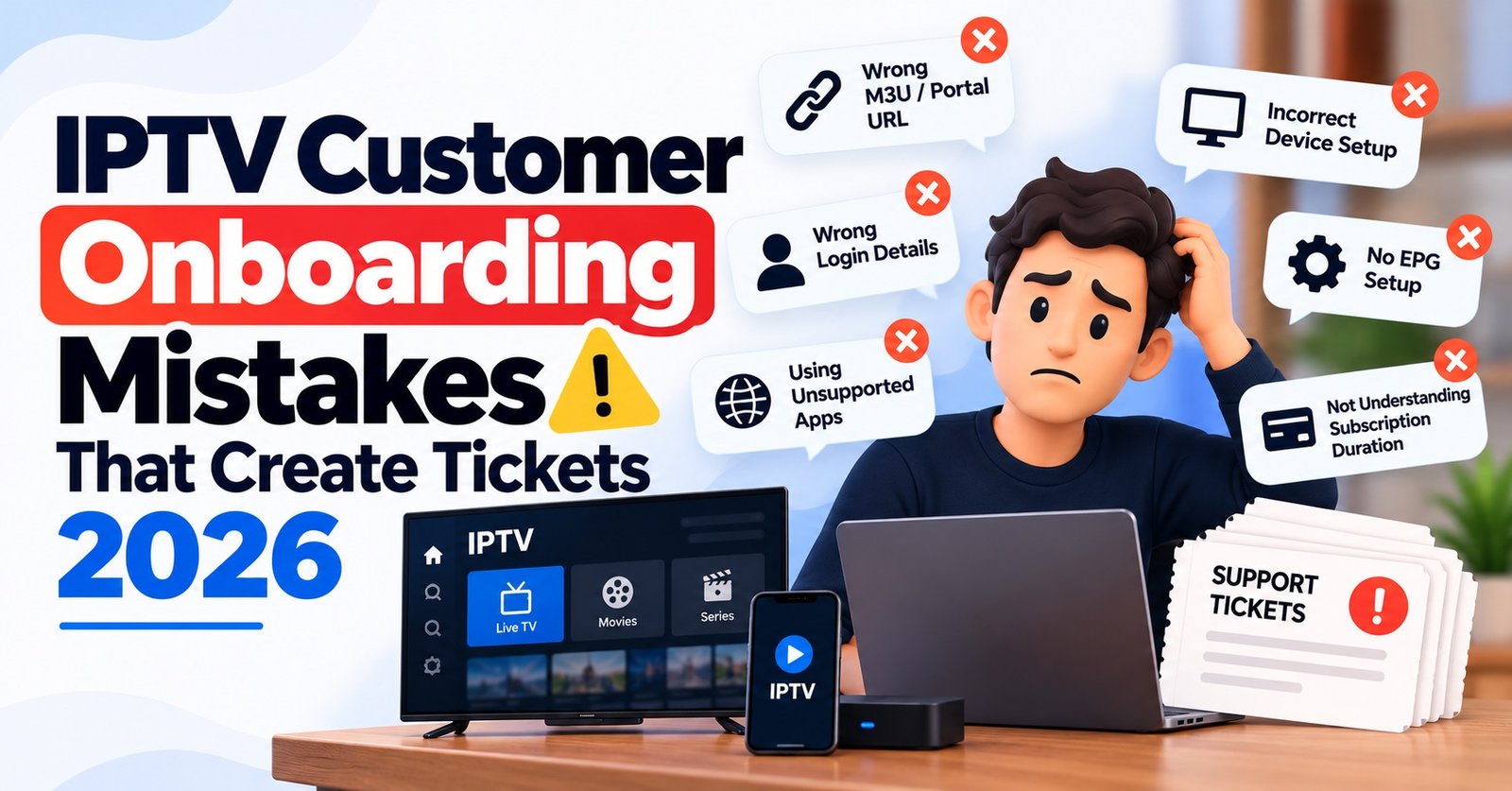
Look back through the messages you get from new customers and they tend to fall into a small number of groups. The login “doesn’t work”, which usually means a mistyped character or the wrong login format for their app. The channels load but the guide is blank. They bought the service for one device and are now trying it on another. They cannot find your contact details. Or the line expires and they are surprised, because nobody told them the exact date.
Each of those maps directly to one item in a handover. That is the useful way to think about onboarding: not as a welcome gesture, but as a list of questions you answer before the customer has to ask them. It also means onboarding is not the same thing as a device setup guide. You can keep your installation walkthroughs as separate reference pages and simply point to the right one. The handover is the layer above that: making sure the customer has everything they need, in a form they can use, with no gaps.
The IPTV Customer Onboarding Checklist, Item by Item
The order below is deliberate. Each step depends on the one before it, so running them out of sequence tends to create confusion rather than save time.
1. Credentials, Delivered Once and in Copyable Form
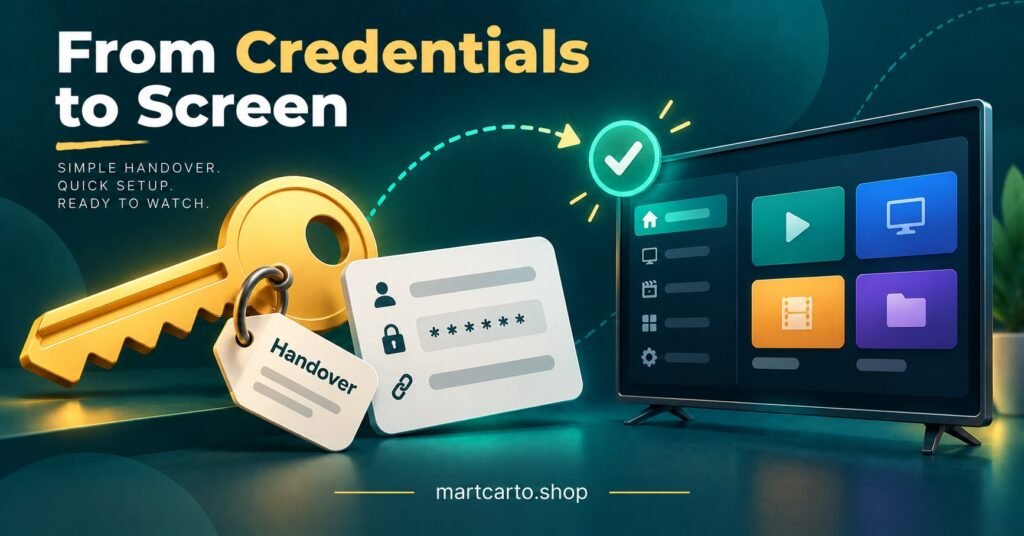
Send the login details in a single message, as plain text the customer can copy. Never split the username, password and server address across several messages, and never send them only as an image, because nobody can copy text out of a screenshot on a television.
Decide which format the customer needs before you send anything. Apps that accept a server address, username and password need the Xtream-style login; apps that accept a playlist link need the M3U version. If you are unsure of the difference, the Martcarto guide to M3U and Xtream Codes login formats explains where each is used and why the extended M3U+ link matters for guide data.
When you create the line, avoid usernames and passwords that mix easily confused characters such as a lowercase l, a capital I and the number 1, or the letter O and zero. That single habit prevents a surprising number of “wrong password” messages.
Pro tip: Before sending credentials, open the line once in your own player. If it loads for you, any problem the customer reports afterwards is almost certainly on their side, which shortens every troubleshooting conversation.
2. The Device They Will Actually Use
Ask which device the subscription is for and write it down. Customers often buy for the living-room television, test on a phone, then move to a bedroom stick a week later. None of that is a problem as long as the connection limit on their line covers it and they know what that limit is.
This is also the point to catch devices you cannot support. If a customer mentions hardware you have no guide or experience with, say so now rather than after they have spent an evening trying.
3. One Agreed Player App
Agree on one app and record it against the line. When the same customer later reports a fault, knowing their app immediately narrows down the cause.
Be clear that the player app and the subscription are separate things. Some player apps charge their own licence or activation fee, paid to the app developer rather than to you, and customers who are not told this often assume they are being charged twice. Only recommend apps you are prepared to answer questions about.
4. A Programme Guide That Loads
An empty guide is one of the most common complaints from new customers and one of the easiest to prevent. If you deliver a playlist link, use the extended M3U+ version rather than the basic one, since the basic format typically drops logos and guide data. Some apps also need a separate guide URL entered in their settings, so include it in the handover if your panel provides one.
Tell the customer that the guide can take a little while to populate the first time the app downloads it. If listings appear but are an hour or so out, the fix is usually the time offset setting in their app, not a fault on the line. Saying this up front turns a support ticket into a thirty-second self-fix.
5. A Support Route With Hours
Give one contact channel, not three. State your support hours in the customer’s time zone and tell them what to include when they get in touch: their username, device, app and a short description of what they see. That last part saves several back-and-forth messages per ticket.
Only share a personal number if you genuinely intend to answer it. A route that goes quiet does more damage than a slower route that always responds.
6. The Renewal Date, Written Down
State the exact expiry date, and the time zone if your panel works in one different from the customer’s. Explain in one sentence how renewal works with you: whether they message you, pay a link, or something else. Be clear about what happens at expiry, which on most IPTV reseller panels means the line simply stops until it is extended.
Do not imply automatic renewal if your process is manual. A customer who believes they are on a rolling plan and then loses access feels misled, even if nobody technically said so.
7. Expectations, Stated Plainly
Finish with a short, honest description of the service: what is included, how many connections the line allows, and what your refund terms are. It is also fair to say that occasional interruptions can happen with any internet-delivered service and that the support route above is how to report them.
Keep this factual rather than promotional. Streaming technology is only a delivery method, and what you can sell depends on the rights and permissions attached to the content, so only describe access you are authorised to supply. Promises such as “never buffers” help you close a sale and hurt you for the rest of the subscription.
One Welcome Message, Sent the Same Way Every Time
The seven items work best combined into a single saved message that you fill in per customer. Open with a short line thanking them, then the credentials block, then the app you agreed on and a link to the relevant setup guide, then the guide-data note, then the support route and hours, then the renewal date, and finally two or three sentences on what to expect.
Keeping the order fixed matters more than the exact wording. Customers learn where to look, and so do you when you are checking a message someone else on your team sent. If you have staff or sub-resellers handling sales, give them the same template so onboarding does not depend on who happened to answer.
Pro tip: Put the renewal date and support hours near the end of the message and repeat nothing else. People tend to scroll to the bottom of a long message looking for dates, and repeating credentials further down only creates a second copy that can go out of date.
What to Record Against Each Customer Line
Onboarding is only repeatable if the details survive past the first conversation. Most reseller dashboards allow notes on a line, and a few fields there make every later interaction faster.
| Detail | Why it helps later |
|---|---|
| Device and player app | Narrows down the cause of a fault before you ask a single question |
| Login format sent (Xtream-style or M3U+) | Explains most “guide is empty” or “login refused” reports |
| Connection limit agreed | Settles disputes when a customer adds a second screen |
| Expiry date and renewal method | Lets anyone on your team handle renewal without guessing |
| Date the welcome message was sent | Confirms the customer received the handover if they say they did not |
Two Follow-Ups That Close the Loop
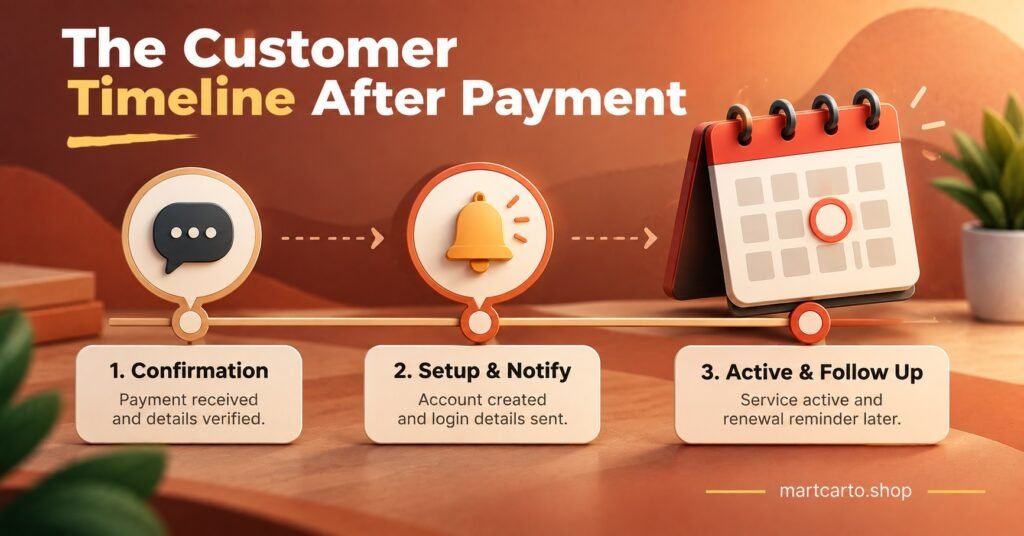
The handover does not end when the welcome message is sent. A short check-in a day or two after activation catches problems the customer may not bother to report, such as a guide that never loaded or a second device that will not connect. Keep it to one line asking whether everything is working on their device. Most will say yes, and the ones who do not are far easier to help now than after they have quietly given up.
The second touchpoint is a renewal reminder a few days before expiry. It should repeat the date, the renewal method and nothing else. Resellers who treat renewals as a planned step rather than a surprise tend to keep customers longer, which is a theme the guide on selling IPTV subscriptions as a reseller returns to when discussing retention over volume.
Habits That Quietly Undo a Good Handover
A few small habits cause more trouble than any technical fault. Changing a customer’s password or package in the panel without telling them is the obvious one: from their side, the service has simply stopped. Sending corrected credentials without saying which earlier message they replace leaves two versions in the chat and a customer who tries the wrong one.
Agreeing to support any device before asking what it is creates promises you may not be able to keep. And answering support questions from several different channels means nobody has the full history. None of these need new tools to fix, only the discipline to run the same process every time.
Questions Resellers Ask About Onboarding
How quickly should credentials be sent after payment?
As soon as you have confirmed the device and app, ideally within the same conversation. A delay between payment and credentials is when customers are most anxious, so if the line cannot be created immediately, tell them when to expect it.
Should trial customers get the full handover?
Yes, in a shorter form. Credentials, app, guide note and support route still matter, because the trial is how the customer judges whether to buy. The renewal section becomes a clear trial end date and how to convert to a paid line.
What if a customer insists on a device you do not support?
Say plainly that you cannot guide them on that device, and let them decide whether to go ahead. Recording that conversation in the line notes protects you if they later ask for a refund on those grounds.
Who is responsible for onboarding when selling through sub-resellers?
Whoever holds the customer relationship. If your sub-resellers sell directly, they should run the same template and record the same details, and they need to know how to escalate problems to you. Agree that in advance rather than when the first ticket arrives.
Making the Handover a Habit
Good IPTV Customer Onboarding is less about impressive setup guides and more about consistency: the same seven items, in the same order, confirmed rather than assumed, and recorded where anyone on your team can find them. It will not prevent every problem, since network conditions and third-party apps sit outside your control, but it removes the avoidable ones and makes the rest quicker to solve. The sensible next step is to write your own welcome template tonight, save it as a quick reply, and use it on the next sale. If you are still choosing a panel to build this process on, the Martcarto IPTV reseller panel lets you set expiry dates, connection limits and line details from one dashboard.