
IPTV Reseller Churn nearly always leaves a trace in four places: renewals that fail or never happen, support issues that keep coming back, devices that never settled properly, and customers who stop responding. If you can sort each lost customer into one of those four, you know what to fix, instead of cutting prices and hoping.
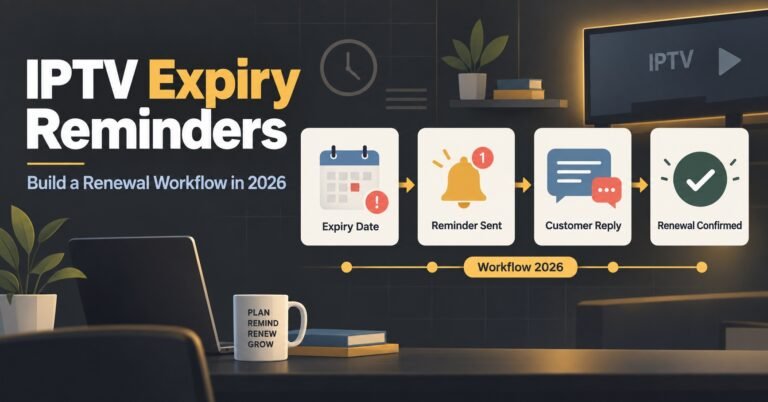
The catch is timing. These signals show up weeks before a line expires, and by the time someone says they are cancelling, the decision has usually been made. Reminder messages are a separate job with their own timing and wording, so they only appear below where they help you tell a forgotten renewal from a lost customer.
Four Exits That Look Identical on an Expiry Report
An expiry report tells you a line ended. It does not tell you why, and four very different customers produce exactly the same row. One simply forgot and would have paid with a nudge. One struggled with a device and gave up. One lost patience with reliability after the same fault appeared twice. One drifted away because they stopped watching long before the date.
Treating these as one problem is how IPTV panel resellers end up discounting for people who never had a price concern. Your panel records the end of a line, but the cause is something you add yourself, as a note, a spreadsheet column or a tag if your dashboard supports one.
It helps to separate customers who could not renew from those who chose not to. Involuntary exits (a declined payment, a missed message) are fixable with process. Voluntary exits need a closer look at what the customer experienced in the weeks before.
Failed Renewals: Separating Can’t Pay From Won’t Pay
A failed renewal is the loudest signal, yet it is often misread. The useful move is to split it into what actually happened at the payment stage.
If a payment was attempted and failed, treat it as a technical or banking problem. Offer another payment method and a short window to sort it out. These customers want to stay, and the friction is on the payment side.
If the payment link was opened but never completed, you are probably looking at hesitation. That might be price, but it might equally be an interruption, or a recent bad experience making them pause. Check their support history before assuming it is money.
If nothing was attempted at all after a reminder, price is the least certain explanation. Look at their recent usage and tickets first. A customer who watched happily until the last day and then went quiet is a different case from one who struggled for a fortnight.
Late payers deserve their own label too. Someone who pays a few days after lapse, repeatedly, may just be a habitual late payer. Someone who used to pay on time and now lapses is telling you something changed.
Pro tip: Record the stage where a renewal stopped (attempted, opened, ignored), not just the word “lapsed”. That single detail changes how you respond.
Repeat Support Issues Are Churn Notes in Disguise
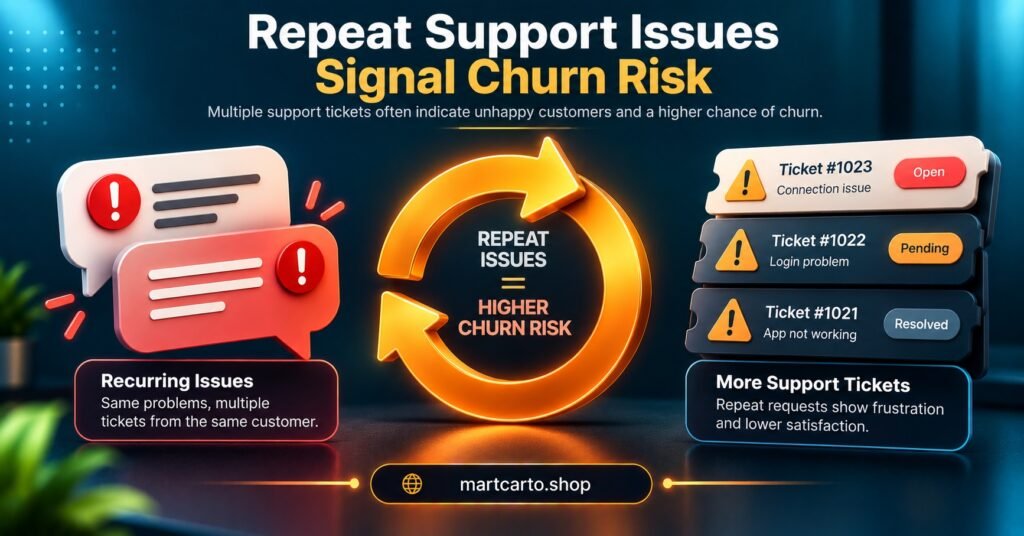
One support message is normal service. The same fault reported twice is a warning, and a fault you marked as fixed that comes back is a stronger one. Customers rarely complain a third time. They go quiet instead.
Group tickets by the kind of fault rather than by customer name: playback stalling at busy times, login failures, missing channels or categories, problems on one specific device. When one category keeps growing, that is a pattern to investigate, not a series of unrelated incidents.
Pay attention to unconfirmed fixes as well. If you changed a setting, sent new details and never heard back, you do not know it worked. Some of those customers are fine. Some left the conversation because they had decided to leave.
Pro tip: After any fix, ask for a one-word confirmation and log whether you got one. An unconfirmed fix is worth a follow-up before the expiry date, not after.
Device Friction: The Quiet Reason Behind Many Exits
Device problems are easy to miss because the customer rarely frames them as a device problem. They say the service is slow, or that it stopped working. Often the connection is fine and the player on their television is struggling, perhaps with a very large channel list, or with details entered slightly wrongly.
Early contact is the clearest signal here. A customer who writes in during their first days, asks for their login details again, or changes device within the first month is still finding their feet. If that settling-in period goes badly, it often ends in a refusal to renew, even though nothing was ever wrong with the service itself.
Two checks help. First, look at which device types appear in your repeat tickets, because a single model or app often accounts for most of the complaints. Second, check connection limits. A customer hitting their device limit sees an error that feels like an outage, and a few of those conversations are enough to sour them. If you want a clear reference for the access formats customers are handed, the explanation of how M3U and Xtream Codes details differ for customers is a sensible one to keep nearby.
Silence Counts as Data Too
A customer who never contacts you is not necessarily a happy one. Silence is only informative when you can compare it with something, usually the activity your panel shows for that line.
Two patterns matter. If a line is used normally right up to expiry and then lapses, the customer may have reached the natural end of their interest, or simply forgotten. If usage tapers off for weeks before expiry, they had disengaged earlier, and a reminder sent at the end was never going to change that. The second case is the one worth catching, because there is still time to ask what went wrong.
Be careful not to over-read it. Holidays, house moves and seasonal viewing all produce quiet periods that look like churn. Silence becomes persuasive only when it lines up with another signal, such as a recent fault or an unconfirmed fix. The panel’s activity and expiry views, described on the how it works page, are a good starting point for seeing this.
| Signal | What it may point to | First check |
|---|---|---|
| Payment link opened, not completed | Hesitation or interruption | Recent tickets and usage |
| Same fault reported twice | Unresolved root cause | Device, region path, supplier status |
| Usage tapering before expiry | Early disengagement | Last contact date and last fix |
| Credentials requested again | Device friction | Player and connection limit |
| No reply after your fix | Unconfirmed or ignored fix | Direct follow-up message |
IPTV Reseller Churn Diagnosis in Practice
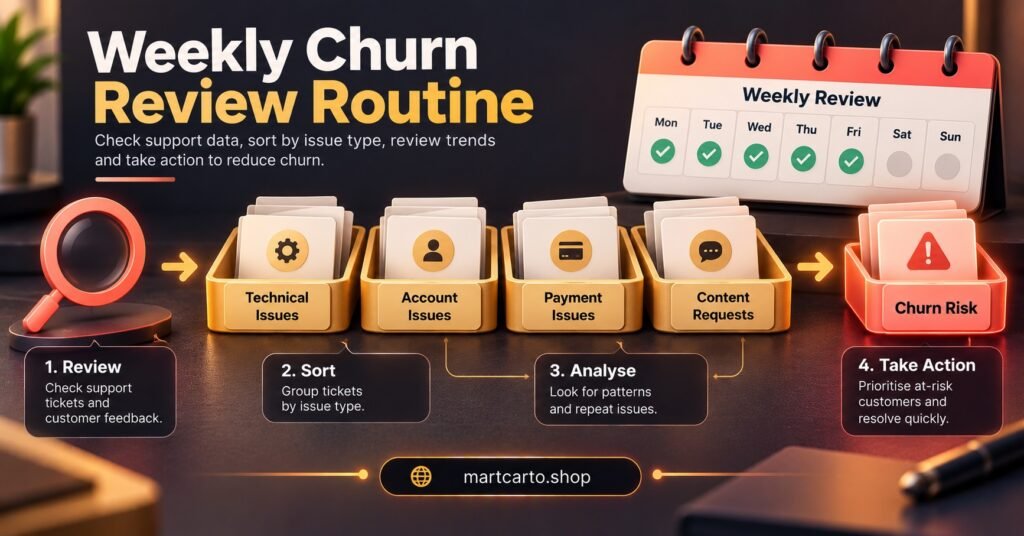
A diagnosis routine does not need software. A short weekly review is enough. For each line that lapsed or looks at risk, assign one main cause from the four signals above, plus a fifth label for “unknown”. The unknown label matters, because forcing every case into a neat category produces false confidence.
Once a month, count the labels. You are not looking for precision, only for the biggest cluster. If most of your exits are failed payments, the work is on payment options. If device friction dominates, improve what you send customers in their first week. If repeat faults dominate, the problem may sit beyond your own handling, which the next section covers.
Fix the largest cluster first and leave the rest. Trying to address all four at once makes it impossible to tell what worked. Keep renewal reminders as their own routine with their own timing, so your churn review stays focused on why people leave rather than on how to prompt them.
Pro tip: Review lapsed lines within a week of expiry, while you can still recall the support history. Memory fades quickly across a long customer list.
When the Cause Sits Upstream of You
Sometimes the pattern in your labels has nothing to do with how you run your business. If many customers report stalling or outages around the same period, the fault is probably at supplier level, and no retention routine will fix it.
That is why supplier behaviour belongs in a churn review. Look at how quickly your supplier acknowledges faults, whether regional delivery paths are matched to your customers’ locations, and what refund or test terms protect you when something goes wrong. You also cannot promise your customers faster fixes than your supplier gives you. A practical reference for judging this is the guide on what IPTV panel resellers should check in a reliable streaming panel.
If the same upstream faults keep appearing in your logs, the honest conclusion may be that you need a different supplier, not a better customer message.
What the Data Cannot Tell You
Small customer bases produce noisy patterns. Three lapsed lines in one month with the same label is a hint, not a finding. Treat early patterns as questions to investigate, and wait for them to repeat before changing prices or policies.
Keep the monitoring proportionate too. Usage data about individual customers is personal data, so handle it sensibly and in line with the data protection rules that apply where you operate. And all of this presumes a service delivering content from authorised sources. Streaming is only a delivery technology, and whether content can be supplied depends on rights and local requirements. No retention routine repairs a service customers cannot trust.
Questions Resellers Ask About Spotting Churn Early
How long before expiry do churn signals usually appear?
There is no reliable fixed figure. Signals such as tapering usage or repeated faults tend to show in the weeks before expiry, but the gap varies by customer. Compare against your own history rather than a general rule.
Should I offer a discount as soon as a customer goes quiet?
Not first. Check the other signals, because silence has many causes and discounting trains customers to expect it.
Can a single support ticket count as a churn signal?
Rarely on its own. It becomes meaningful when the same fault returns, or when your fix is never confirmed.
How many lost customers do I need to log before a pattern emerges?
There is no set number. Start recording causes now, and look for clusters at the end of each month rather than reacting to individual cases.
Conclusion
IPTV Reseller Panel Churn becomes manageable once you stop treating every lapsed line as the same event. Failed renewals, repeat faults, device friction and silence each point to a different fix, and a simple weekly label is enough to show which one dominates. The limits are real: small samples mislead, and some causes sit with your supplier, not with you. Start by labelling this month’s lapsed lines and fix only the biggest cluster.
Churn Diagnosis Checklist for Resellers
- Record the stage where each failed renewal stopped
- Group support tickets by fault type, not customer name
- Log whether each fix was confirmed by the customer
- Note the device and player behind every repeat complaint
- Compare last-active dates with expiry dates for lapsed lines
- Use an “unknown” label instead of guessing a cause
- Review labels monthly and act on the largest cluster only
- Check supplier status when several customers report the same fault