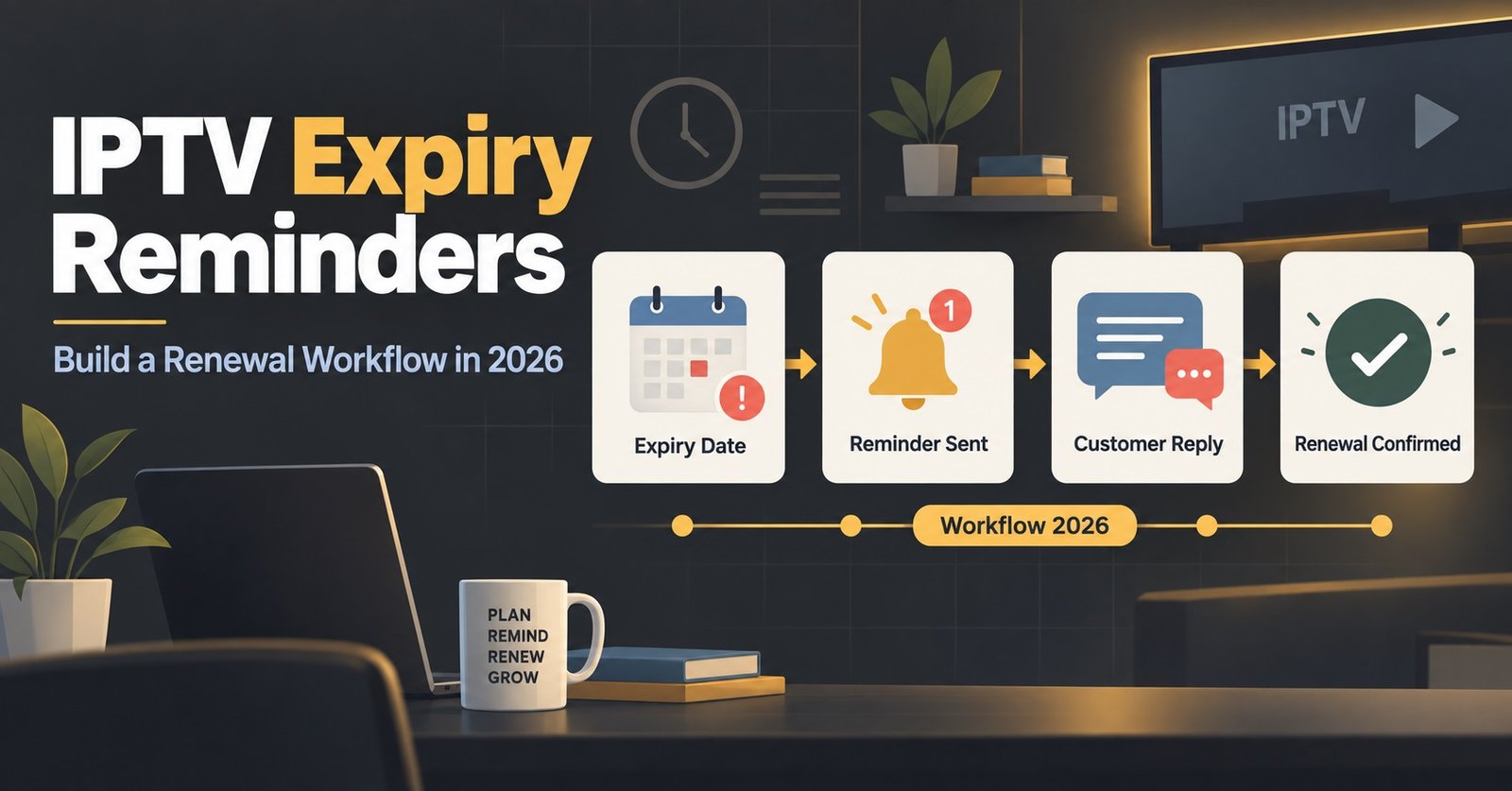

IPTV Expiry Reminders only earn their keep when they’re timed against the customer’s actual habits, not sent whenever you remember to check the panel. Most resellers lose renewals not because customers don’t want to stay, but because the first message arrives too late to matter and the last one never arrives at all. A working reminder workflow needs four separate touchpoints, each doing a different job, and each with its own message tone.
The Four-Stage Reminder Timeline
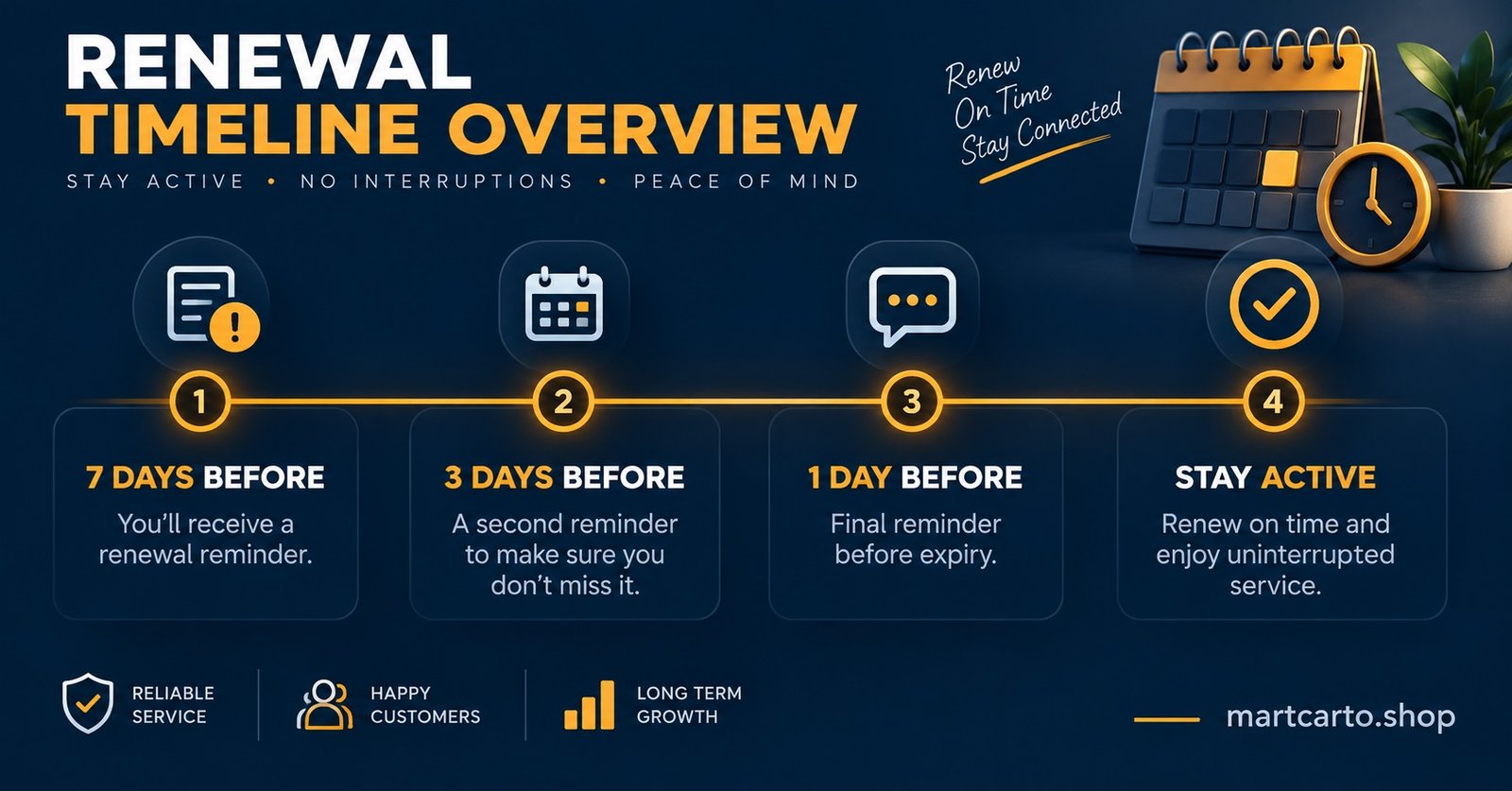
Renewal reminders aren’t one message repeated four times. Each stage exists because customers behave differently the closer they get to their expiry date, and a message that works at seven days out will feel pushy at expiry and useless afterwards.
| Stage | Timing | Main Purpose |
|---|---|---|
| Early notice | 7 days before expiry | Give the customer time to budget and act without pressure |
| Reminder | 3 days before expiry | Create urgency while there’s still room to act calmly |
| Expiry day | On the day itself | Confirm the line has lapsed and explain exactly how to restore it |
| Follow-up | 2 to 5 days after expiry | Recover customers who missed the first three messages |
Skipping any one of these stages doesn’t just lose that message, it usually loses the customer, because each stage catches a different type of person: the planner, the procrastinator, the person who genuinely forgot, and the person who saw the message but didn’t act.
Building the 7-Day Message
At seven days out, the customer isn’t thinking about their subscription yet. The message needs to land as information, not a sales push. State the expiry date plainly, name the plan they’re on, and give one clear renewal action. Anything longer than four or five lines gets skimmed and forgotten.
What tends to work here is treating this message as a reminder of value rather than a warning of loss. Mention what they’ll keep if they renew on time rather than what they’ll lose if they don’t. Customers respond better to “your current plan continues without interruption” than to “your service is about to be cut off.”
Pro tip: Include the exact renewal price in the 7-day message, not just a link. Customers who have to click through to check the price are far more likely to put the decision off entirely.
Tightening the Message at 3 Days
By the three-day mark, the tone needs to shift from informational to slightly more direct, without becoming a threat. This is the stage where you can reasonably mention what happens if no action is taken, since the customer has already had a week to plan for it.
Keep this message shorter than the first one. A single sentence stating the days remaining, followed by the renewal link or payment method, usually outperforms a longer explanation. If your IPTV reseller panel prices recently changed, this is also the point to flag it clearly rather than let the customer discover a different figure at checkout.
Pro tip: Send the 3-day reminder at a consistent time of day across your customer base. Customers who receive it at 9am on a workday tend to act on it faster than those who receive it late at night.
The Expiry-Day Message Needs a Different Job
On the day a line actually lapses, the message isn’t trying to prevent anything anymore, it’s managing the moment the customer discovers their screen has stopped working. This message should be calm, apologetic in tone without being defensive, and immediately actionable.
State clearly that the subscription has ended, not that there’s “an issue” or “a problem with your account.” Vague wording here creates support tickets, because the customer assumes something is broken rather than understanding it simply expired. Give the exact steps to restore access and how quickly it can be done once payment is received.
How Long the Post-Expiry Window Should Run
Most resellers stop chasing a lapsed customer after the second or third day, which is usually too soon. A follow-up sent between two and five days after expiry catches people who genuinely intended to renew but got distracted, travelled, or simply missed the earlier messages entirely.
Beyond five days, the return on continued messaging drops sharply. Customers who haven’t responded by then have either moved to another provider or decided not to continue, and repeated messages at that point read as nagging rather than helpful. One well-timed follow-up beats three ignored ones.
Why IPTV Expiry Reminders Fail When They’re Sent on Autopilot
A reminder sequence that fires on a fixed schedule regardless of how the customer behaves misses the point of having four stages in the first place. If a customer renews the moment they receive the 7-day message, they shouldn’t still receive the 3-day and expiry-day messages. Sending a renewal reminder to someone who already renewed doesn’t just waste a message, it makes the whole system look careless.
This is where checking your IPTV reseller panel’s expiry filter before sending each batch matters more than the wording of the message itself. A five-minute check before sending saves the awkward follow-up explaining why someone got charged twice or reminded about a payment they already made.
Choosing the Right Channel for Each Stage
WhatsApp, SMS and email don’t get read at the same rate, and the stage of the reminder should influence which one you use.
- WhatsApp tends to get read within minutes, which makes it well suited to the 3-day and expiry-day stages where speed matters
- SMS works reliably for the 7-day notice since it doesn’t require the customer to have an app open
- Email suits the post-expiry follow-up, since it can include more detail about what changed and doesn’t feel as intrusive once the deadline has passed
Mixing channels rather than relying on one for everything also protects against a single platform issue wiping out an entire reminder cycle.
Using Panel Data Instead of Memory
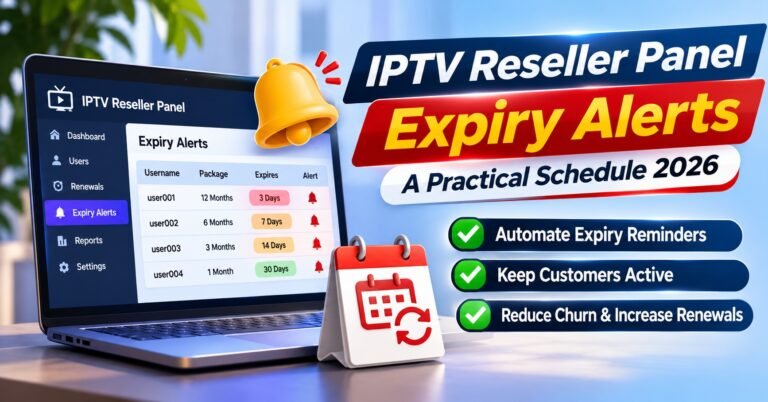
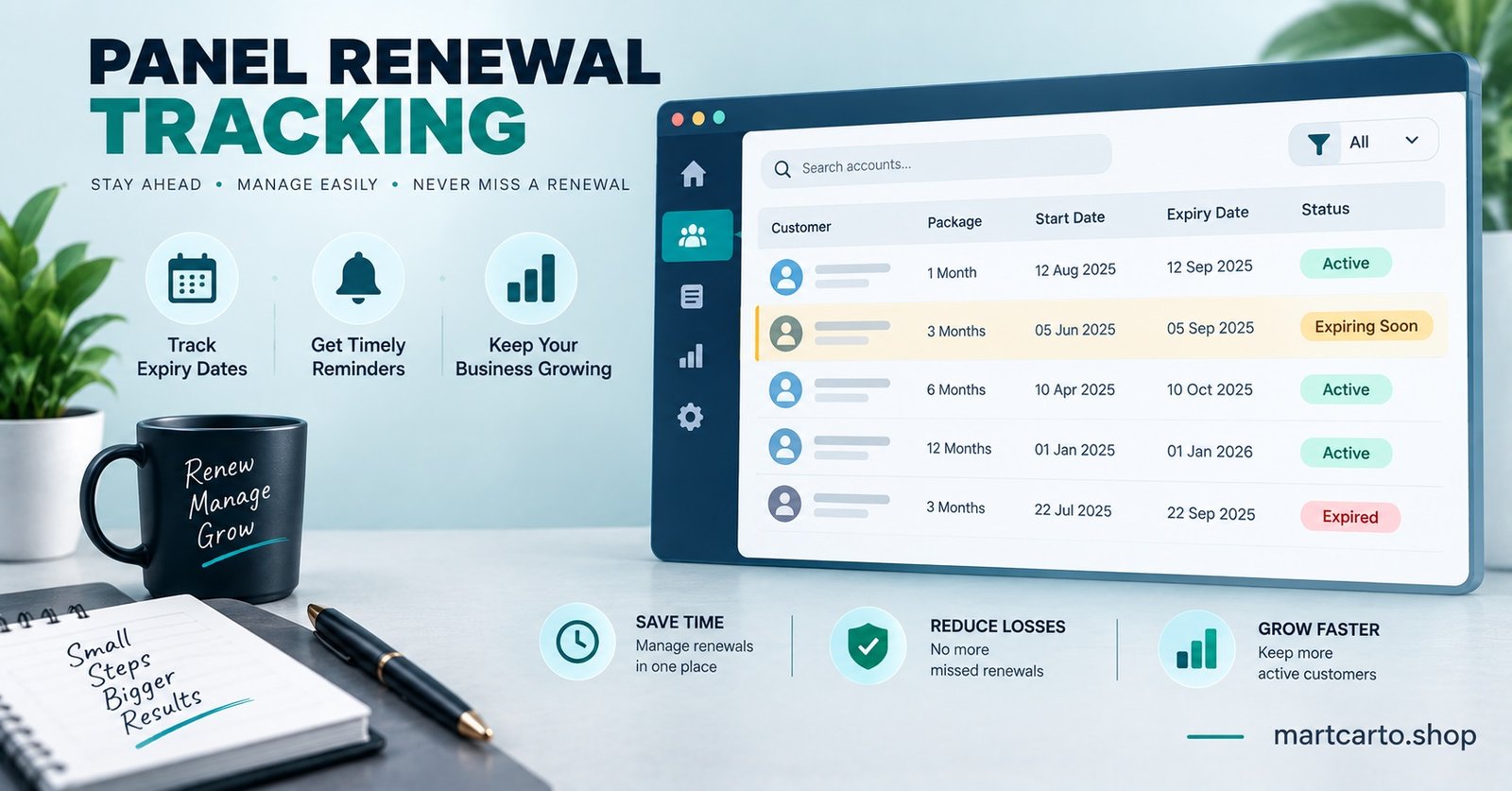
Manually tracking expiry dates across dozens or hundreds of lines is where reminder systems quietly fall apart. The reporting tools inside most reseller panels list active lines by how many days remain before expiry, which turns the whole workflow into a filtering exercise rather than a memory test.
Set aside a fixed time each day, or every other day for smaller customer bases, to pull the expiring list and work through it stage by stage. Customers with seven days left get one message, those with three days get another, and anyone who lapsed in the last few days gets the follow-up. Treating this as a routine rather than something you do “when you remember” is the difference between a system and a habit you’ll eventually drop.
Common Mistakes That Quietly Reduce Renewals
A handful of small habits do more damage to renewal rates than most UK IPTV panel realise, mostly because they don’t cause an obvious problem, they just make the numbers slightly worse month after month.
Sending every stage through the same channel regardless of urgency treats a calm seven-day notice the same as an urgent expiry-day message, which dulls the customer’s response to both. Reusing identical wording across every customer removes any sense that the message is actually about their account rather than a mass broadcast. And reminding a customer after they’ve already renewed, because the list wasn’t refreshed before sending, is one of the fastest ways to make a reseller look disorganised even when the underlying service is solid.
Frequently Asked Questions
How many reminder messages should a customer receive before expiry?
Two is generally enough, one around seven days out and one closer to three days. Adding more before expiry tends to annoy customers without improving renewal rates.
Should the expiry-day message include a discount to encourage immediate renewal?
Only if it’s something you’re prepared to offer consistently. A one-off discount used inconsistently across customers creates confusion when word gets around that terms differ between customers.
Is it worth automating the reminder messages instead of sending them manually?
For larger customer bases, yes, since manual tracking becomes error-prone past a certain volume. For smaller operations, a daily five-minute check of the expiry list is often more reliable than a poorly configured automation.
What should the post-expiry follow-up message say differently from the earlier ones?
It should acknowledge that time has passed rather than repeating the original reminder wording. Referencing that the line has been inactive for a few days and offering to restore it quickly tends to work better than pretending the expiry hasn’t already happened.
Does the reminder workflow change for customers who renew for longer periods?
The timing stays the same, but the 7-day message is a good place to mention longer plan options, since a customer already thinking about renewal is more receptive to considering a longer term than someone approaching it cold.
Reseller Renewal Reminder Checklist
- Confirm the expiring lines list is current before sending any batch of messages
- Match the message tone to the stage, informational at seven days, direct at three days, calm and clear on expiry day
- Use a different channel for the post-expiry follow-up than the one used earlier in the sequence
- Remove any customer who has already renewed from the remaining reminder queue
- Keep the post-expiry follow-up window to two or five days and stop chasing after that
- Review which stage produces the most renewals every few months and adjust timing rather than assuming the workflow is fixed forever
Getting IPTV Expiry Reminders right isn’t about sending more messages, it’s about sending the right one at the right stage and stopping once the customer has either renewed or clearly moved on. A four-stage workflow built around a seven-day notice, a three-day reminder, an expiry-day message and a short post-expiry follow-up covers the realistic range of how customers actually behave, and checking the panel’s expiry list before each batch keeps the whole system from working against itself.