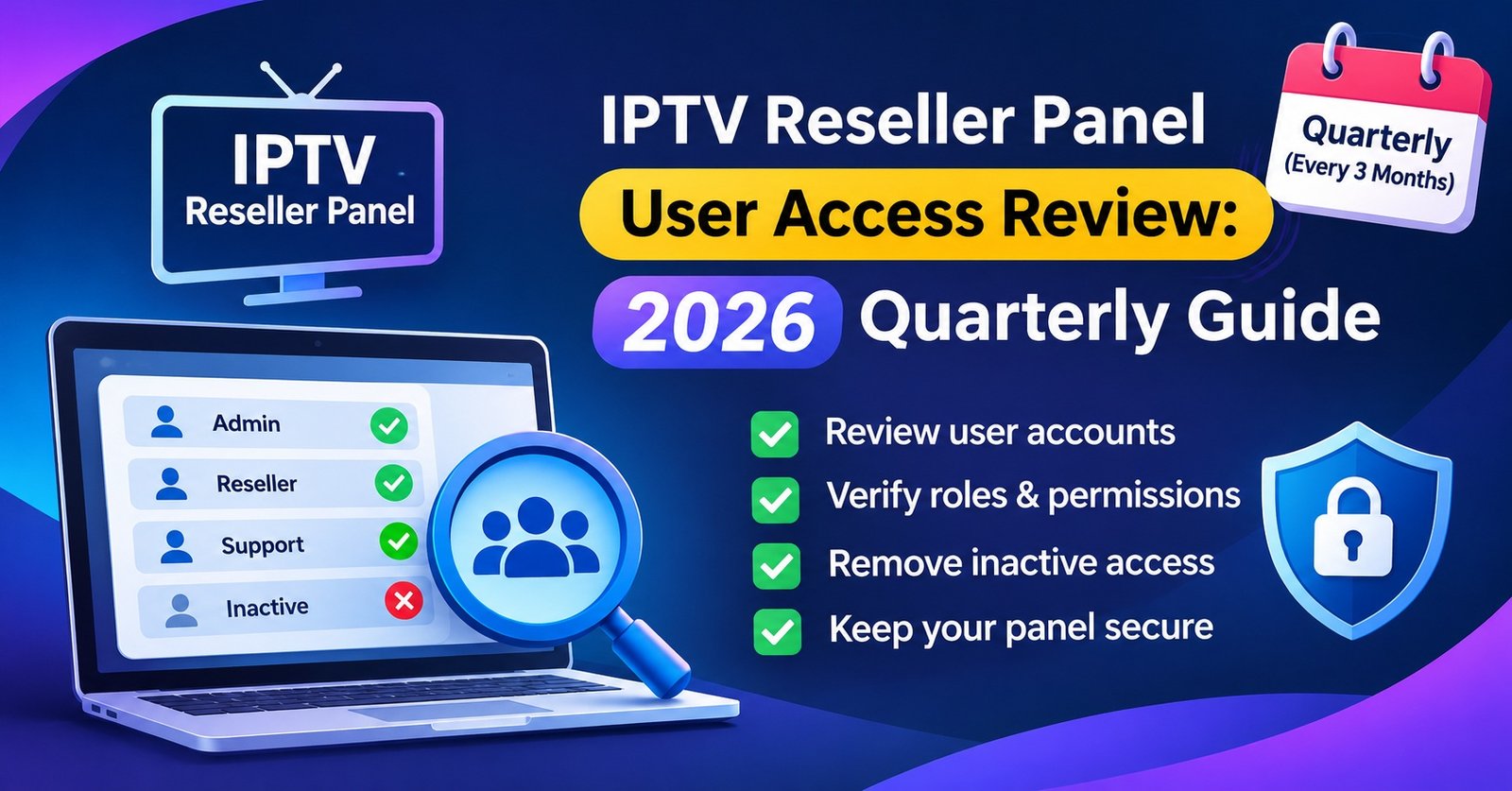

An IPTV Reseller Panel User Access Review is a short, scheduled check, normally once a quarter, where you list every login on your panel, confirm that a named person still needs it, and remove or reduce anything you cannot justify. For a small operation it is an afternoon’s work, and it closes the gaps that build up without anyone noticing: the support agent who left in the summer, the sub-reseller who stopped selling but still holds credit rights, the admin password that three people somehow know.
Revocation is the half that usually goes wrong. Deleting a login on the day someone leaves feels decisive, yet if that account created customer lines, holds unspent credits or owns trial records, a blunt delete can strand subscribers and wipe out the history you would need to answer a dispute later. The safer order is to disable first, move whatever the account owns, and only then remove it, with a dated note of who made the decision and why.
The Accounts That Belong in Scope
A user access review looks at who can operate the reseller dashboard, not at the subscriber lines you sell. Mixing the two is the quickest way to turn a focused afternoon into a week of spreadsheet work.
Four groups belong on the list. First, staff logins: owners, managers, support agents and anyone who tops up or renews lines on your behalf. Second, sub-reseller accounts you created under your own panel, because each one can spend credits and create customers in your name. Third, API keys, billing integrations and bot connections, which behave like users even though no person types a password. Fourth, the awkward leftovers: generic logins such as “support” or “admin2”, test accounts from a setup months ago, and anything created by a former team member that nobody has claimed since.
If you already run a broader quarterly panel audit covering credits, expiry dates and support evidence, the access review can sit inside it as one section. It still deserves its own sign-off, because access mistakes compound in a way that an expired trial line does not.
Two Weeks Before: Freeze the List
The review is only as good as the list you start from, so build that list before review day rather than during it.
Export or copy every user and sub-reseller account from the panel, including role, creation date and last login where your panel shows it. Beside each entry, write the name of one real person who owns it. Not a team, not “support”, a person. Then lay your current staff and partner list next to the export and look for mismatches in both directions: accounts with no matching person, and people doing panel work without their own account (which almost always means they are borrowing someone else’s).
During these two weeks, ask that no new panel accounts are created unless genuinely urgent, and that any that are get added to the list straight away. A list that keeps moving while you review it produces the kind of gap the exercise exists to catch.
Pro tip: Ask each account owner a single question in writing before review day: “Do you still use this login, and for what?” Silence is useful information. An account whose owner cannot say what they use it for is a strong candidate for disabling.

Running the IPTV Reseller Panel User Access Review, Login by Login
On review day, take each account in turn and answer four questions. Who owns it? Do they still need panel access at all? Does their current role match what they actually do? When did they last use it?
The third question catches more problems than the other three combined. Roles tend to widen over time: someone is granted credit rights to cover a busy weekend, and nobody takes them back. The principle you are applying is least privilege, meaning each person holds the lowest level of access that still lets them do their job. The UK National Cyber Security Centre’s guidance on identity and access management makes the same case for organisations of every size: control who can reach your systems, and at what level.
For last-use dates, your panel’s activity log for IPTV panel reseller accounts is more reliable than anyone’s memory. If the panel only shows last login and not what was done, treat that as a limitation to note rather than a reason to skip the check.
Most findings fall into a handful of patterns, and deciding the response in advance keeps review day quick:
| What you find | What to do | When |
|---|---|---|
| Named owner, still in role, rights match the work | Keep it and record reviewer and date | Today |
| Still in role, but rights exceed the job | Reduce to the lowest role that covers the work | Today |
| No login during the whole quarter | Disable, then delete next quarter if nobody objects | Today |
| Person has left or the partnership has ended | Revoke using the order in the next section | Today |
| Shared or generic login | Issue named accounts, then disable the shared one | Within a week |
| API key or integration nobody can identify | Disable and watch for anything that breaks | Within a week |
Two judgement calls come up regularly. The first is the owner who insists on keeping full rights “just in case”. Unless they can name a recurring task that needs them, the answer is a lower role plus a quick route to request more when a real need appears. The second is your own login. Owners rarely review themselves, but if your admin account uses a password shared anywhere else or has no second factor where the panel offers one, that is the highest-risk entry on the whole list.
Revocation Without Collateral Damage
Removing access is straightforward when the account owns nothing. It becomes delicate when that login created customer lines, holds a credit balance or is the account of record for trials and renewals. Working through the steps in order avoids most of the damage.
Disable before you delete. Disabling stops the person signing in while leaving the account’s records intact. Deletion is hard to reverse, and on some panels it can also hide the history of who created which line.
Change anything they might know. If the departing person ever saw a shared password, an API key or the login to a connected billing tool, rotate it the same day. Disabling their panel account does nothing about a credential they wrote down elsewhere.
Settle the credits. Before closing a sub-reseller account, check its balance and what your provider’s terms say about reclaiming or transferring unspent credits. Panels and providers handle this differently, so confirm the rule rather than assuming credits flow back automatically. Note the balance on the day you acted.
Move the customers. Active subscribers created by that account should be reassigned to a current owner before the account goes, so renewals and support requests still reach someone. Sub-reseller accounts deserve particular care here, because their customers often have no idea a parent reseller exists. Our guide to how a sub-reseller panel sits under the main account explains why that dependency matters when a partner leaves.
Then remove or archive. Once nothing depends on the account, delete it or leave it disabled and clearly labelled, depending on whether you need its history for disputes or bookkeeping.
A departing staff member and a departing sub-reseller differ in one important way. Staff usually leave on a date you know in advance, so revocation can be scheduled. Sub-resellers more often drift away, selling less each month until they stop. That drift is exactly what the quarterly review is designed to catch, and a polite message confirming the partnership has ended is worth sending before you disable anything.

Changes That Should Not Wait for the Quarter
A quarterly rhythm suits routine drift. It is too slow for some events, and treating every change as “something for the next review” is how accounts stay live for months after they should have gone.
Act the same day when a staff member or partner leaves on bad terms, when you suspect a password has been shared or exposed, when a sub-reseller’s customers start reporting renewals you did not authorise, or when a support agent is moved to a different role. Each of these gets the full revocation order above, followed by a one-line entry noting that it happened off-cycle, so the next quarterly review knows it was dealt with.
Keeping a Record You Can Use Next Time
The review’s real output is not the deleted accounts; it is the record that lets you prove what was decided and why. A plain shared document is enough if it is kept consistently. Many operators keep it alongside their panel change log so access changes and configuration changes share one timeline.
For each review, note:
- The date, and the person who carried out the review
- Every account checked, its owner and its role before and after
- What was disabled, reduced or removed, with a short reason for each
- Credit balances on any sub-reseller account closed that quarter
- Which customers were reassigned, and to whom
- Anything you could not verify, and what you will check next time
The final line matters more than it looks. Unresolved questions carried forward are what turn a quarterly review from a ritual into a process that improves each time.
Questions Operators Ask About Access Reviews
How often should a small reseller run the review?
Quarterly is a sensible baseline. Operations with frequent staff changes or a large network of sub-resellers may find a lighter monthly check worthwhile, with the full review still held each quarter.
Should I delete or disable a sub-reseller who has gone quiet?
Disable first. Deleting straight away can remove the trail showing which customers that account created. Once customers are reassigned and the credit position is settled, you can decide whether to delete or simply leave it archived.
Do unused credits return to me when I close a sub-reseller account?
It depends on your panel and your provider’s terms. Some allow transfers or reclaims and others do not, so check before closing the account and record the balance either way.
Should subscribers notice anything after a review?
Ideally, no. If a customer loses service because an access change went through, that usually means their line was owned by the account you removed and was not moved first. Treat it as a sign the revocation order was skipped.
Next Quarter Starts With Today’s List
An IPTV Reseller Panel User Access Review does not need specialist software or a security team. It needs an accurate list of logins, a named owner for each, the discipline to lower rights that have crept upwards, and a revocation order that protects customers and credits before anything is removed. It will not catch every risk; a panel with limited logging will always leave some questions unanswered. It does, however, keep the number of people who can act in your name honest and current. Put the next review date in the calendar now, and export your user list two weeks before it.