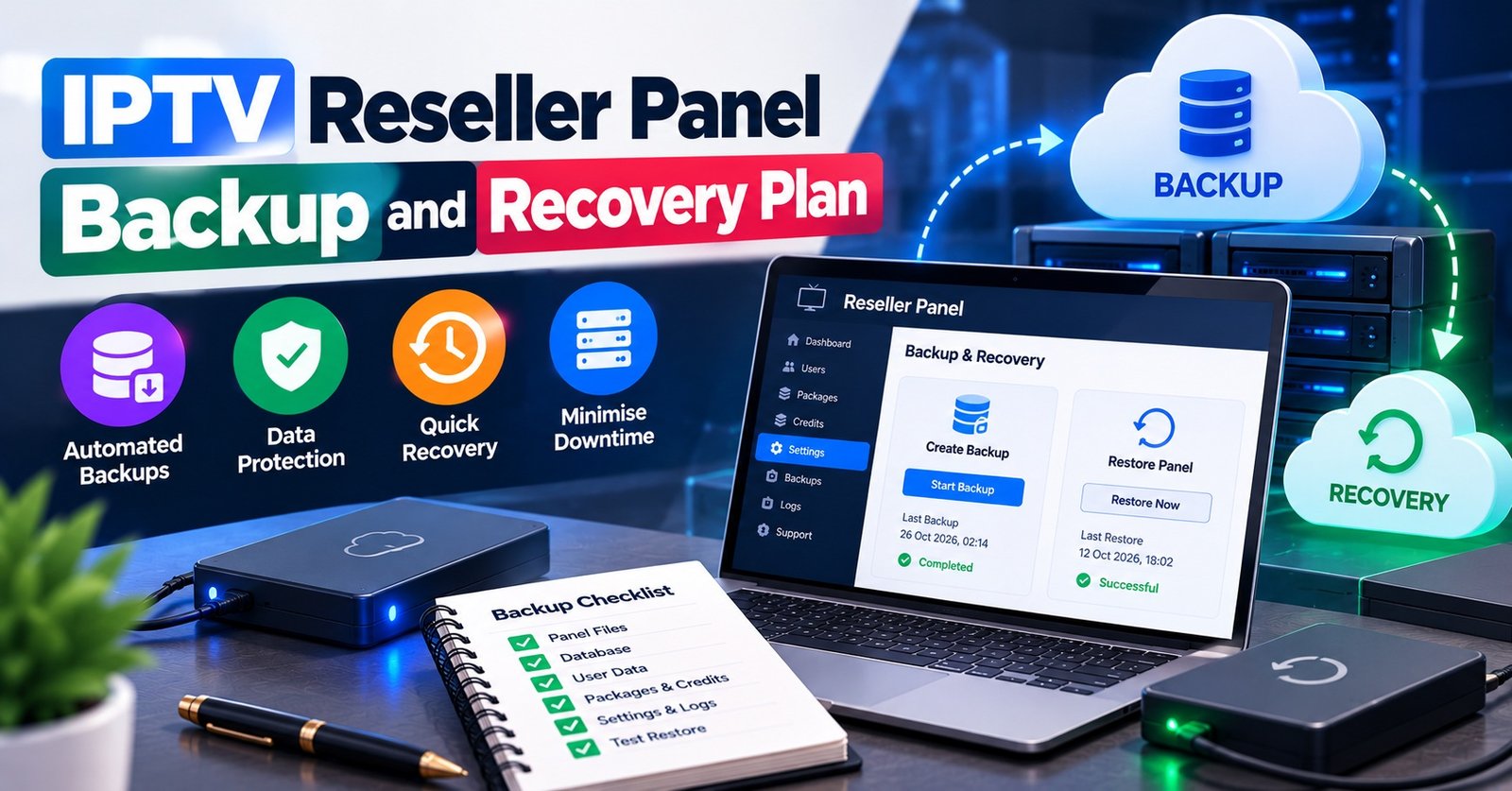

An IPTV Reseller Panel Backup is a copy of everything you would need to rebuild your customer base if the panel stopped answering tomorrow: each line’s username, expiry date, connection limit and package, plus the credit history and customer contacts that the panel never held in the first place. Export those records on a fixed schedule, keep one copy disconnected from the internet, and check every quarter that someone could actually work from it under pressure.
What a backup will not do is keep anyone watching. The lines, the streams and the server behind them belong to your provider, so no spreadsheet on your laptop can switch a customer back on. Your copy buys you speed, evidence and the ability to contact every customer within the hour. Plan it as a records and communication tool, and the decisions about what to export, who holds it and how to test it become much simpler.
What a Panel Export Can and Cannot Bring Back
Most reseller dashboards are hosted. You log in, create lines, spend credits and watch expiry dates, but the database itself sits on your provider’s infrastructure. That arrangement is convenient, and it also means your role in disaster recovery is narrower than in a business that runs its own servers.
Here is what a well-kept export can realistically restore:
- Your knowledge of who owes you what. Which customer has a line expiring on the 14th, who paid for three connections, who is on a trial.
- Your ability to rebuild on another panel. If you must move, the export tells you exactly which lines to recreate and at what term.
- Your position in a dispute. Credit ledgers and payment records are what you send when a provider questions a balance, or when a customer insists they paid for twelve months.
- Continuity of contact. The customer’s preferred channel, their device and their renewal habits.
And what it cannot restore:
- Credits already spent on a provider that has gone. Recreating lines elsewhere normally means spending fresh credits, so an export reduces chaos, not cost.
- Live service. Customer lines only work while the provider’s servers are running.
- Passwords or settings the panel never showed you. If your dashboard hides certain fields, your export will not contain them unless you recorded them at creation.
That last point catches people out. Some panels offer a one-click export of lines; others show a table you can only copy manually; some hide passwords after creation. Check what yours actually provides before you design anything around it.
One more boundary worth stating plainly: a backup protects your business records. It says nothing about whether the content flowing through the service is properly licensed. Streaming is a delivery technology, and lawful resale depends on your provider holding genuine distribution rights. Keeping tidy exports does not change that question.
The Four Files That Make Up an IPTV Reseller Panel Backup
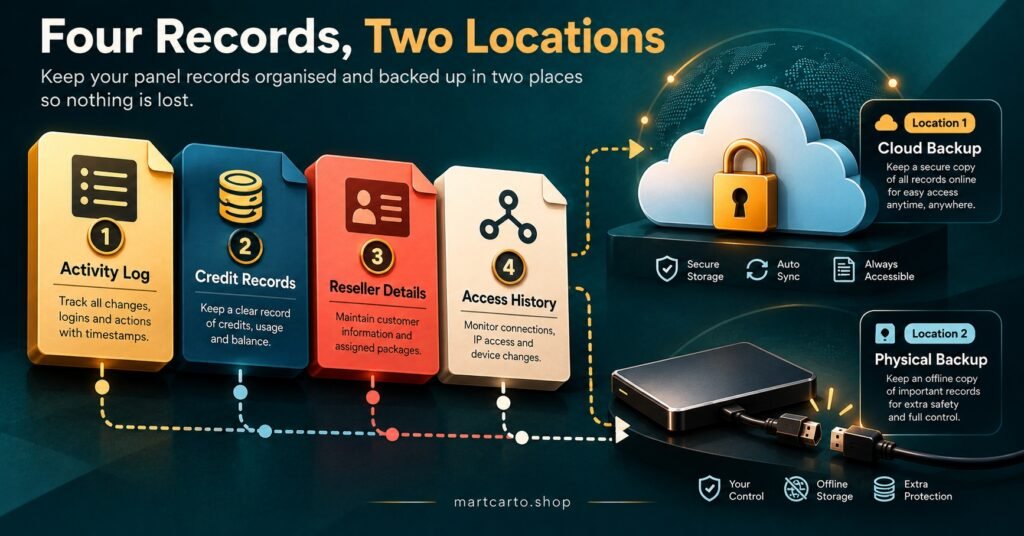
A complete backup is not one file. It is four, because the information lives in different places and goes stale at different speeds.
| File | What it must contain | Sensible refresh |
|---|---|---|
| Line register | Username, package, connection limit, creation date, expiry date, linked customer reference | Weekly, and after any bulk change |
| Credit ledger | Every top-up, spend and adjustment with date, amount and reference | After each purchase or top-up |
| Customer contact map | Customer reference, name, contact channel, device, payment method, renewal notes | Weekly |
| Sub-reseller register | Each sub-account, its credit allocation, permissions and the person responsible | Monthly, and after any permission change |
The line register
This is the export most people mean when they say “backup”, and it should come from the panel itself wherever possible. Add a column the panel does not have: your own customer reference. Without it, a list of usernames is surprisingly hard to match to real people at speed, especially if usernames were generated randomly.
The credit ledger
Panels usually show a balance and some history, but the history can be limited or disappear with the account. Keep your own running ledger with screenshots of each top-up confirmation. If you want a refresher on how IPTV reseller panel credits are priced and topped up, it helps to understand the unit you are recording before you start logging it.
The customer contact map
This file never lived in the panel, so nothing else backs it up. It is also the most sensitive of the four, since it contains personal data: names, phone numbers, sometimes payment details. Treat it accordingly (more on that below).
The sub-reseller register
If you sell panels on, your sub-resellers depend on your account. Recording who holds what, and what each can do, means you can contact them first and avoid a wave of their customers reaching you with no context.
Where the Copies Should Live
Two copies in the same cloud folder are one copy with extra steps. The UK National Cyber Security Centre’s principle is useful here: keeping at least one backup offline at any time means a single incident cannot reach every copy at once. For a small reseller, that can be as simple as an encrypted USB drive updated weekly and unplugged afterwards, alongside a cloud copy.
For the cloud copy, the NCSC recommends turning on 2-step verification for online backups. The account holding your exports is now as valuable as the panel login, so it deserves the same protection.
Because the contact map holds personal data, encryption is not optional decoration. The UK regulator has listed regular encrypted backups alongside strong passwords and multi-factor authentication in its advice to small businesses. A password-protected archive or an encrypted drive is a reasonable baseline. Store the decryption password somewhere separate from the backup itself, and make sure at least two people can reach it.
The NCSC’s guidance on backing up your data is short, practical and worth reading in full if you have never set up a routine before.
Recovery Roles: Who Does What When the Panel Goes Dark
Backups fail in practice less often because a file is missing than because nobody knows who should act first. A clear set of roles fixes that, even if one person holds several of them.
The keeper owns the backup routine: runs the exports, updates the offline copy, confirms the schedule was kept. In an outage, the keeper produces the latest files within minutes.
The provider liaison contacts the panel provider, records what they say and when, and decides whether the problem looks temporary or permanent. This person should hold the provider’s support details offline too, since the support link inside a dead dashboard is no help.
The customer voice sends the holding message. One calm, accurate update to every affected customer, using the contact map, prevents dozens of individual conversations. Draft this message now, while nothing is wrong, so nobody writes it in a panic.
The credit approver decides whether to spend new credits rebuilding lines elsewhere. Separating this from the liaison role matters: the person talking to an apologetic provider is rarely the best judge of whether to keep waiting or move.
If you run the business alone, you hold all four. The value is still real, because writing the roles down forces you to decide in advance how long you will wait before rebuilding, and what you will tell customers in the meantime. A solo IPTV panel reseller should also give a trusted person read access to the encrypted backup and its password, so the records survive even if you are the one who is unavailable.
Pro tip: Set a “wait limit” in writing, for example a number of hours after which the credit approver makes the rebuild decision regardless of reassurances. The right figure depends on your customers and your provider’s track record, but having any figure stops an outage drifting into days.
Running a Restore Test Without Spending Credits
A backup nobody has tried to use is a hope. The NCSC’s advice is to know how to restore a backup and to check it holds all your important data, and for a reseller that test can be done entirely on paper.
Once a quarter, run this exercise:
- Pick five lines at random from the live panel, including at least one sub-reseller line if you have them.
- Open only the backup, not the panel. Decrypt it using the stored password, ideally with someone other than the keeper doing it.
- For each line, answer from the backup alone: who is the customer, how do we reach them, what device do they use, when does the line expire, how many connections, what package, and what did they pay.
- Compare against the live panel. Note any mismatch in expiry dates, connection counts or packages.
- Time the whole exercise and write the result down.
The test passes when every question is answered correctly for all five lines and the files opened without hunting for passwords or folders. Any blank cell is a finding. Common ones include usernames with no customer reference, expiry dates that are a week stale because a bulk renewal happened after the last export, and contact numbers that have changed.
Fix the cause, not just the cell. If renewals keep making the register stale, move the export to straight after your renewal round. If the customer reference is missing, add it to the line-creation routine so it is captured at the start.
Twice a year, extend the test to the role plan: have the customer voice send the holding message to a single test contact, and have the provider liaison confirm the offline support details still work.

Three Failure Scenarios and the First Hour of Each
You are locked out, but the panel is running
Customer lines keep working, so there is no customer emergency yet. The provider liaison contacts support, the keeper confirms the latest export date, and nobody spends rebuild credits. The backup’s job here is to show you which lines expire before access is likely to return, so you can ask the provider to process those renewals or warn the customers concerned.
The provider is down and silent
Now customers notice. The customer voice sends the holding message within the first hour. The liaison tries every contact route on record. The credit approver starts the clock on the wait limit. Meanwhile the keeper prepares a prioritised rebuild list from the line register, sorted by expiry date and number of connections, so that if the decision is to move, the longest-term customers are restored first. Reviewing what separates a reliable reseller panel before you ever need to move makes that choice faster.
Lines were deleted or changed by mistake
This is the case where an export earns its keep most directly, often after a sub-reseller error or a bulk action that went wrong. The register shows exactly what existed before, so you can ask the provider to reinstate specific lines with evidence, or recreate them yourself with the right terms. Dashboards with clear panel features such as expiry tracking and connection monitoring make it easier to spot the damage quickly, but they do not replace your own dated copy.
Retention, Deletion and the Records You Should Not Keep
Backups tend to grow forever, and that creates its own risk. A customer who left two years ago does not need to sit in five copies of your contact map. When deciding how long to keep exports, regulatory guidance points to considering the right to erasure under Article 17 of the UK GDPR, which means a deletion request should reach your backups too, either immediately or when the next rotation replaces the old file.
A practical rule is to keep a rolling set of recent weekly exports plus a smaller number of monthly snapshots, and delete the rest on a fixed day. Never store full payment card details in any of these files. A note of the payment method and a transaction reference is enough to resolve disputes.
Monthly backup routine
- Run the line register export after the renewal round, not before it
- Reconcile the credit ledger against the panel balance and save top-up screenshots
- Update the contact map for new, changed and departed customers
- Refresh the offline copy, then physically disconnect it
- Delete exports that have aged out of the rotation
- Confirm two people can still reach the decryption password
Frequently Asked Questions
Does my provider’s own server backup cover me?
It protects the provider’s database, which is useful, but it does not give you access to your records if the provider is unreachable, and it never included your customer contacts or payment notes. Your own export covers the gap.
Can I restore lines into a different panel automatically?
Usually not. Each panel has its own structure, and recreating lines elsewhere normally means creating them fresh and spending credits. The export tells you what to recreate; it does not import itself.
What if my panel has no export button?
Copy the line table manually into a spreadsheet on a schedule, and record each new line’s details at the moment you create it. That habit fills most gaps an export would cover.
Should sub-resellers keep their own backups?
Yes. A sub-reseller depends on the parent account, so their records are at risk from two directions. Their customer contacts are theirs to protect, and they should hold the parent reseller’s contact details offline as well.
How quickly should the first customer message go out?
As soon as you know customers are affected, even before you know the cause. A short, honest note saying you are aware and will update by a stated time does more to keep customers than a detailed explanation hours later.
Making the Plan Real
An IPTV Reseller Panel Backup is less about the files than about the hour after something breaks: whether you can open the records, reach every customer and make a calm decision about credits. Four exports, two locations, named roles and a quarterly five-line test cover most of what a small reseller will ever face. The one thing no backup provides is a working service on a provider that has gone, so choosing a stable panel still matters as much as protecting your records from it. Start this week with the line register and your customer references, because everything else in the plan depends on those two lining up.