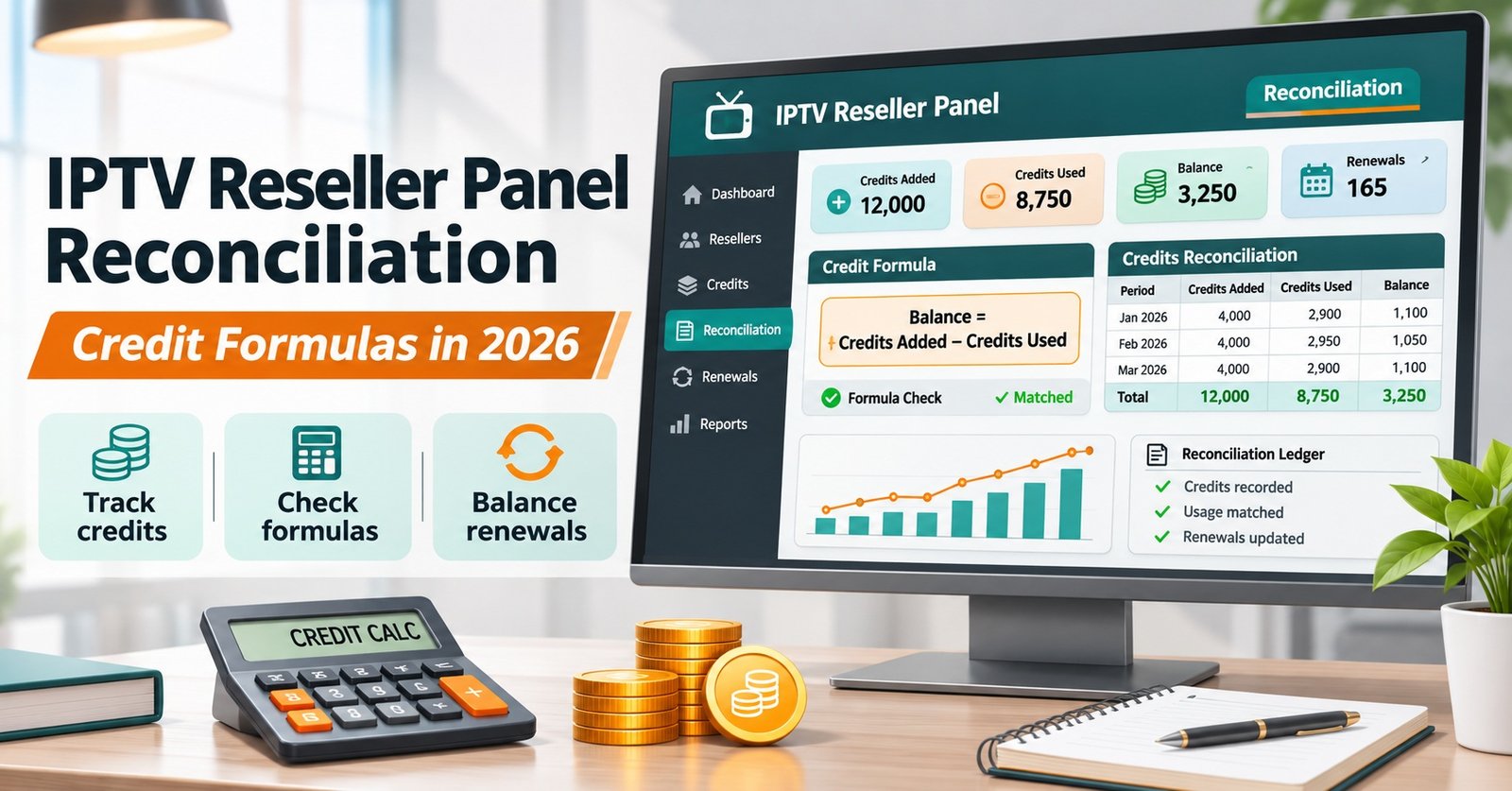

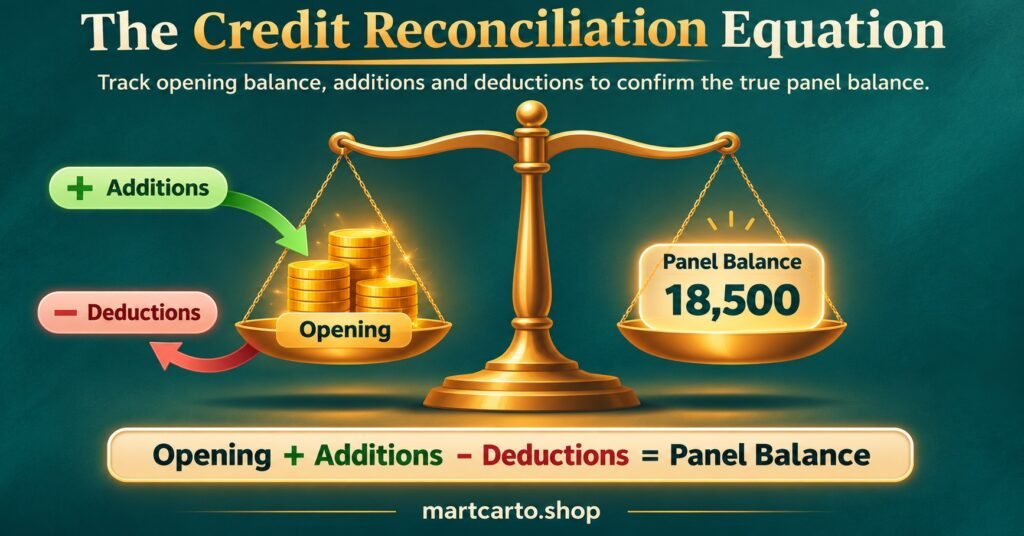
IPTV Reseller Panel Reconciliation comes down to one equation: opening credits, plus every credit added, minus every credit spent, should equal the balance your panel shows right now. Write that as Expected Closing = Opening + Additions – Deductions, then subtract the expected figure from the panel’s actual balance. The answer is your variance. If it’s zero, your records and the panel agree. If it isn’t, something moved that your ledger didn’t capture, or something your ledger captured didn’t happen.
The equation only works if you agree on its boundaries before you calculate. Pick a fixed cut-off, such as midnight on the last day of the month, and take a screenshot or export of the balance at exactly that moment. A balance checked at 9am the next day already includes overnight renewals, and that alone can produce a variance that doesn’t really exist. The opening figure for next month is this month’s verified closing figure, not a number you remember.
[ez-toc]
The Four Figures and the Variance Formula
Every reconciliation uses the same four inputs. Keep them in separate columns so you can trace a mismatch back to the right group.
Opening credits (O): the panel balance at the previous cut-off, as recorded in last month’s closing snapshot.
Additions (A): every credit that came into the account during the period.
Deductions (D): every credit that left the account during the period.
Actual closing credits (C): the balance the reseller dashboard shows at this period’s cut-off.
From those, two calculations matter:
Expected Closing (E) = O + A – D
Credit Variance (V) = C – E
A third figure helps you judge how serious a mismatch is:
Variance Rate = V ÷ D × 100
The variance rate puts the error next to how busy the month was. A variance of two credits means little in a month with several hundred deductions. It means a lot more in a quiet month with thirty. Measuring against deductions works better than measuring against the total balance, because a big stockpile of unused credits can make a real recording problem look tiny.
The sign of the variance tells you which way to look. A negative variance means the panel holds fewer credits than your records say, so you’re probably missing a deduction. A positive variance means the panel holds more than expected, which usually points to an addition you didn’t log or a deduction you logged that never went through.
Sorting Movements Into Additions and Deductions
Most variances start with classification rather than arithmetic. A movement gets left out, counted twice, or put in the wrong column. The lists below cover the movement types most reseller panels produce, though what’s available depends on your provider’s dashboard.
Credits that count as additions
- Credit purchases or top-ups from your provider, recorded on the date they reach the panel rather than the date you paid
- Credits transferred back from a sub-reseller account
- Credits returned when a line is deleted within whatever refund window the panel applies, if your panel offers one
- Manual adjustments by the provider, such as a correction or goodwill credit
Credits that count as deductions
- New lines created for customers, at the credit cost for that duration
- Renewals and extensions of existing lines
- Extra connections added to an existing line, if your panel charges for them separately
- Credits transferred out to sub-reseller accounts
- Trial lines, if your panel charges anything for them
Transfers to sub-resellers deserve extra attention. From your own account’s point of view, a transfer is a deduction the moment it leaves, even if the sub-reseller hasn’t spent a single credit yet. If you record those credits as “still yours”, your variance will be wrong every month you have active sub-resellers.
Pro tip: Before you reconcile, write down your panel’s actual credit cost for each line type and duration, including multi-connection lines. Most deduction errors come from assuming every line costs the same.
If you’re still learning how credits flow through the platform, the step-by-step panel workflow shows where top-ups, line creation and renewals sit in the overall process.
A Worked Month of IPTV Reseller Panel Reconciliation
The figures below are hypothetical and exist only to show the method. The example assumes a panel that charges one credit per connection per month. Check your own provider’s pricing before copying any of the multipliers.
The closing snapshot from last month showed 120 credits. During the month, the ledger recorded the following.
| Movement | Credits | Column |
|---|---|---|
| Top-up from provider | 200 | Addition |
| Transfer back from sub-reseller | 12 | Addition |
| 38 new one-month lines | 38 | Deduction |
| 6 three-month renewals | 18 | Deduction |
| 4 twelve-month renewals | 48 | Deduction |
| Transfer out to sub-reseller | 60 | Deduction |
Additions total 212 and deductions total 164. Working through the formula:
Expected Closing = 120 + 212 – 164 = 168
At the cut-off, the panel showed 162 credits.
Credit Variance = 162 – 168 = -6
Variance Rate = -6 ÷ 164 × 100 = -3.7%
The negative sign means credits left the account that the ledger doesn’t show. Comparing the ledger against the panel’s activity log, line by line, turns up two causes. Three of the “one-month lines” were actually created with two connections each, so they cost six credits rather than three. That accounts for three missing credits. The other three came from a quarterly renewal that was clicked twice when the page loaded slowly, so the same line was extended by six months instead of three.
Add both corrections to the ledger and the deductions rise to 170. Expected closing becomes 120 + 212 – 170 = 162, which matches the panel. The variance is now zero, and you also know two things you can act on: the double-connection lines need to be priced correctly to the customer, and one customer now has three months they haven’t paid for.
When the Variance Isn’t Zero
Not every mismatch is a mistake, and not every mistake shows up as a mismatch. Two errors in opposite directions can cancel out and give you a false zero. That’s why the activity-log comparison matters even in months that seem to balance.
When the number is off, these are sensible checks, roughly in the order they tend to pay off.
Timing differences
A top-up paid on the 30th that only reaches the panel on the 1st belongs to next month. Renewals done just before or after the cut-off are the same. If your variance equals one specific transaction, check its timestamp first.
Wrong credit cost
Multi-connection lines, unusual durations and add-ons are often logged at the standard rate. Filter the activity log by line type and multiply each one by its real cost.
Duplicates and reversals
Double submissions, lines deleted and recreated, and refunded deletions can all leave one entry in the panel and a different one in your sheet. Look for two movements on the same username within a few minutes.
Sub-reseller transfers in both directions
A transfer out and a transfer back in the same month often gets recorded as one net figure. Record each transfer separately so the panel log and your ledger can be matched one to one.
Unexplained movements
If a deduction appears that nobody on your side remembers making, treat it as an access question rather than a bookkeeping one. Check which logins were active, review sub-account permissions, and change passwords if anything looks unfamiliar. A practical guide to what makes a panel reliable covers the activity logging and access controls worth expecting from a provider.
Set a tolerance before you start, not after you see the number. Many IPTV panel resellers aim for zero and investigate anything else. If your panel’s logs are limited and you decide to accept small differences, write the threshold down and still record what you think caused each variance. A tolerance you invent after seeing the result stops being a control.
Tying Credits Back to Money Received
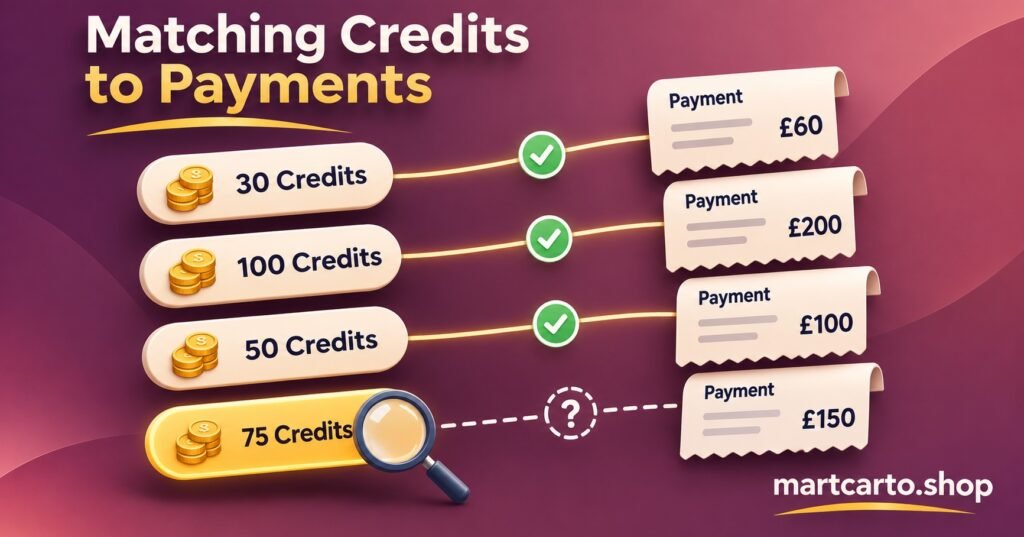
A balanced credit ledger proves that the panel and your records agree. It doesn’t prove you were paid for every credit you spent. That needs a second calculation running alongside the first.
Expected Revenue = sum of (each line sold or renewed × the price charged to that customer)
Cash Variance = Payments Received – Expected Revenue
Work from the same list of deductions you just reconciled, leaving out sub-reseller transfers, since those are settled separately. For each customer deduction, record what that customer should have paid and match it against your payment records.
In the worked example, the duplicated quarterly renewal would show up here as a deduction with no matching payment. You’d also see the double-connection lines priced as single-connection lines if the customer was charged the lower rate. In practice, the credit reconciliation tells you something went wrong and the cash tie-out tells you how much it cost.
Your own prices are a business decision, but the cost side should always come from what you actually paid your provider. The current reseller credit plans give you the purchase figures to use as the cost basis for each top-up.
Running the Same Formula Across Sub-Reseller Accounts
If you manage sub-resellers, reconcile each account separately with the same four figures. For a sub-reseller, a transfer from you is an addition and a transfer back to you is a deduction, which is the mirror image of your own ledger.
Once every account is done, run one more check:
Your transfers out to a sub-reseller = That sub-reseller’s transfers in from you
If those two figures don’t match for the period, one side has recorded a transfer the other hasn’t. Usually it’s a timing difference across the cut-off, but it can also mean a transfer went to the wrong account. Resolve this before you look into the sub-reseller’s own spending, because a missing transfer will distort everything else in their reconciliation.
Keep in mind that a clean reconciliation shows your credits are accounted for. It says nothing about whether the content on a service is properly licensed. That’s a separate check, done on the provider’s distribution rights, and it matters regardless of how tidy the numbers are.
A Close Routine That Keeps the Numbers Honest
- Take the closing balance snapshot at the exact cut-off, with the date and time visible
- Export the panel activity log for the same period before anyone starts the next day’s work
- Carry forward last month’s verified closing figure as this month’s opening figure
- Total additions and deductions from the ledger, keeping each sub-reseller transfer as its own entry
- Calculate Expected Closing, Credit Variance and Variance Rate
- Match deductions to the activity log line by line, even if the variance is zero
- Run the cash tie-out against payments received for customer lines
- Write down every variance cause and the correction made, then lock the period
Monthly works for most single-person operations. If you sell in high volume or manage several sub-resellers, a short weekly check using the same formula makes errors much easier to trace, because there are fewer movements to search through. The panel features that make this quicker, such as exportable logs and per-account history, are covered in the overview of the panel’s features.
Frequently Asked Questions
Should I reconcile in credits or in money?
Both, separately. Reconcile credits first, because the panel is the authoritative record of credit movements. Then tie those movements to payments. Mixing the two in one calculation hides which side the error is on.
What if my panel doesn’t show a full activity log?
You can still run the balance equation using snapshots at each cut-off, but you’ll find it hard to explain variances. Ask your provider what history they can export, and keep your own timestamped record of every action you take in the meantime.
Do unused credits sitting in a sub-reseller account still belong to me?
For reconciliation, no. Once transferred, they leave your balance and appear in theirs. Whether you can recover them commercially depends on your agreement with that sub-reseller and on what the panel allows.
How long should I keep reconciliation records?
Keep them for as long as you’d keep any other business financial record under the tax rules where you trade. Snapshots and exported logs are the evidence behind your figures, so store them with the reconciliation itself.
Conclusion
IPTV Reseller Panel Reconciliation is just one equation, opening credits plus additions minus deductions, checked against the actual balance at a fixed cut-off. The value comes from what you do with a non-zero variance: matching it to the activity log, correcting the ledger, and following it through to the money side. Start this month with an exact closing snapshot and a full log export, because without those two records next month’s figures can’t really be checked.