
IPTV Reseller Panel Login Not Working problems almost always trace back to one of four things: wrong credentials, a blocked IP address, an expired account, or the panel being down for scheduled maintenance. Before you assume something’s badly broken, it helps to work out which of those four you’re actually dealing with, because the fix for each one is completely different and trying the wrong one wastes time you don’t have when a customer is messaging you about a stream that won’t load.
Start Here: Work Out What Kind of Login Failure You’re Actually Seeing
Not every login failure looks the same, and the symptom tells you a lot before you touch anything. A blank white screen usually points to a server-side issue rather than anything wrong with your account. An “incorrect username or password” message is exactly what it says, even when you’re fairly sure you typed it right. A page that spins and then times out often means the panel is under heavy load or your connection to it is being throttled somewhere along the way. And a message saying your account is suspended or expired means the problem sits with your subscription status, not your typing.
Spend thirty seconds identifying which of these you’re looking at before jumping into fixes. It saves you from resetting a password that was never wrong in the first place.
Common Reasons Behind IPTV Reseller Panel Login Not Working
Most login failures on a reseller dashboard come down to a short list of causes.
Credential mismatches are the most common by far. Browsers autofill old passwords, saved logins fall out of sync after a password reset, and caps lock catches more people than anyone likes to admit.
IP restrictions catch out resellers who travel or switch networks often. Some panels lock access to a known IP range for security, so logging in from a new country or a mobile hotspot can trigger a block without any warning message explaining why.
Account status issues happen when a subscription lapses, a payment fails to process, or credits run out entirely. The panel itself may still load, but access gets restricted the moment the system flags the account.
Browser-side problems are underrated. Cached login tokens, outdated browser versions, and aggressive ad blockers can all interfere with a login form submitting properly, especially on dashboards that load through JavaScript.
Server maintenance or outages on the provider’s end will lock everyone out at once, regardless of what device or browser they’re using. This is the one cause that has nothing to do with anything you’ve done.
| Symptom | Likely Cause | What To Do Next |
|---|---|---|
| “Incorrect username or password” | Saved or autofilled credentials are outdated | Type credentials manually, check caps lock, reset if needed |
| Page loads then times out | Server load or throttled connection | Wait a few minutes, try a different network |
| Blank white screen | Panel-side outage or maintenance | Check with support before troubleshooting further |
| “Account suspended” or “expired” | Credit balance or subscription lapse | Contact support to confirm account status |
Pro tip: Before contacting support, take a screenshot of the exact error message. It cuts diagnosis time down considerably compared with describing the problem from memory.
Fixing It Step by Step, In the Order That Actually Works
Work through these in sequence rather than jumping around, since each step rules something out for the next.
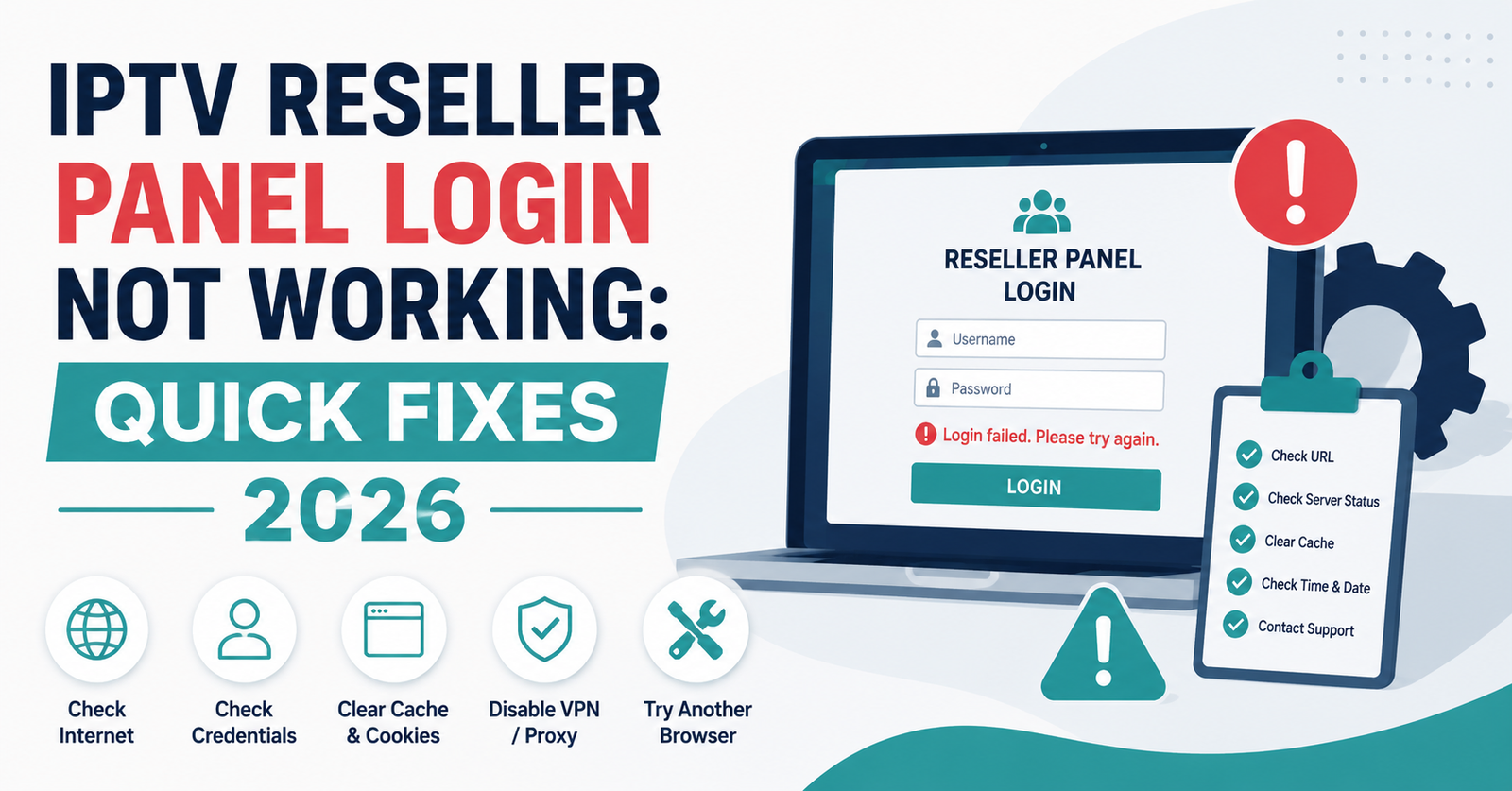
First, clear your browser’s cache and cookies for the panel’s domain specifically, not your whole browser history. A stale login token is one of the most common culprits and this fixes it more often than people expect.
Second, try logging in through a private or incognito window. This bypasses any autofill or saved session issues entirely and tells you within seconds whether the problem is browser-side.
Third, switch networks if you can. If you’re on a mobile hotspot or a VPN, try your normal home or office connection instead. IP-based restrictions are invisible until you test from a different address.
Fourth, double check your credit balance and subscription status through whatever confirmation email or receipt you have on file. A silent expiry is easy to miss when you’re focused on the login screen itself.
Fifth, if none of that resolves it, reach out to the support team directly with your username and a description of the exact error. Most UK IPTV Panel resellers get a response within the hour during UK and EU business hours.
Pro tip: Keep a note of your last successful login date somewhere outside the panel itself. If access suddenly fails, that timestamp helps support narrow down whether it’s account-related or platform-wide.
When the Problem Isn’t Your Login at All
Sometimes the login screen is a symptom, not the disease. A platform-wide outage will affect every reseller on that panel simultaneously, and no amount of password resetting fixes it. Scheduled maintenance windows are usually communicated in advance, but not every provider gives much notice.
It’s also worth knowing that credit exhaustion sometimes presents as a login restriction rather than a simple “insufficient balance” message, depending on how the platform is configured. If you’ve been actively creating lines and haven’t checked your balance recently, that’s worth ruling out before assuming something technical has gone wrong.
For a wider view of what separates a dependable dashboard from one prone to this kind of disruption, our breakdown of what a stable reseller panel should look like covers the infrastructure side in more depth.
Reseller Considerations: Protecting Your Customers While You’re Locked Out
Being unable to log in doesn’t just affect you, it affects every customer whose line you manage. If your access is down for more than an hour or so, a short message to active customers explaining there’s a delay goes a long way toward preventing a wave of support tickets on your end.
It also helps to keep a basic record outside the panel of which customers are due for renewal soon. If your login issue drags on longer than expected, you’ll still know who needs attention the moment access is restored, rather than reconstructing that from memory. Understanding how credentials and line access actually work behind the scenes makes it easier to explain delays to customers in terms they’ll actually understand.
Reseller Login Troubleshooting Checklist
- Confirm the exact error message before doing anything else
- Clear cache and cookies for the panel domain only
- Test login in a private or incognito browser window
- Try a different network or turn off any active VPN
- Check credit balance and subscription expiry date
- Note the time the issue started, for support reference
- Message active customers if downtime looks likely to continue
- Contact support with your username and error details if unresolved
Frequently Asked Questions
Why does my reseller panel keep logging me out after a few minutes?
This is usually a session timeout setting rather than a fault. Some panels log inactive sessions out automatically for security. If it’s happening within seconds of logging in, check that your browser isn’t blocking the session cookie.
Can a login failure happen even if my credit balance is fine?
Yes. Credentials, IP restrictions, browser issues and server outages can all cause a login failure regardless of how many credits sit in your account. Balance is only one of several possible causes.
Should I reset my password every time login fails?
Not immediately. Resetting rules out one cause but wastes time if the actual problem is a browser cache issue or a temporary outage. Work through the simpler checks first.
How do I know if it’s a platform-wide outage rather than just my account?
If you have contacts who resell through the same platform, a quick message to ask whether they’re also affected is the fastest way to find out. Support can also confirm this directly.
Is it safe to log in from a public WiFi network?
It will usually work, but some panels flag unfamiliar networks as a security precaution, which can trigger the exact IP-based restriction covered earlier in this guide. Where possible, stick to networks you use regularly.
Conclusion
IPTV Panel Login Not Working almost always comes down to credentials, IP restrictions, account status, or something happening on the provider’s end rather than yours. Working through the checks in order, starting with the simplest browser fixes before assuming the worst, will resolve most cases without needing to contact support at all. When it doesn’t, having your error message, last successful login date, and account details ready makes for a much faster resolution once you do reach out.