
IPTV Account Sharing usually comes down to one setting most resellers barely think about until it causes a problem: the connection limit on a customer’s line. That single number decides how many devices can stream from one login at the same moment, and getting the policy around it wrong either costs you renewals or lets one paying customer quietly become three.
What a Connection Limit Actually Controls
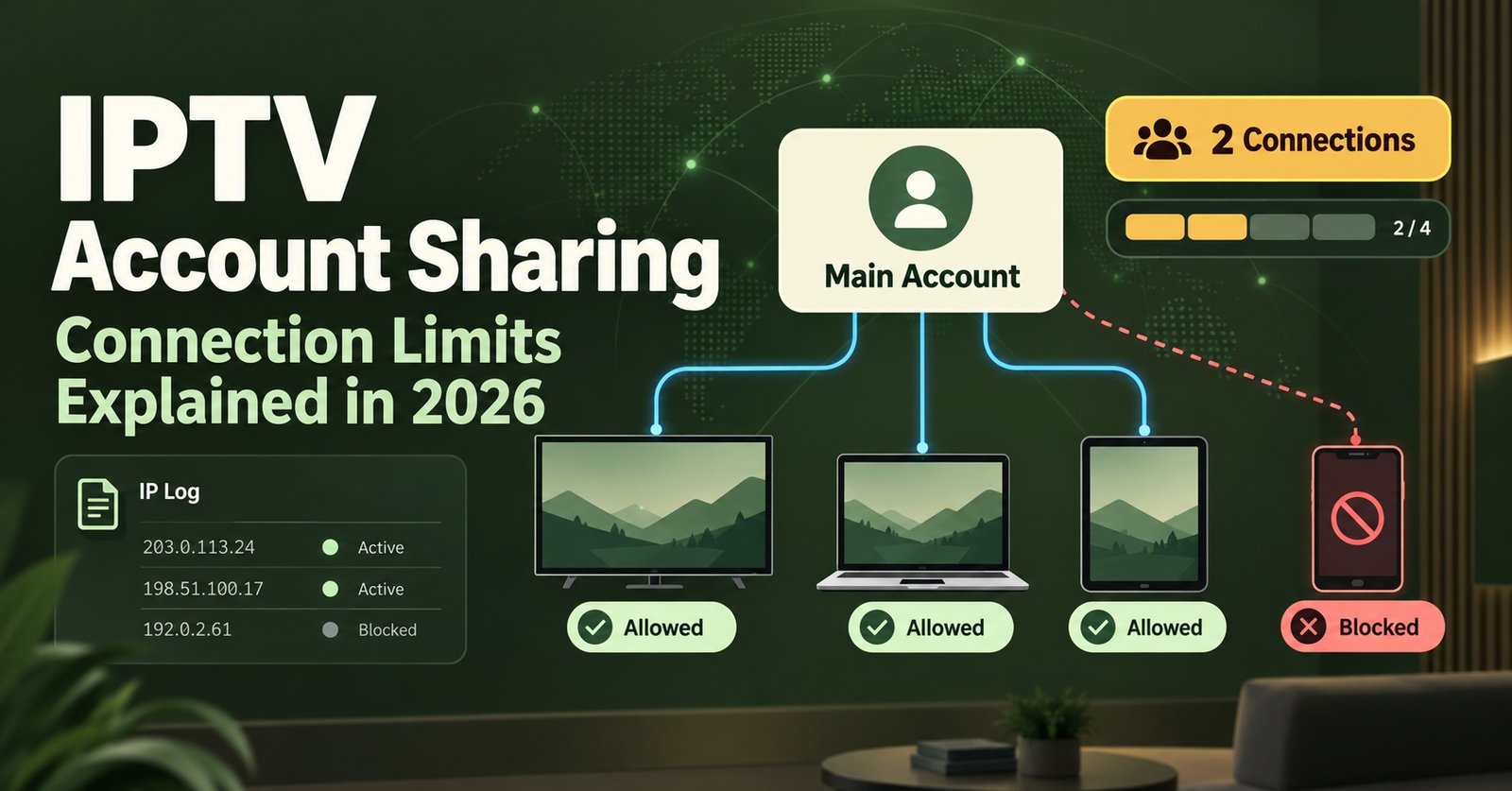
Every line you create in the IPTV reseller panel has a connection limit attached, usually one or two simultaneous streams depending on the package. This isn’t a soft suggestion. It’s enforced at the server level. The moment a third device tries to authenticate against a line capped at two, the system either refuses the new connection outright or bumps an existing one off, depending on how the panel is configured. Customers rarely understand this mechanic until it happens to them mid stream, which is why explaining it upfront saves a support message later.
The limit exists because server capacity is shared. A line quietly running on five devices across three households isn’t just a fairness issue, it’s a load issue. Every extra concurrent stream on a single line adds bandwidth pressure the original subscription price was never built to cover.
IPTV Account Sharing and Why the Limit Exists
IPTV Account Sharing sits in a grey area for most resellers. A household splitting one line across a phone, a Fire Stick and a laptop feels harmless, and often it is. The trouble starts when sharing crosses from convenience into something closer to informal resale, where a customer’s login ends up in a group chat and four unrelated people are streaming off credentials you issued to one person.
The connection limit doesn’t stop sharing outright. What it does is put a hard ceiling on how much sharing can happen before something breaks and the customer notices. A one connection line makes light sharing self limiting. A two or three connection line gives more room, which is exactly why pricing tiers exist around device count rather than treating every line the same.
Reading the Signs of Abnormal Usage
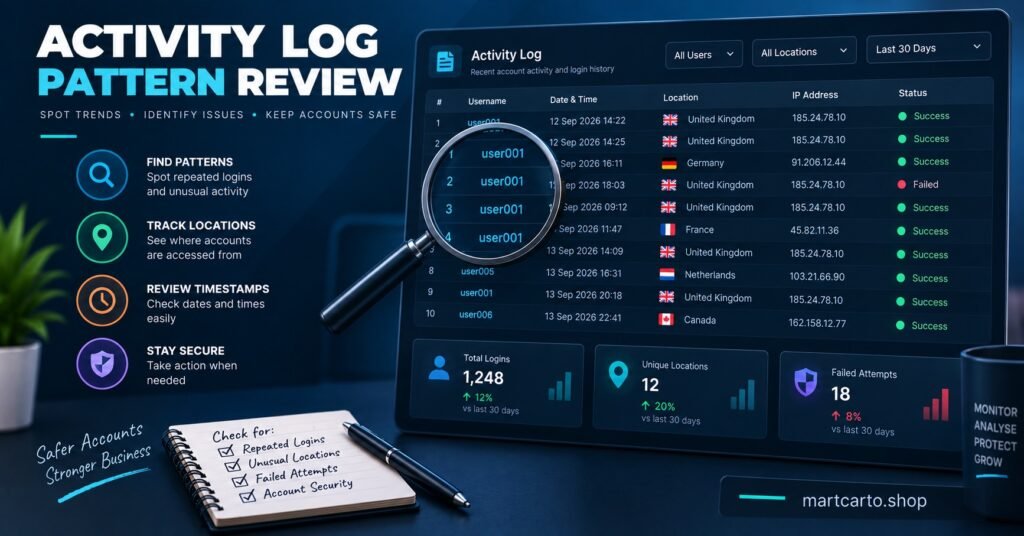
The activity log inside the panel is where this actually gets diagnosed, not guessed at. A few patterns worth watching for:
| Warning sign | Why it matters |
|---|---|
| Same line logging in from three or more distinct IP addresses within a short window | Suggests the login has moved beyond the original household |
| Repeated forced disconnects on a capped line | The limit is being hit constantly, meaning real demand exceeds what was paid for |
| Login locations that don’t match the customer’s stated region | Points to the credentials being passed on rather than used by the original buyer |
None of these on their own proves wrongdoing. A customer travelling for work will trip the IP pattern without doing anything wrong. It’s the combination and the frequency that tell you something worth a conversation is happening.
Pro tip: Check the Activity Log weekly rather than only when a customer complains about buffering. Catching a pattern early gives you room to offer an upgrade instead of having an awkward conversation about a suspended line.
Setting a Policy That’s Fair to Everyone
The IPTV resellers who handle this well decide the policy before they need it, not in the middle of a dispute. A workable structure usually looks like this:
- One connection as the standard, lowest priced tier
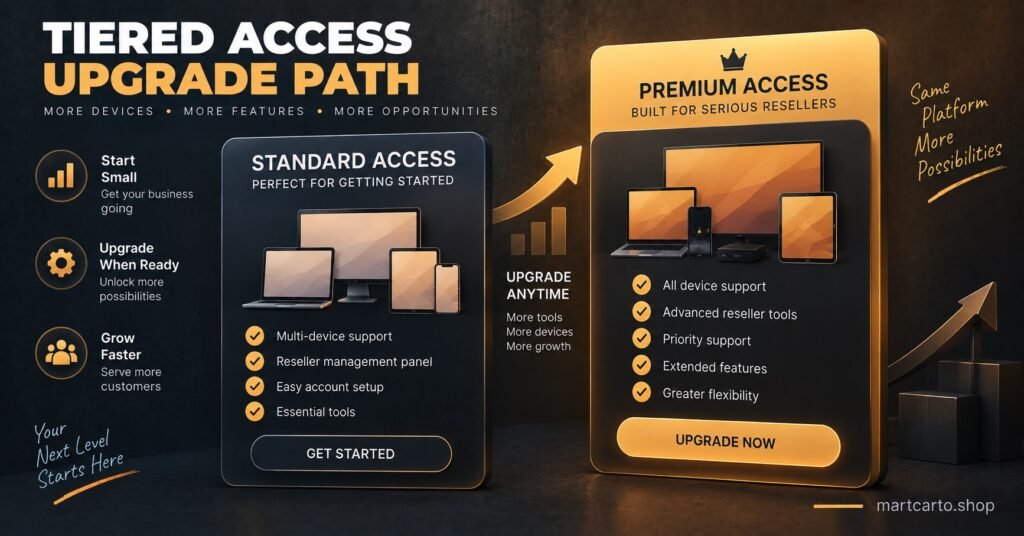
- A second connection available as a paid upgrade rather than something customers have to ask for apologetically
- A clear, written line in your terms about what happens if a login is detected on more devices than the plan allows
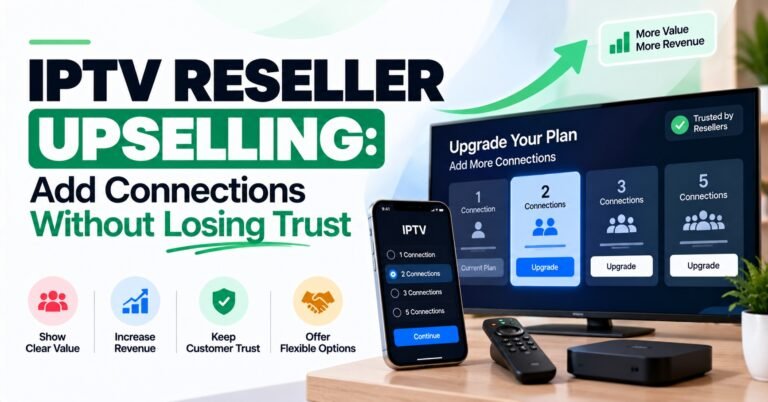
Pricing the upgrade rather than banning multi device use turns a policing problem into a sales opportunity. A customer who’s already sharing across two devices is telling you, through their behaviour, that the one connection plan doesn’t fit their household. Offering the upgrade before they ask usually lands better than flagging the account first.
Pro tip: Frame the upgrade message around convenience, not enforcement. “Looks like you’re often on two devices, want me to bump you to a two connection line?” gets a far better response than anything that sounds like an accusation.
Handling a Customer Who’s Over the Limit
When the pattern is clear and not explained by travel or a household move, a short escalation sequence works better than an instant suspension:
- Send a plain message noting the multiple logins and asking if anything’s changed on their end
- Offer the higher connection tier as the fix, framed as an upgrade rather than a penalty
- If the pattern continues without an upgrade, give a short written warning with a date
- Suspend only after the warning period has passed with no change
Jumping straight to suspension without this sequence is the fastest way to lose a customer who might have simply needed a bigger plan, and it generates support disputes that eat more time than the conversation would have.
For sub-resellers working under a parent panel, the same logic applies one level down. The connection limit your parent panel sets on your stock is the ceiling you’re working within, so any policy you build for your own customers needs to respect that number rather than promise more devices than the underlying line actually supports.
Frequently Asked Questions
How many devices can one subscription line stream on at once?
That depends entirely on the connection limit set when the line was created, typically one or two on standard packages. It’s not tied to how many apps or platforms the customer uses, only to simultaneous active streams.
Is a customer streaming on their phone and TV at different times the same as sharing?
No. Using one device at a time from different screens isn’t a connection limit issue at all. The limit only triggers when multiple devices try to stream from the same login simultaneously.
Should sharing be banned outright or just priced differently?
Pricing it as a connection tier upgrade tends to work better commercially than an outright ban, since most sharing comes from genuine household use rather than resale.
What’s the fastest way to catch a line being overused?
A weekly scan of the Activity Log for repeated forced disconnects or logins from unexpected IP addresses catches most cases before a customer even complains about performance.
Do higher connection limits cost more in credits?
Connection limits and credit cost are usually tied to the package tier rather than credits themselves, so check your UK IPTV panel pricing to see how device allowance maps to each pack before promising a customer a specific number of connections.
IPTV Account Sharing isn’t something a connection limit eliminates, but it’s the tool that keeps it from turning into a server load problem or a fairness complaint from paying customers on the same infrastructure. Treat the limit as a starting point for a conversation rather than a trap to catch people out, price the upgrade instead of only threatening suspension, and check the Activity Log often enough that patterns show up before a customer’s stream starts dropping. For the full mechanics of creating and managing lines in the first place, the panel setup walkthrough covers where the connection limit setting actually lives, and the panel feature breakdown goes into what else the Activity Log surfaces beyond login patterns.
Fair Usage Policy Checklist
- Set a clear, published connection limit for every package tier before selling it
- Put the sharing and multi device policy in writing, not just in a WhatsApp message after the fact
- Check the Activity Log weekly rather than only after a complaint
- Offer an upgrade before issuing a warning where the pattern looks like genuine household use
- Give a written notice period before any suspension
- Review your refund policy so customers know where they stand if a suspension is disputed