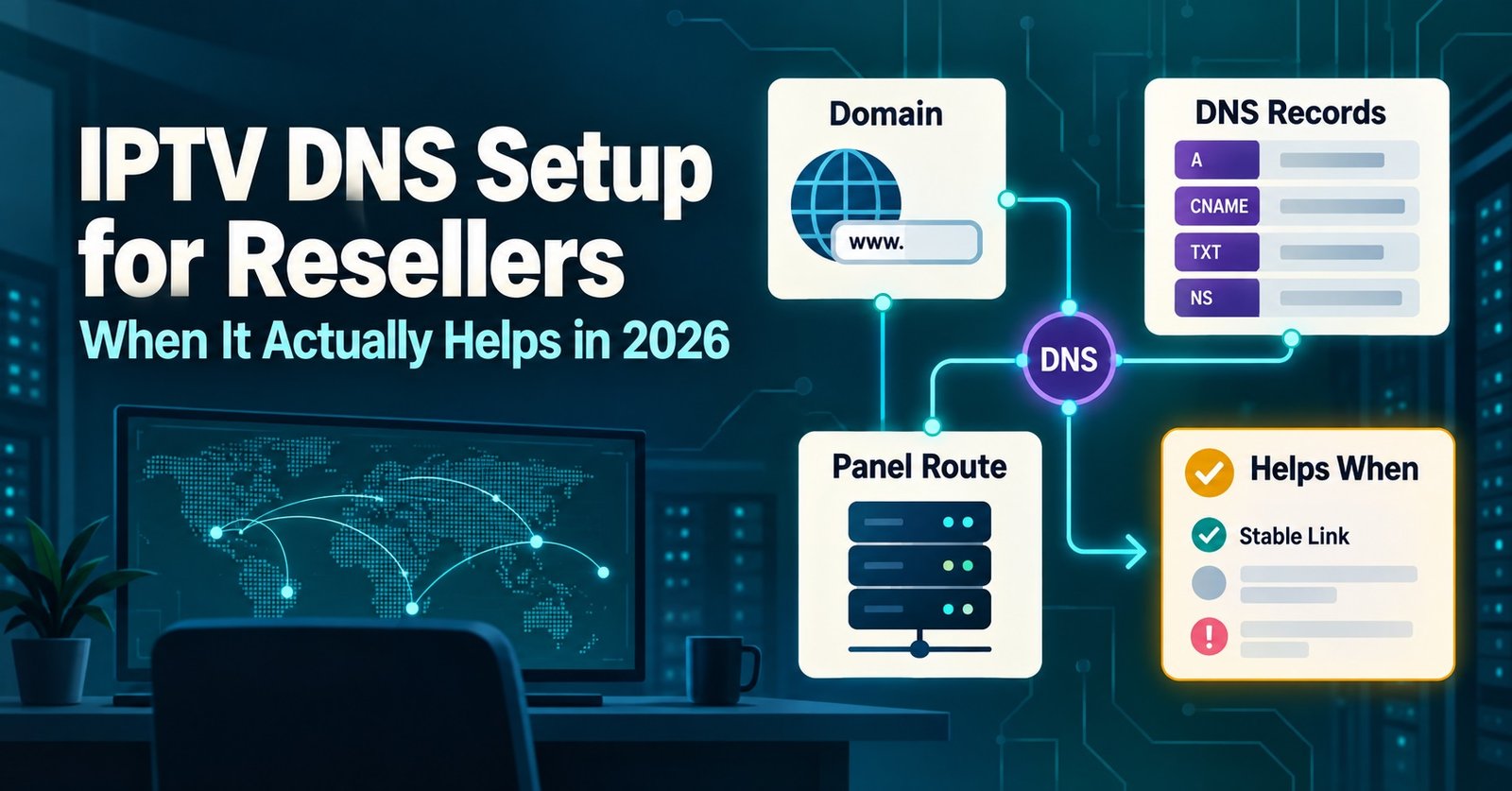

IPTV DNS Setup for Resellers is less about picking a server address and more about deciding which delivery path a customer’s stream actually takes once their ISP starts throttling it. Inside a IPTV reseller panel, the DNS Settings tab lets you point a line at a different delivery path without touching the customer’s device at all. Get that setting wrong and you’ll spend your week fielding buffering complaints that have nothing to do with anyone’s internet connection.
What the DNS Setting in Your Panel Actually Controls
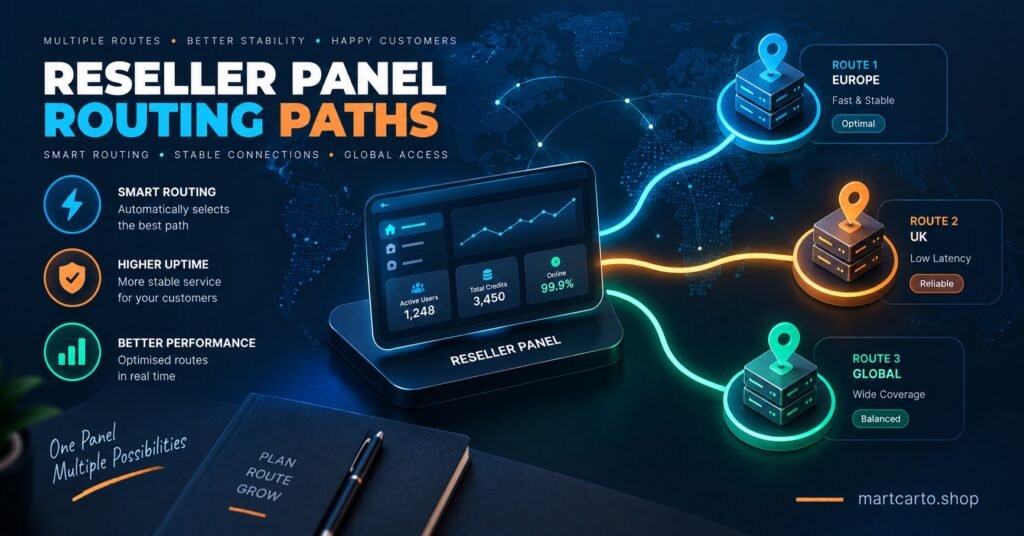
Most resellers assume DNS here means the same thing it does on a home router: swap the address, get a faster internet connection. It doesn’t work that way inside a reseller panel. The DNS setting decides which server path a customer’s stream request travels through before it reaches them. Different paths sit closer to different regions, run on different network capacity, and behave differently under load. A UK customer routed through a path that’s tuned for European traffic will often see stuttering that looks like a connection fault but is really a routing mismatch.
This matters more than most new resellers expect, because it’s one of the few settings you control directly without needing to contact support. Change the path, watch whether the stream settles, and you’ve either solved the problem in two minutes or ruled out the one thing you could fix yourself.
IPTV DNS Setup for Resellers: The Core Workflow
The actual process inside most panels follows a short sequence. Open the line you’re troubleshooting or setting up, find the DNS Settings tab, and you’ll usually see a list of available paths, often labelled by region or by server priority tier. Select a path that matches where the customer actually watches from, not where the panel defaults to.
For a fresh line, this is worth doing before you hand over credentials rather than after. Match the path to the customer’s country during setup, and you avoid the first-week support message asking why the stream keeps freezing during peak hours. For an existing line that’s already causing complaints, the same tab is where you make the change, and most panels apply it without needing the customer to re-enter anything on their device.
Pro tip: Set the region-matched path at the point you create the line, not after the first complaint. It costs you nothing extra and cuts your week-one support volume noticeably.
Why Regional Routing Changes Renewal Behaviour
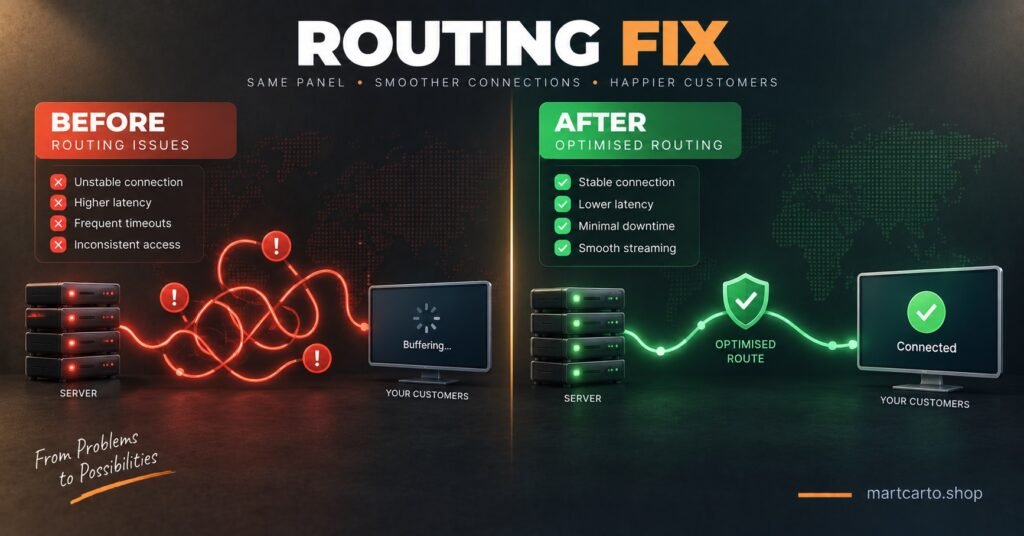
A customer who buffers during the one match or programme they actually watch every week doesn’t file a support ticket. They just don’t renew. That’s the quiet cost of an unmatched DNS path, and it’s why routing deserves more attention than IPTV Panel resellers usually give it once the initial setup is done.
The pattern tends to be consistent. Customers on throttled or congested ISPs are the most sensitive to path mismatches, because their connection has less headroom to absorb the extra latency of a poorly matched route. Customers on stronger connections can often mask a bad path for weeks before it becomes obvious. If you’re seeing a cluster of non-renewals from one region, checking whether those lines are all sitting on the same DNS path is a faster diagnostic than assuming it’s pricing or content.
| Symptom | Likely cause | Panel action |
|---|---|---|
| Stuttering only during peak hours | Path is congested at that time of day | Switch to an alternate priority path |
| New customer buffers from day one | Line was never matched to their region | Set region-specific DNS path on the line |
| Works on Wi-Fi, fails on mobile data | ISP-side routing difference, not the panel | Confirm with a second network before changing anything |
| Multiple customers in one country all complaining | Regional path itself may be degraded | Check panel status, escalate if the path is down |
Planning a DNS Migration Without Losing Customers
Panel providers occasionally shift infrastructure, whether that’s adding new regional paths, retiring an old one, or rebalancing load across servers. When that happens, resellers who’ve never thought about DNS at line level suddenly have to migrate dozens or hundreds of customers at once, and doing it badly is how you lose a chunk of your base in a single weekend.
The safer approach is staged. Migrate a small batch first, ideally lines belonging to customers who’ve been reasonably tolerant of past hiccups, and give it 24 to 48 hours before judging the result. Watch the Activity Log for repeated failed connections or unusual drop patterns on that batch specifically. Only once that group is stable should you move the rest, and even then, doing it in waves rather than all at once means a bad path only affects a fraction of your customers rather than everyone simultaneously.
Communication matters here too, though it doesn’t need to be elaborate. A short message telling customers their stream might briefly interrupt during a scheduled change heads off a wave of “is it broken” messages that would otherwise land in the same hour.
Pro tip: Keep a simple log of which lines sit on which DNS path. When a migration goes wrong, you want to identify the affected batch in seconds, not by checking every line individually.
Troubleshooting Checks Before You Blame the Customer’s Connection
Buffering complaints get blamed on customer internet far too often, partly because it’s the easiest explanation and partly because checking the alternative takes an extra two minutes. Before assuming that, a short sequence usually settles it. Confirm whether the issue affects one customer or several on the same path, since a single complaint points to something local to them while a cluster points to the path itself. Check the Activity Log for repeated reconnection attempts, which often shows up before a customer even messages you. Then try switching the affected line to a different regional path as a test. If the problem clears within a few minutes, you’ve found your answer without needing the customer to run a single speed test.
Learn how the full reseller workflow fits together if you’re setting this up for the first time, since DNS routing is one part of a wider process that includes bouquet assignment and expiry management.
When DNS Isn’t the Problem
It’s worth being honest about the limits here. If a customer’s own connection genuinely can’t sustain the bitrate they’re trying to stream at, no amount of path switching fixes that. Older Smart TV apps struggling to parse a large playlist is a separate issue entirely, usually solved by pointing the customer towards a proper player rather than the TV’s built-in app. And if the credentials themselves were generated incorrectly, covered in more detail in the guide on M3U and Xtream Codes formats, that’s a delivery-format issue, not a routing one. Ruling these out quickly stops you chasing a DNS fix for a problem DNS was never going to solve.
Building This Into Your Reseller Checklist
IPTV panel Resellers who treat DNS routing as a one-off setup step tend to keep re-solving the same complaints every few months. Building it into how you onboard and monitor customers, rather than only touching it when something breaks, saves the repeated firefighting. Checking the credit pack pricing and matching your panel tier to how many regions you’re actually serving is worth doing at the same time, since a wider spread of customer regions generally justifies a plan with more path options available.
Pro tip: Review your Activity Log for path-related patterns roughly once a month, even when nothing’s actively broken. Catching a slowly degrading path early is far less painful than discovering it through a wave of non-renewals.
Buy IPTV Reseller UK Credits & Launch Your IPTV Business Easily
Frequently Asked Questions
Does changing the DNS path affect a customer’s existing app setup?
No. The change happens on the panel side, so the customer doesn’t need to re-enter anything on their Fire Stick, Smart TV or IPTV app.
How do I know which regional path to pick for a new customer?
Match it to the country they’re actually watching from, not the country you’re based in. If a customer travels or splits time between regions, a cross-border path is usually the safer default.
Can switching DNS paths too often cause problems of its own?
Frequent switching without a clear reason tends to make troubleshooting harder later, since you lose track of whether a fix worked or the issue simply moved. Change it deliberately, then give it time to prove itself before touching it again.
What should I check first if several customers on the same path all complain at once?
Check the panel status for that path before touching individual lines. A shared complaint pattern usually points to something on the delivery side rather than anything you can fix line by line.
Is a DNS migration something I need support to handle, or can I do it myself?
Most panels let you change paths yourself without contacting support. Larger migrations, especially where a path is being retired entirely, are worth flagging to support in advance so you’re not troubleshooting blind if something goes wrong.
Conclusion
Getting IPTV DNS Setup for IPTV Panel Resellersright isn’t a one-time task you tick off during onboarding. It’s closer to a maintenance habit, one that pays off most clearly the first time a routing mismatch causes a wave of complaints you can trace and fix in minutes rather than a week of guesswork. Match new lines to the right region from the start, keep a simple record of which lines sit where, and treat migrations as a staged process rather than a single switch flip. Do that consistently and DNS stops being a recurring support headache and becomes one of the quieter reasons your renewal rate holds up.
Reseller DNS Checklist
- Match new lines to the customer’s actual region before sharing credentials
- Keep a simple record of which lines sit on which DNS path
- Check the Activity Log for repeated reconnection attempts before assuming it’s the customer’s internet
- Test a path switch on one affected line before rolling changes out wider
- Migrate in small batches and wait 24 to 48 hours before judging results
- Review path performance monthly, not only when complaints come in
- Flag larger migrations to support in advance rather than discovering issues mid-change