
Managing an IPTV reseller operation sounds straightforward until you actually sit down with a live dashboard and start building accounts. The first time I opened the User Management tab, I genuinely expected something clunky. What I found was a clean, cloud-based interface that does most of the heavy lifting — but only if you set it up correctly from the start.
This isn’t a sales pitch. It’s a technical breakdown of how reseller management software actually works, what it gets right, where it frustrates you, and what beginners almost always mess up.
What Is an IPTV Reseller Management Platform, Actually?
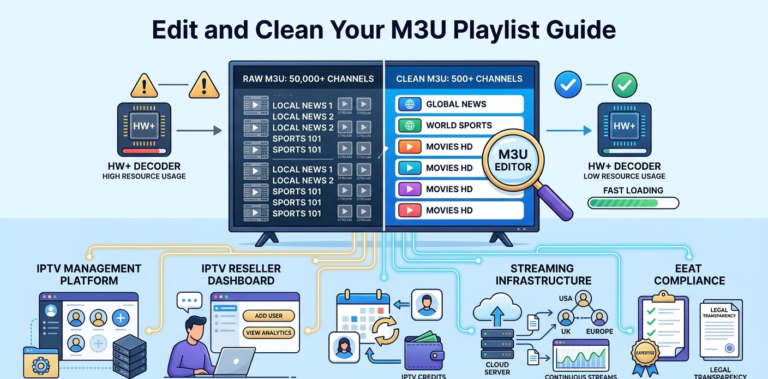
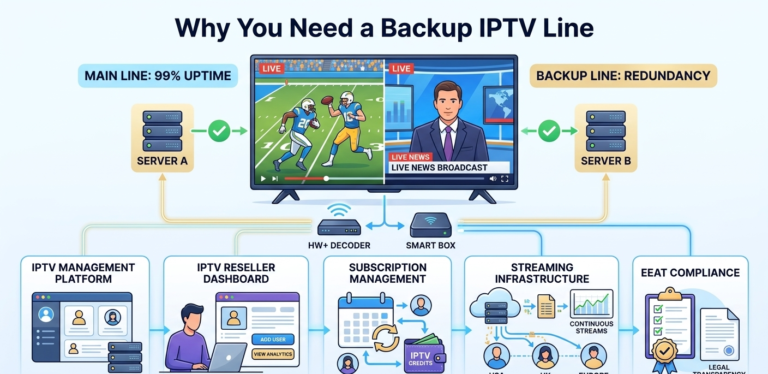
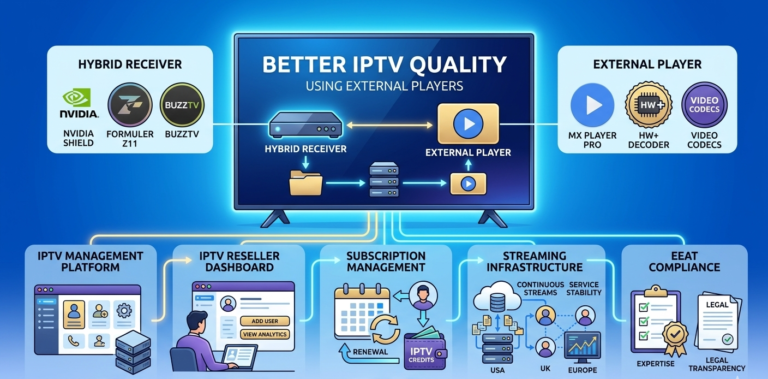
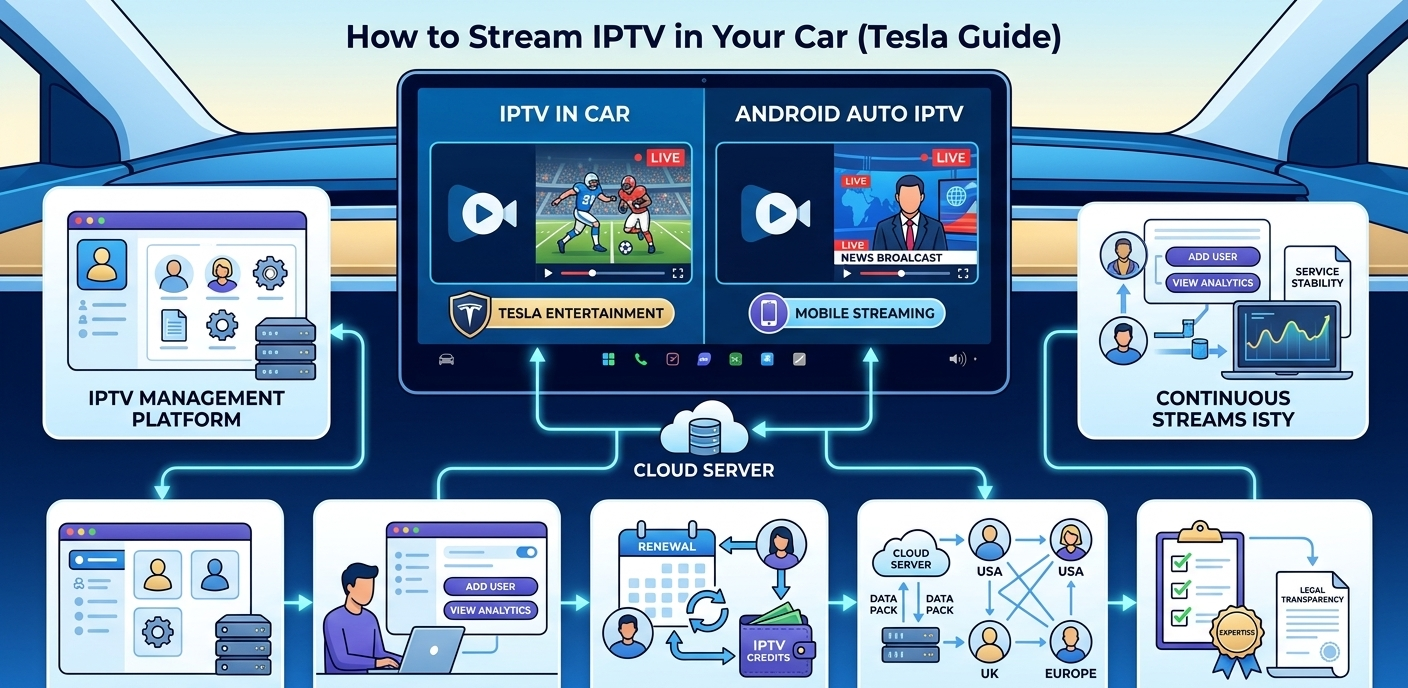
Let’s be precise here. This software does not stream video. It does not host films, channels, or TV shows. What it does is manage subscriptions, user accounts, and service credits on behalf of a reseller.
Think of it as a B2B administrative layer. You buy credits from a provider, you distribute those credits by creating user accounts, and your clients use those accounts to access a separate streaming infrastructure you don’t control or operate.
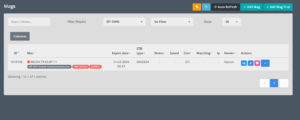
![Full reseller dashboard overview showing main panel sections]](https://martcarto.shop/wp-content/uploads/2026/03/zain-11-300x229.png)
That distinction matters — legally, operationally, and for customer expectation-setting.
How the Dashboard Actually Works (Step-by-Step)
When you log in for the first time, the main panel loads in about 3–4 seconds. On slower connections, there’s a brief lag before the user count populates — nothing alarming, just worth noting.
The left sidebar gives you access to the core sections:
- User Management — where all account creation happens
- Credit Overview — shows remaining balance in real-time
- Subscription Plans — where you configure service tiers
- Analytics Panel — usage data, device breakdowns, peak hours
- Sub-Reseller Settings — only visible on advanced plans
Creating a new user account takes about 90 seconds once you know the flow. The first time, expect 4–5 minutes because the plan selection dropdown isn’t obviously labeled.
![[IMAGE: Adding new user screen showing username field, plan dropdown, expiry selector, and credit deduction confirmation]](https://martcarto.shop/wp-content/uploads/2026/03/Screenshot-2026-03-27-004200.png)
Step-by-step account creation:
| Step | Action | Where | Result |
|---|---|---|---|
| 1 | Login | Dashboard homepage | Full panel access |
| 2 | Click “New User” | User Management tab | Creation form opens |
| 3 | Enter username | Data input field | Sets account identity |
| 4 | Select plan | Subscription Logic dropdown | Defines service length |
| 5 | Confirm credit deduction | Credit Overview prompt | Payment processed |
| 6 | Generate access link | Cloud provisioning | M3U or portal line created |
| 7 | Deliver to client | Copy/share manually | Client receives credentials |
One thing the documentation doesn’t mention: if you generate the access line and close the tab before copying it, you’ll need to go back into User Management, find the account, and regenerate it manually. Took me a few extra minutes to figure that out the first time.
The Credit System — How Billing Actually Flows
Credits are the currency of this business model. Each account you create deducts a set number of credits depending on the plan length — a one-month account costs fewer credits than a six-month one.
What catches beginners off guard is that credits are non-refundable once an account is activated. If you create an account with the wrong plan, you can’t reverse the deduction. You’d need to delete the account and eat that cost.
Best practice: set a low-balance alert at around 20% of your typical monthly credit usage. The Analytics Panel lets you configure this under Notification Settings — it’s not enabled by default.
Real Setup Mistakes I Made (And How to Fix Them)
Mistake 1: Skipping the plan configuration before creating users I started creating accounts before properly setting up service tiers. This meant every account defaulted to the basic 30-day plan. I had to manually edit about a dozen accounts. Now I spend 10 minutes in the Subscription Plans section before touching User Management.
Mistake 2: Not checking device limits per plan The basic plan caps simultaneous connections at one device. A client tried logging in on their TV and phone at the same time and got locked out. They thought the service was broken. It wasn’t — the plan just didn’t support multi-screen. Always confirm device limits with the client before assigning a plan.
Mistake 3: Ignoring the Analytics Panel for the first month Usage data tells you when your clients are most active, what devices they’re on, and which accounts are dormant. I ignored this for the first month and missed several renewal windows. Now I check the panel weekly — it takes about 5 minutes.
Mistake 4: Sending credentials over WhatsApp without formatting Clients couldn’t tell which line was the username and which was the password. Now I use a simple text template I paste into every delivery message. Sounds minor — it reduced support tickets by about 60%.
What Most Reviews Don’t Tell You
The dashboard is good, but support escalation is slow. For basic issues — resetting passwords, adjusting plans, toggling account status — the panel handles everything instantly. But if you hit a technical issue that requires backend access (a corrupt account file, a provisioning error), you’re waiting. In my experience, that wait averaged between 4 and 18 hours depending on the day.
Credits don’t roll over. If you over-purchase credits and your business slows down, you carry that cost. There’s no refund mechanism and no credit expiry extension. Buy conservatively until you understand your actual monthly volume.
Sub-reseller accounts add real complexity. The feature looks appealing — let someone else sell under you and take a margin. In practice, managing sub-resellers means handling their client complaints, their account errors, and their credit usage. If you’re under 100 active users, skip this feature entirely for now.
The analytics are useful but not deep. You’ll see peak hours and device types. You won’t see granular quality-of-service data per user. If a client says their stream is buffering, you can’t diagnose it from the dashboard. You have to ask them for device info manually.
Feature Comparison: Basic vs. Advanced Panel
| Feature | Basic Panel | Advanced Panel |
|---|---|---|
| Max Users | Up to 500 | Unlimited |
| Support Access | Email only | Priority chat |
| Custom Branding | No | Yes |
| Data Reports | Daily snapshots | Real-time data |
| Sub-Resellers | No | Yes |
| API Access | No | Yes |
| Multi-admin Logins | No | Yes |
| Low-Balance Alerts | Manual | Automated |
The upgrade to Advanced becomes worth it around the 150–200 active user mark. Before that, the Basic Panel covers everything you genuinely need.
Reseller Model vs. Building Your Own Server
People ask this question constantly. Let’s be direct.
Building your own server means: upfront hardware costs (often $800–$3,000+ depending on capacity), a fast dedicated connection (not cheap), 24/7 monitoring responsibility, and technical knowledge most beginners don’t have. When something breaks at 2am, that’s your problem.
The UK IPTV reseller model means: you pay for credits, you use a ready-built dashboard, and the infrastructure headaches belong to someone else. Your margin per user is fixed and smaller than server ownership — but your startup risk is close to zero.
| Factor | Own Server | Reseller Model |
|---|---|---|
| Startup cost | $1,000–$5,000+ | Low (credit-based) |
| Technical requirement | High | Low |
| Profit per user | Higher ceiling | Fixed margin |
| Maintenance burden | Constant | None |
| Scalability | Limited by hardware | Cloud-based |
| Time to launch | Weeks | Hours |
For anyone under $500/month in revenue, the IPTV reseller model is the only rational starting point.
Who This Is NOT For
- Anyone expecting passive income with zero customer interaction. Clients will message you. Frequently.
- Anyone who can’t maintain a basic credit reserve. Running out of credits mid-month breaks active accounts.
- Anyone looking to run this completely anonymously — professional operation in UK/EU markets increasingly requires clear communication about the nature of the service.
- Anyone expecting deep technical analytics. This is an admin tool, not a network monitoring platform.
- Anyone with 500+ users who hasn’t budgeted for Advanced plan features. The Basic Panel will become a bottleneck.
Success Practices for UK, USA, and EU Markets
These markets have different expectations but one thing in common: they’ll leave quickly if service quality drops.
Offer a genuine trial period. Not just access — a properly configured account on your actual platform. If the trial account is sluggish or misconfigured, that’s the impression they keep.
Be explicit about what you are. You manage subscriptions. You don’t produce content. Clients who understand this from the start complain less and stay longer. Those who don’t understand it will blame you for things outside your control.
Set renewal reminders at 7 days and 2 days before expiry. The dashboard doesn’t do this automatically on basic plans. A simple manual calendar reminder or a spreadsheet tracker works fine at low volume. At 100+ users, you’ll want the Advanced Panel’s automated notifications.
Keep a credit buffer equivalent to at least 30% of your monthly usage. If you exhaust your credits and can’t renew accounts on time, clients churn — and they rarely come back.
Stream Configuration Settings: What to Check
![[IMAGE: Stream configuration settings panel showing buffer controls, connection type selector, and quality tier options]](https://martcarto.shop/wp-content/uploads/2026/03/zain-12-300x227.png)
When configuring access for clients, the Stream Settings panel (found under Account Details for each user) has a few options worth knowing:
- Buffer Control toggle — leave this enabled. If it’s off, streams on slower connections will freeze without any error message. Clients will assume the service is down.
- Connection type — most clients do fine on the default. If someone reports consistent issues on a specific device, switching from portal to M3U format often resolves it.
- Quality tier — don’t over-promise. Assign clients quality tiers that match their connection speed. A 4K tier on a 10Mbps connection will buffer constantly.
These three settings resolve about 70% of the technical complaints I receive before they even become support tickets.
Looking Ahead: What Changes by 2027
Automation is already moving into renewal workflows. Several platforms are testing auto-renewal triggers that deduct credits and extend accounts without manual action — early versions are functional but occasionally misfire on accounts that should have been paused first.
Security will tighten. Two-factor authentication for UK IPTV reseller logins is becoming standard, not optional. If your current platform doesn’t offer it, that’s a gap worth noting.
Real-time diagnostic data per user is the feature gap that matters most right now. The platforms that add per-account latency and quality-of-service visibility will pull ahead significantly — that data currently lives outside the admin dashboard entirely.
FAQ’s
Do I need technical experience to run a reseller dashboard?
Basic computer literacy is enough for the core functions. Account creation, plan management, and credit tracking are all point-and-click. Where you’ll feel lost initially is configuring subscription plans and understanding the credit system — budget about a day to explore the panel before taking on clients.
How many clients can one person realistically manage alone?
With a solid workflow, 50–80 active users is comfortable for one person handling support and renewals. Beyond that, response times start to slip unless you have templated replies and a clear renewal tracking system in place.
What happens when a client’s account expires?
The account goes inactive automatically. The client loses access. Their credentials remain in the system — you can reactivate by assigning new credits to the same account without recreating it from scratch. This is faster and avoids confusion on the client’s end.
Can I run this from a mobile device?
The dashboard is browser-based and works on mobile, but it’s not designed for it. Creating accounts and checking analytics on a phone is functional but slow. For anything beyond quick checks, use a laptop.
How do I handle a client who claims their account stopped working?
First check the account status in User Management — confirm it’s active and not expired. Then check the device limit for their plan. Then ask what device they’re using and whether it was working previously. About 80% of “it stopped working” tickets are either an expired account, a device limit hit, or the client switching to a new device without updating the app.
Is it possible to white-label the dashboard?
On Advanced plans, yes. You can add your own logo and customize the client-facing portal name. The underlying infrastructure and URL structure may still reference the parent platform depending on the provider — confirm this before selling white-labeling as a feature to your own clients.
What’s the minimum credit purchase to get started?
This varies by provider, but most set a minimum that covers 10–20 accounts for one month. Enough to run a proper trial period and onboard your first handful of paying clients without overcommitting budget.