
XCIPTV vs TiviMate vs IPTV Smarters comes down to one practical question: which app matches how you actually watch, not which one has the flashiest menu. TiviMate wins on Android TV boxes and Fire Stick if you want the cleanest guide and the most polished remote control experience. IPTV Smarters covers more devices than either rival, including Samsung and LG smart TVs, iOS, and desktop. XCIPTV sits in between, with a strong free feature set and a Netflix-style layout, but it has to be sideloaded because it isn’t listed in any app store. The right choice depends on your device, not on which app has the loudest reputation online.
XCIPTV vs TiviMate vs IPTV Smarters: what actually separates them
All three apps do the same fundamental job. You give them a playlist link or a set of login credentials, and they turn that into a browsable menu of channels, films and series. None of them supply content themselves, which is worth remembering when someone tells you an app is “better quality” than another. Quality comes from the server delivering the stream, not from the player displaying it.
Where they genuinely differ is in how that menu is built and who it’s built for. TiviMate was designed almost entirely around the Android TV and Fire Stick remote experience. Its guide grid, channel numbering, and multi-view layout feel like they were built by someone who watches live sport on a big screen, because they were. IPTV Smarters took the opposite approach: build once, run everywhere, and keep the interface simple enough that a first-time user doesn’t need a manual. XCIPTV split the difference, chasing a modern, image-heavy look while keeping the app completely free, which is part of why it has picked up a loyal following among people who don’t want to pay for a premium unlock just to get decent artwork on their VOD section.
| App | Best suited to | Limitation |
|---|---|---|
| TiviMate | Android TV boxes, Fire Stick, big-screen live viewing | Full feature set often needs a paid unlock |
| IPTV Smarters | Mixed households with phones, smart TVs and desktops | Interface is functional rather than polished |
| XCIPTV | Android and Fire OS users who want a free, visual app | Not available in any app store, must be sideloaded |
Pro tip: if you’re not sure which one suits your household, install two of them on the same device and load your existing playlist into both before deleting either. Comparing them side by side on your own hardware tells you more in ten minutes than any review will.
Setup speed and playlist handling
Each app accepts a playlist in one of two formats: a single M3U link, or a set of Xtream Codes credentials made up of a server address, username and password. TiviMate and IPTV Smarters both have dedicated Xtream Codes login screens that ask for exactly those three fields, so if your streaming IPTV subscription reseller platform gives you a portal URL rather than a plain link, either app will take it without extra steps. XCIPTV also supports both formats and adds Stalker portal compatibility, which occasionally matters if your provider uses that older delivery method.
Playlist size is where the differences show up fastest. A subscription with a genuinely large channel and VOD library, the kind many reseller-supplied lines carry, can strain apps that weren’t built with efficient parsing in mind. TiviMate handles large lists comfortably because caching and category sorting were core design priorities from the start. IPTV Smarters manages large lists too, though the initial load can take noticeably longer on older hardware. If you want the exact difference between pasting a link and entering login fields, our guide on setting up M3U links and Xtream Codes credentials walks through both formats step by step.
Device coverage: where each app actually works
This is the section that ends most of these arguments quickly, because the honest answer is that your hardware picks the winner for you more often than personal taste does.
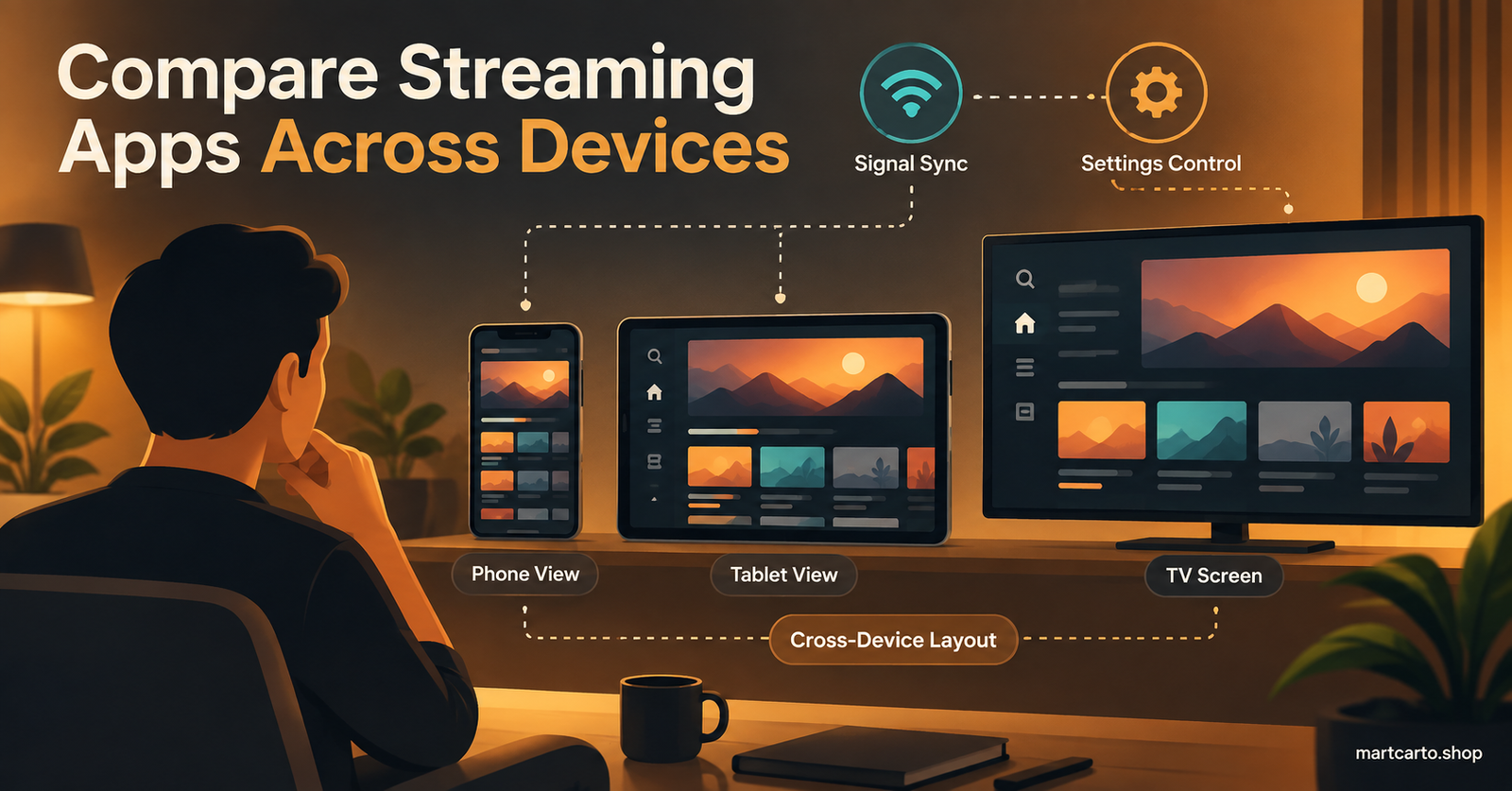
IPTV Smarters has the widest reach of the three. It runs on Fire Stick, Android TV, Samsung and LG smart TVs, iOS, Android, and desktop, which makes it the practical choice for a household juggling several different screens under one subscription. TiviMate is Android-only in practice, covering Android TV, Fire Stick and Android phones, but it doesn’t touch iOS, Samsung’s Tizen platform, or LG’s WebOS at all. XCIPTV sits closer to TiviMate’s territory, covering Android, Fire OS and Android TV, with the added benefit of working comfortably on tablets and phones rather than feeling squeezed onto a small screen as an afterthought.
If your family mixes an iPhone, an old Samsung TV and an Android box, IPTV Smarters is the only one of the three that avoids you juggling separate apps for separate rooms.
Free tier limits and what actually costs money
None of the three apps charge for basic playback. Where the paid tiers come in is around convenience features rather than access itself. TiviMate’s free version covers a single playlist with the standard guide, but recording and running multiple playlists side by side usually sit behind a premium unlock. IPTV Smarters remains free with essentially no meaningful restriction, which explains why it’s the default recommendation for people who don’t want to think about upgrades at all. XCIPTV also stays free across its core feature set, funded instead by the occasional prompt in its settings menu rather than a locked paywall.
For resellers, this matters more than it first appears. A customer who complains about a “buggy app” three days after activation is often just running into a free-tier limitation they didn’t know existed, not an actual fault with their line.
For resellers: which app cuts your support tickets
If you run or manage lines through a IPTV reseller panel, the player you recommend at handover has a bigger effect on your support volume than almost anything else in the onboarding process. Built-in smart TV apps, especially on older Samsung and LG models, tend to choke on playlists above a few thousand entries, and the customer will describe the resulting freeze as “your service is broken” rather than “my TV’s app can’t parse this many channels.” Recommending TiviMate or IPTV Smarters at the point of sale, rather than letting the customer default to whatever came preinstalled, removes a large chunk of that first-week confusion before it starts.
Sub-resellers in particular benefit from picking one app as a default recommendation and sticking with it, because it means troubleshooting steps stay consistent across every customer conversation instead of changing depending on which app someone happened to install. A credit-based reseller panel that activates lines quickly still needs that final step, pointing the customer to a suitable player, to actually reduce complaints once the line is live.
Common mistakes when choosing between them
People usually get this decision wrong in one of two ways. The first is picking based on a YouTube video that reviewed the apps on a flagship device, then installing the same app on a five-year-old Fire Stick and wondering why it lags. Hardware age changes which app feels smooth far more than any spec sheet suggests. The second mistake is assuming the app controls stream quality, then blaming the wrong thing when a channel buffers. If one app buffers and another doesn’t on the exact same playlist, that’s a genuine finding worth reporting to your provider. If every app buffers on the same channel, the problem sits upstream of the player entirely.
Pro tip: keep the app’s cache setting sensible rather than maxed out. A cache set too high on a large playlist can actually slow down channel switching instead of improving it, particularly on devices with limited storage.
Warning signs it’s the wrong app for your setup
Constant re-authentication prompts, a guide that never fully populates, or channels that only play through one specific app on your list are all signs of a mismatch rather than a subscription fault. Switching players before contacting support saves time on both sides, since it immediately tells you whether the issue travels with the app or stays with the account.
Player Choice Checklist
- Confirm which devices in your household actually need to run the app
- Check whether your streaming reseller platform provides an M3U link or Xtream Codes login
- Test the free tier before paying for any premium unlock
- Load your real playlist into two apps before deciding between them
- Note channel numbering and guide layout preferences before committing long term
- Ask your provider or reseller which app they recommend by default
Frequently asked questions
Can I use more than one of these apps at the same time?
Yes. All three accept the same playlist or login credentials, so installing two or three on the same device and switching between them causes no conflict with your subscription.
Does XCIPTV really not appear in any app store?
That’s correct as of 2026. It has to be sideloaded through a file manager or a downloader tool rather than installed from the Google Play Store or Amazon Appstore, which puts some users off despite the app itself working reliably.
Which app is easiest for someone who isn’t technical?
IPTV Smarters is generally the simplest starting point, thanks to its small number of clearly labelled sections and consistent behaviour across devices.
Will switching players fix buffering?
Sometimes, but only if the buffering is specific to how one app handles the stream. If every app buffers on the same channel, the cause sits with the connection or the server rather than the player.
Do I need to buy TiviMate to use it properly?
No. The free version supports a single playlist and standard viewing. The paid tier adds recording and multiple simultaneous playlists, which matter to some users and not to others.
Is one of these three officially the best overall?
Not in any fixed sense. Each one wins for a different device and viewing habit, which is why the comparison in this guide is built around your hardware and household rather than a single ranking.
Deciding between XCIPTV vs TiviMate vs IPTV Smarters is really a hardware question wearing a software question’s clothes. If most of your viewing happens on an Android TV box or Fire Stick, TiviMate’s guide and remote handling are hard to beat. If your household spans several device types, including anything running iOS or an older smart TV, IPTV Smarters covers that ground without asking you to juggle separate apps. If you want a completely free app with a modern look and don’t mind sideloading it once, XCIPTV fills that gap well. Install the one that matches your actual devices before worrying about which one has the better reputation online, and if you’re still setting up the underlying subscription itself, our guide on comparing UK IPTV Panel reseller platforms across global markets is a useful next stop.