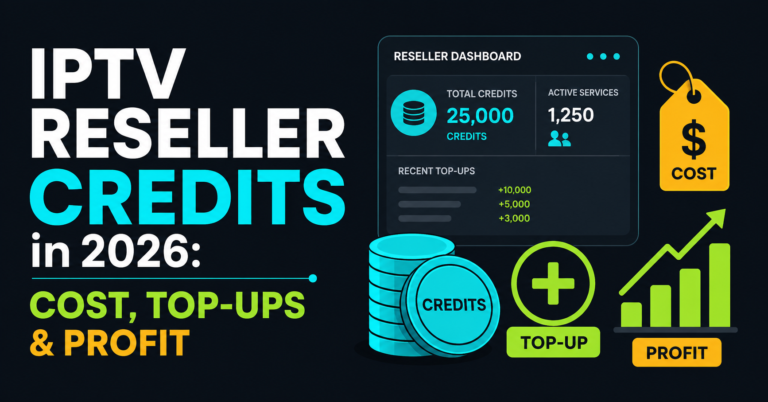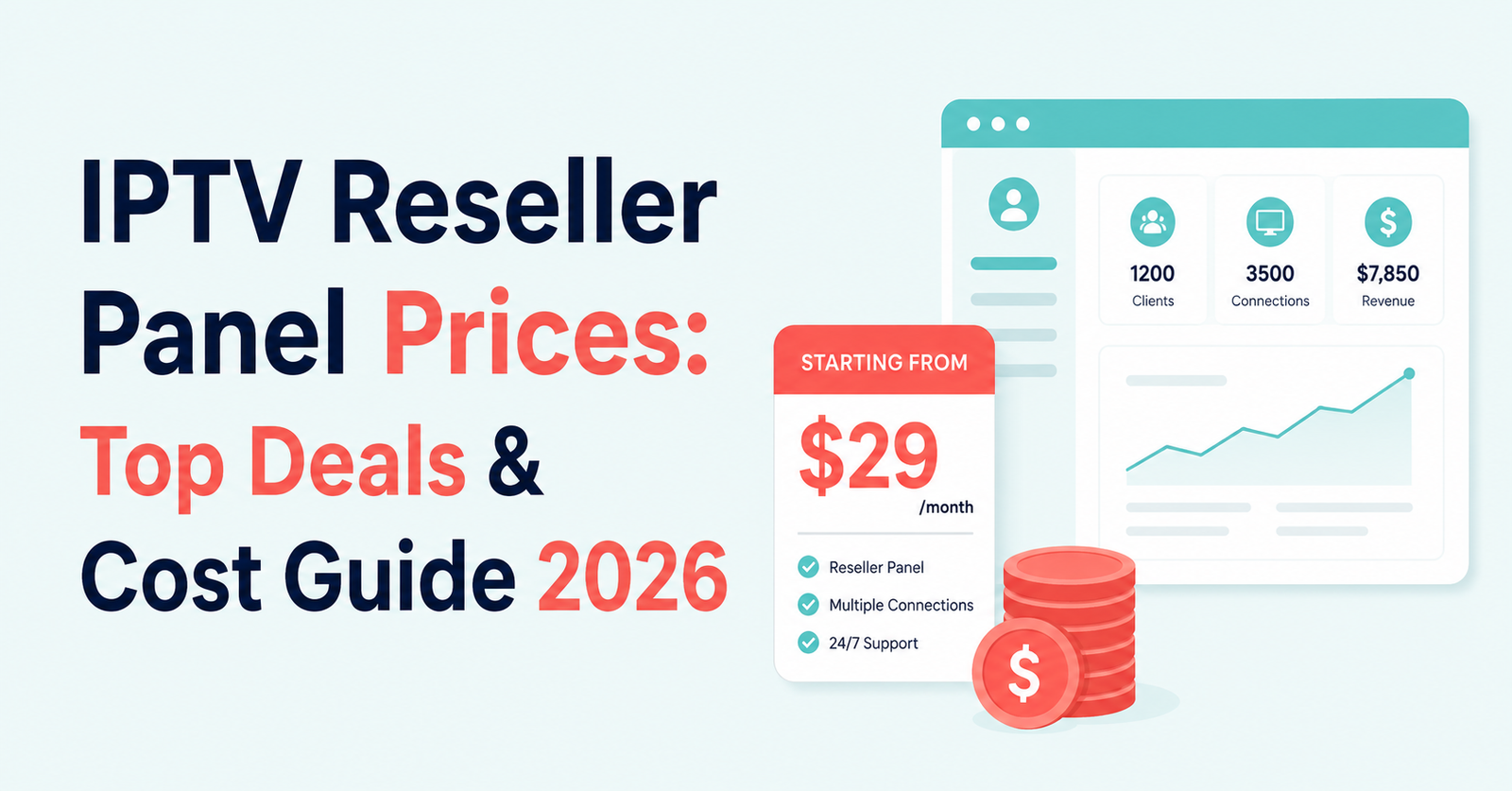

IPTV reseller panel price are set by three things: how many credits you buy at once, whether the panel runs on expiring or non-expiring credits, and which server stability tier you choose. A single credit typically covers one customer for one month, so a pack of 30 credits gets you roughly 30 months of subscription time to hand out across however many customers you’re running, and the per-credit cost drops the more you buy in one go.
IPTV Reseller Panel Price Explained: Credits, Not Subscriptions
The confusing part for anyone new to this is that you’re not buying “a plan” the way a customer buys a Netflix-style subscription. You’re buying credits, and credits are a currency you spend inside the panel. One credit usually equals one month of viewing time for one customer connection. Give someone a 12-month subscription and you’ve spent 12 credits. Give someone a 3-month trial run and you’ve spent 3.
That distinction matters because it’s the reason two panels advertising “similar” prices can actually cost you very different amounts once you factor in how your customer base is structured. A reseller selling mostly 12-month blocks to a small number of loyal customers uses credits differently to one selling short 1 to 3-month packages to a churning crowd. The headline price per credit only tells you part of the story.
What Actually Moves the Number You Pay
Ignore anything that promises the “cheapest panel on the market” without explaining why. The price per credit moves for reasons that are usually fairly logical once you see them laid out.
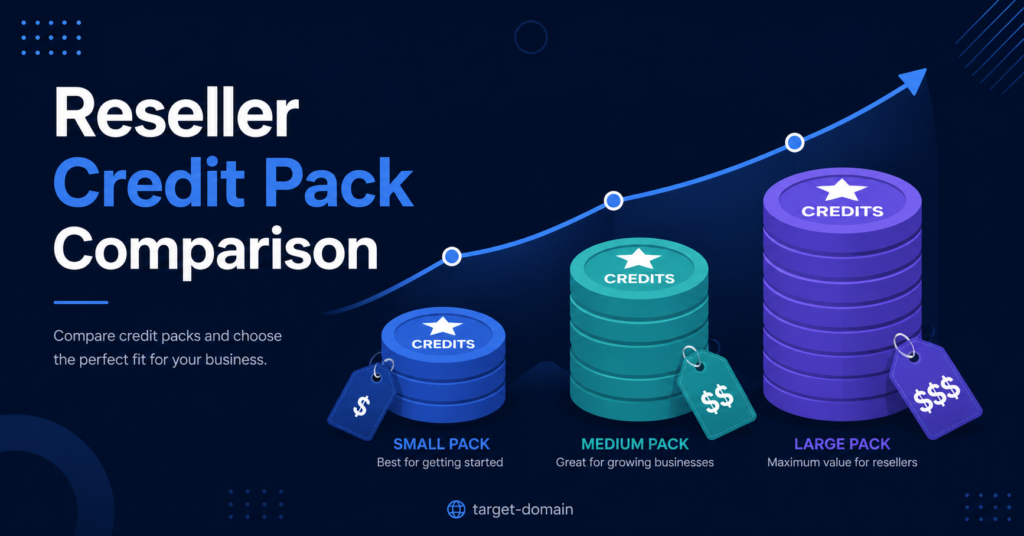
Volume is the obvious one. Buying a small starter pack of 30 or 40 credits will always cost more per credit than buying 300 or 500 at once, because the provider is effectively giving you a bulk discount for committing more capital upfront. If you’re brand new and unsure how many customers you’ll actually land, that’s a reasonable trade-off. Overcommitting to a huge pack before you’ve proven you can sell subscriptions is a common early mistake.
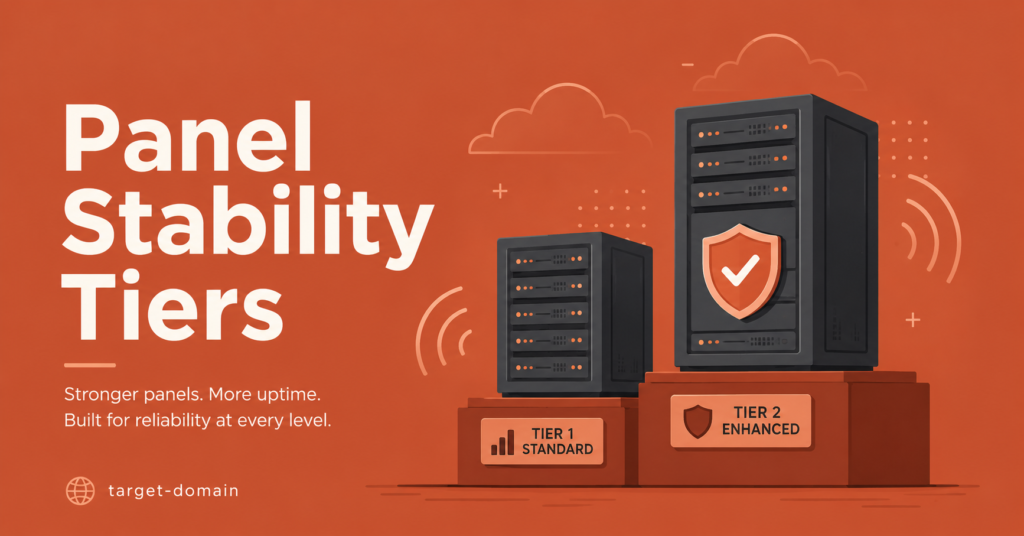
Server tier is the second factor, and it’s the one people underprice mentally. A standard panel and a premium stability panel can sit a full pound or more apart per credit, and that gap usually buys you priority server routing and stronger uptime guarantees rather than anything visible on the surface. It only becomes obvious the difference matters when 40 customers all try to watch the same live event on a Saturday night and the cheaper tier starts dropping streams.
The third factor, and arguably the one that changes your long-term economics the most, is whether credits expire. A provider offering expiring credits that vanish after 30 or 90 days is quietly pricing in the assumption that you’ll lose some of what you bought. Non-expiring credits sit in your balance indefinitely, so a quiet month doesn’t cost you anything beyond the time you didn’t spend selling.
Pro tip: Before comparing per-credit prices across two providers, check whether either one expires unused credits. A slightly higher per-credit cost on a non-expiring pack is often cheaper over a year than a lower cost on credits that reset every 60 days.
| Pricing Factor | What to Check | Why It Matters |
|---|---|---|
| Credit expiry | Does the unused balance ever reset | Expiring credits punish slow months |
| Server tier | Standard versus priority routing | Affects renewal rate during peak hours |
| Pack size | Cost per credit at your realistic volume | Overbuying ties up cash before you’ve sold anything |
Reading a Credit Pack Without Getting Confused
Providers list packs in different ways, and it’s easy to compare the wrong numbers. A pack of 40 credits at roughly £100 and a pack of 200 credits at roughly £350 both sound like reasonable spends, but the per-credit cost tells a different story: one is well over £2 a credit, the other is closer to £1.75. Once you’re pushing into the 300 and 500-credit range, providers often drop the per-credit cost further still, sometimes bundling in extra dashboard features like sub-reseller access that aren’t available on the smaller packs.
Work backwards from how many active customers you actually expect to run in the first three months, not how many you hope to run by the end of the year. It’s far easier to top up a panel that’s running low than to sit on 460 unused credits because you bought the biggest pack out of enthusiasm.
Pro tip: Multiply your realistic monthly customer count by 12 to estimate a year’s credit need, then compare that figure against pack sizes rather than buying whichever pack has the best headline discount.
Where Sub-Reseller Pricing Changes the Maths
If the panel supports sub-resellers, meaning you can hand a slice of your credit balance to someone else who then sells under their own branding, the pricing conversation gets an extra layer. You’re no longer just thinking about your cost per credit, you’re thinking about the margin you need to leave for the person selling underneath you while still covering your own costs.
This is where new UK IPTV resellers sometimes underprice themselves. Handing a sub-reseller credits at close to your own cost feels generous, but it leaves almost nothing for you if that sub-reseller’s customers ever need support, refunds or troubleshooting that falls back on your account. A workable margin here usually needs to account for the admin time you’ll spend even when you’re not the one directly selling.
Mistakes That Quietly Inflate Your Costs
A few habits push the real cost of running a panel higher than the sticker price suggests. Buying a large pack before confirming the panel’s stream stability in your target region is one. A pound saved per credit means nothing if half your customers churn after a rocky first month because the server path wasn’t matched to their location.
Another is ignoring connection limits when pricing customer plans. A single-device line and a two-device line draw from the same credit pool, but customers on multi-device plans tend to expect a higher retail price. If you’re not adjusting what you charge based on connection count, you’re eating that difference yourself.
The third is treating the cheapest per-credit rate as the deciding factor without checking support response times. A panel that’s slightly more expensive but answers a stream issue within half an hour during peak evening hours will save you far more in customer retention than a marginally cheaper credit will save you in cost.
Questions Buyers Ask Before They Pay
Does a bigger credit pack always work out cheaper per customer?
Usually yes on a pure per-credit basis, but only if you actually use the credits within a reasonable time. Non-expiring credits remove the risk of overbuying, but your cash is still tied up until you sell.
Is a higher price per credit ever justified?
Yes, when it buys measurably better server stability or faster support. The difference is hard to see on day one and very obvious the first time a large group of customers streams the same event at once.
Can I switch a customer between different bouquets without spending extra credits?
Changing which channel package a customer receives doesn’t usually cost additional credits, since the credit only tracks the length of the subscription, not which bouquet is assigned.
Do reseller panel prices include the customer-facing app or player?
Not usually. The panel gives you the dashboard and the login credentials to hand out; customers typically use a separate player app such as TiviMate or IPTV Smarters Pro to actually watch, which is worth explaining upfront so new customers aren’t confused.
What happens to my credits if I stop actively selling for a while?
That depends entirely on whether the provider uses expiring or non-expiring credits. It’s worth confirming this in writing before you commit to a pack, not after.
For a fuller breakdown of what a working dashboard actually looks like day to day, the panel workflow walkthrough covers the practical side once you’ve settled on pricing.
What This Means for Your Decision
IPTV panel prices ultimately come down to matching pack size and server tier to how you actually plan to sell, not to chasing whichever number looks smallest on a comparison page. A small pack on a stable, non-expiring credit system will usually serve a new reseller better than a large discounted pack on a provider you haven’t tested yet. Once you’ve run a panel for a few months and you have real numbers on how customers renew, that’s the point to reassess whether a bigger pack or a different tier makes sense. Before committing any money, it’s worth checking a provider’s reliability track record alongside the price itself, since the two are more connected than they first appear.
Pricing Decision Checklist
- Confirm whether unused credits expire and after how long
- Work out your realistic customer count for the next 3 months, not the next year
- Compare per-credit cost at the pack size you’d genuinely buy, not the largest one listed
- Ask what server tier the price reflects and whether it’s upgradable later
- Check average support response time during your customers’ peak viewing hours
- Factor in margin for any sub-reseller access before agreeing a price