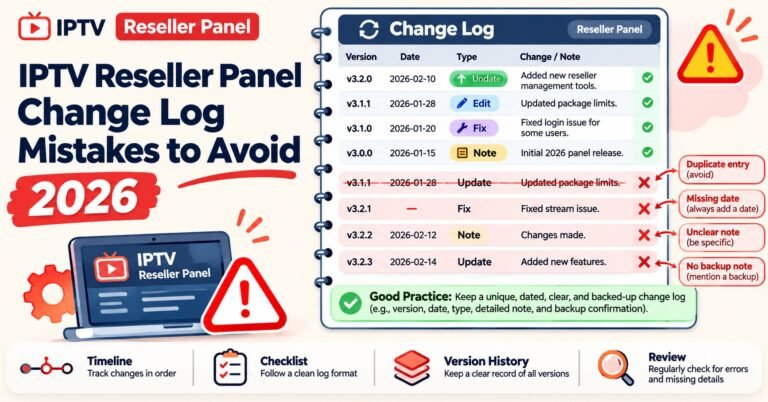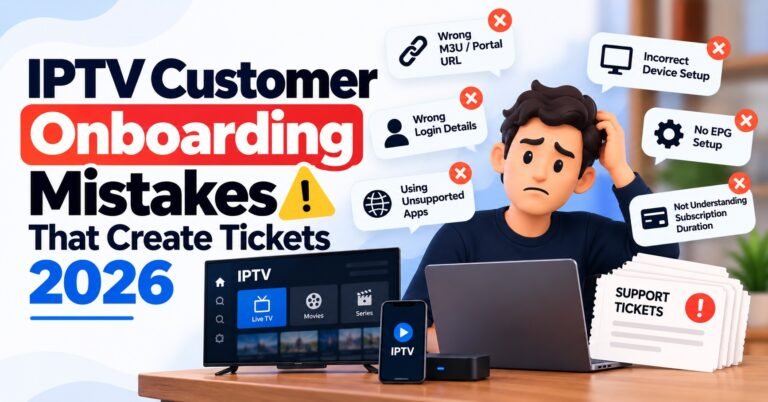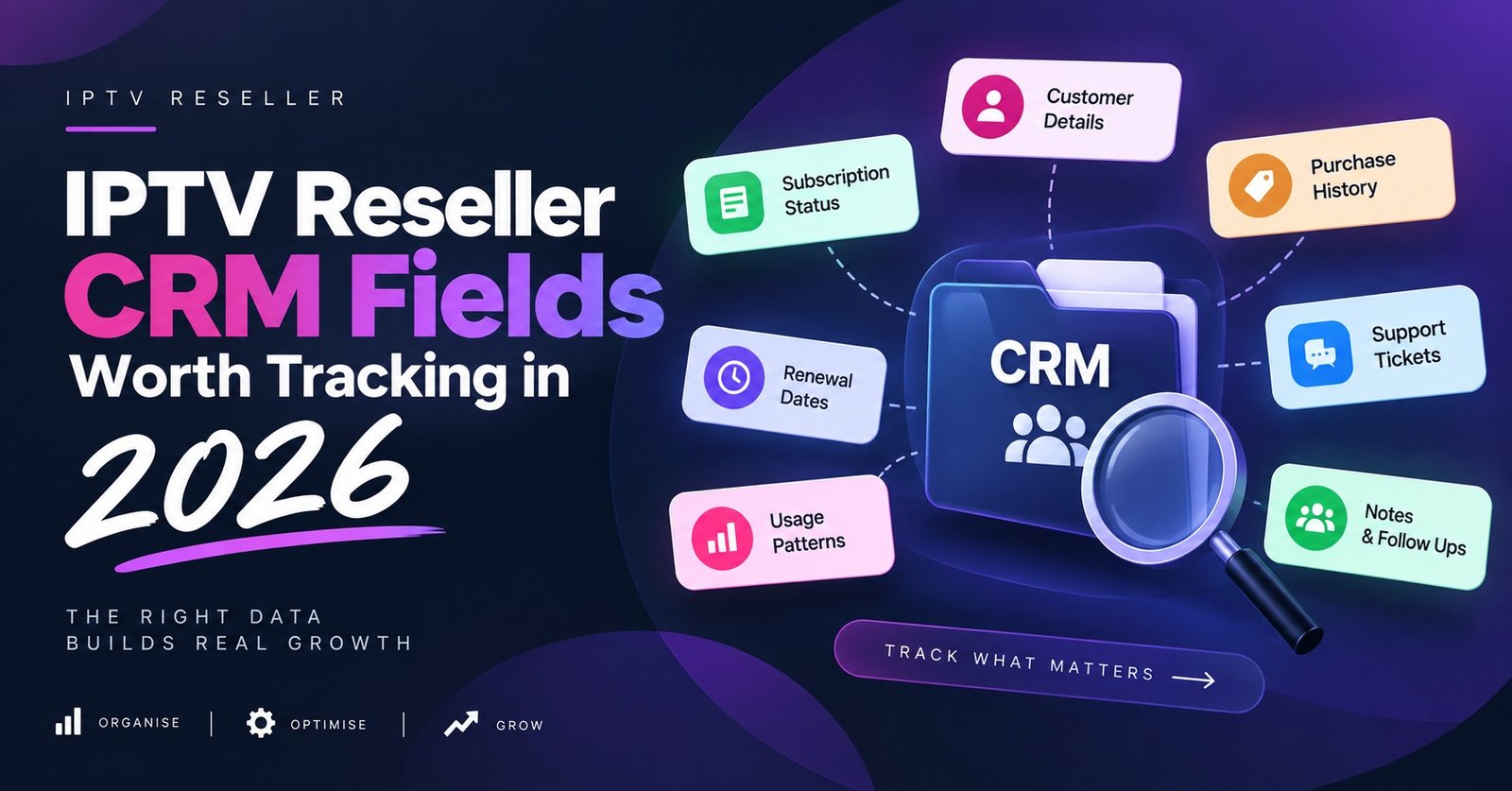

An IPTV Reseller CRM is the customer record that sits beside your panel: who bought what, when it ends, which device they watch on, and what was said last time they messaged. Your panel stores lines. It does not store people. Once you are past the handful of customers you can hold in your head, that gap is where renewals quietly disappear.
The first decision is not which software to buy. It is deciding what you need to know about a customer at the exact moment they message you at half past eight on a Saturday evening. That list is shorter than most IPTV panel reseller expect, and it sets everything else. A small record kept current beats a detailed one that nobody has updated since March.
Your panel holds lines, not customers
A reseller dashboard is built around the subscription, not the person. It knows a username, a bouquet, a connection limit, an expiry date and a trail of login attempts. That is genuinely useful, and the expiry filter and activity log do real work, which is why it is worth learning what the panel can do day to day before adding anything on top.
What the line does not carry is the commercial and human side. It has no phone number. It does not know what the customer paid you, in which currency, through which payment route, or that you promised them a free fortnight after a bad weekend of buffering. It has no memory of the customer who bought two lines for one household under two different usernames.
There is also a quieter problem. Lines get deleted, recreated, renamed and moved between panels. People do not. If your only record of a customer is the line, then the moment the line is rebuilt you have lost the history. The record has to outlive the subscription it describes.
The minimum field set an IPTV Reseller CRM needs
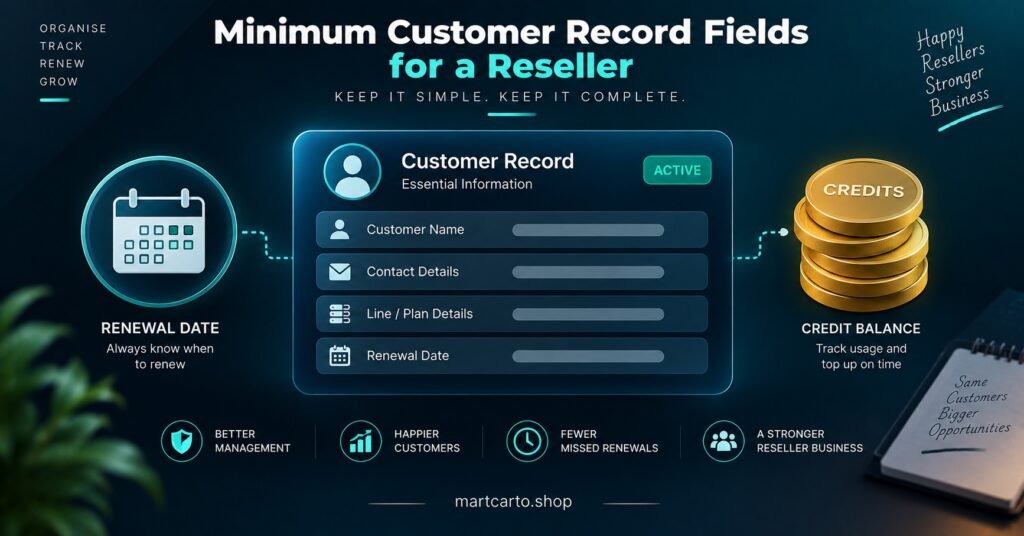
Start with the smallest set you will realistically maintain, then add only when a missing field has actually cost you something.
| Field | Why it earns its place |
|---|---|
| Name and contact handle | The one thing you search by when a message arrives |
| Panel username or line reference | Links the person to the subscription in seconds |
| Panel name or server | Matters the moment you run more than one supplier |
| Start date and expiry date | Drives every renewal action you take |
| Plan length and credits spent | Lets you forecast top-ups instead of guessing |
| Price paid and currency | Stops you quoting a renewal below what they paid last year |
| Payment route and reference | Settles disputes without trawling through statements |
| Device and app in use | Cuts the first three questions off every support conversation |
| Connection limit sold | Tells you instantly whether a second stream is a fault or a breach |
| Renewal status | The single field that turns a list into a pipeline |
| Last contact date | Shows who has gone quiet before they lapse |
Resist the urge to add address lines, birthdays, satisfaction scores and lead scoring stages. Fields you do not update become fields you cannot trust, and a record you cannot trust gets ignored during exactly the busy week it was built for.
Device and app details save the most support time
Two fields do disproportionate work here: what hardware the customer watches on, and which player app they use. A smart TV’s built-in app, a streaming stick, an Android set-top box and a MAG-style box all fail differently, and the fix you suggest depends entirely on which one is in front of them.
Record the credential format you supplied as well. A customer given a playlist link and a customer given portal-style login details need different instructions when they change device, and the difference between M3U playlists and Xtream Codes details decides which reset you walk them through. Without that field you end up asking the customer to describe their own setup, which rarely goes well.
One more line is worth keeping: the last delivery path or DNS setting you moved them to, and the date. Persistent buffering complaints often come back from the same accounts, and knowing what was already tried stops you repeating a fix that did not hold.
Pro tip: Add a short free-text field called “known setup” and write one sentence in plain language, such as “Android box, third-party player, two connections, moved to alternate path in June”. You will read it far more often than any structured field.
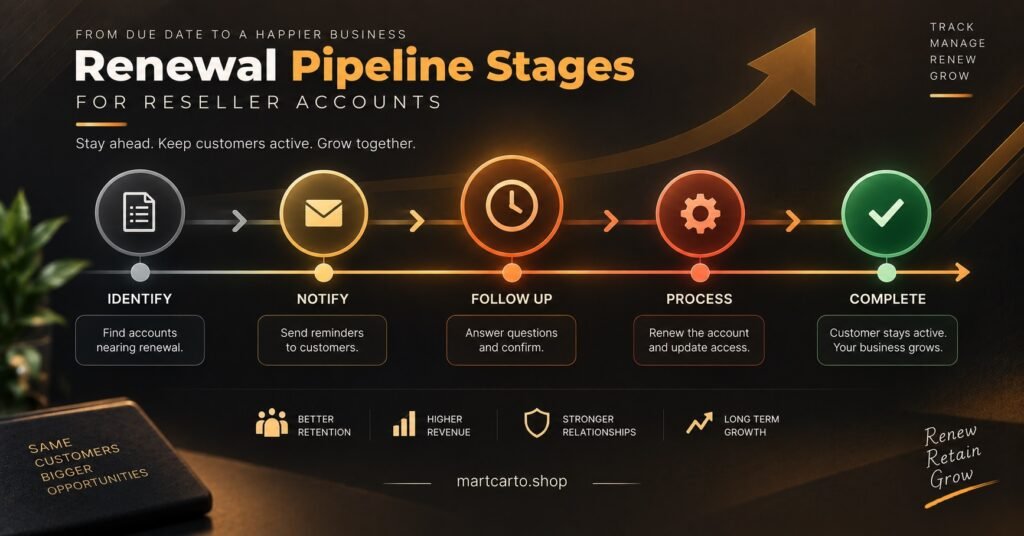
A renewal pipeline is five stages and a date
Most IPTV resellers do not lose customers to competitors. They lose them to silence in the last week of a subscription. A pipeline fixes that by giving every customer exactly one status at a time.
Active. Nothing due, nothing to do. The bulk of your list should sit here.
Renewal window open. Triggered by the expiry date, not by memory. A week is enough for a monthly customer; annual customers deserve longer, because a year is long enough to forget who you are.
Contacted. The first message has gone out and the date is logged. If this stage has no date attached, it did not happen.
Awaiting payment. They have said yes. This is the stage where money goes missing, so it needs its own column rather than being lumped in with “contacted”.
Renewed or lapsed. Renewed resets the expiry and the cycle. Lapsed is not a bin. Move it to a win-back note with a date a few weeks out, message once, then stop.
The pipeline also does your credit planning for you. Count the customers sitting in the renewal window, add up the months they usually buy, and you have a rough figure for your next top-up rather than a last-minute scramble when a batch of annual subscriptions land in the same fortnight. If you are sizing that against your current balance, the reseller credit pack options give you the per-month arithmetic to work from.
Notes that still make sense six months later
The notes field is where most reseller records rot. The rule that saves it is simple: date every entry, record decisions and promises rather than impressions, and keep each contact to one line.
“Customer annoyed” tells future you nothing. “14 Aug: two nights of buffering on the sports bouquet, switched delivery path, gave four free days, expiry moved to 18 Dec” tells you what you owe, what you tried and why the date looks odd. When the same customer messages in November, you answer in thirty seconds instead of reconstructing the story.
Keep support notes and commercial notes visually separate, even if that just means prefixing one with “SUP” and the other with “PAY”. They get read at different moments by different halves of your brain.
Tags earn their place only if they change what you do
A tag is worth creating when it changes an action, and worthless otherwise. Five or six categories is usually plenty for an IPTV panel reseller business: region or market, plan length, device type, payment behaviour, risk flags, and how the customer found you.
Risk flags matter more than they sound. A line logging in from several addresses inside an hour is not automatically a problem, but tagging it lets you spot the pattern and offer a connection upgrade rather than accuse anyone. Payment behaviour tags let you decide who gets a renewal reminder early and who gets one at all. Acquisition source tells you which channel is producing customers who actually renew, which matters far more than which one produces the most enquiries, and it pairs well with the practical side of selling subscriptions and keeping customers.
What not to tag: mood, personality, or anything you would be uncomfortable explaining to the customer.
When a spreadsheet stops being enough
A spreadsheet is a perfectly respectable CRM for a small list, and plenty of profitable resellers never leave one. The signals that it has stopped working are practical rather than technical.
You notice you cannot answer “who is due in the next seven days” without scrolling and squinting. Two people start editing the same file and you find yourself reconciling versions. Renewal reminders depend on you remembering to look. A customer asks what they paid last time and you have to check three tabs. Lines get copied into the wrong row and a customer is credited for someone else’s payment.
At that point you have three sensible routes rather than one. You can strengthen the sheet with a proper expiry column, conditional formatting and a saved filter view, which costs nothing and fixes most of the visibility problem. You can move to a general-purpose CRM and configure custom fields to match the list above, which buys you reminders and multi-user access at the cost of setup time. Or you can keep the panel as the source of truth for subscriptions and use a lightweight task list purely for follow-ups.
Whichever you choose, check two things before committing: can you export everything to a plain file whenever you want, and can more than one person work in it without overwriting each other. Losing access to your own customer list is a far bigger operational risk than choosing slightly the wrong tool.
Pro tip: Export your customer list to a dated file once a month and keep it somewhere separate from the live system. It takes two minutes and it is the only backup that survives a locked account.
What does not belong in the record
Store payment references, not payment instruments. Full card numbers, banking credentials and copies of identity documents have no business in a reseller customer list, and holding them creates a liability with no operational benefit.
Keep only what you use, and give the record a retention limit. If a customer lapsed two years ago and never returned, their contact details and support history are dead weight. Data protection expectations in the UK and across English speaking markets generally push the same way: collect what you need for the service, keep it while it is relevant, and remove it when it is not. Setting a review date in the sheet is enough to stay on the right side of that principle.
Common questions
Does my reseller panel not already do this?
It does part of it. The panel tracks lines, expiry dates and login activity, which covers the technical half. It does not track the person, the price, the payment route, the promises made or the history that follows a customer across a rebuilt line.
How far before expiry should the first renewal message go out?
Match it to the plan length. A few days ahead is fine for a monthly subscriber who is expecting to hear from you. For annual customers, give yourself a longer run-up and a second reminder, because they have had twelve months to forget your name.
What should I record when a customer changes device?
Update the device field, the app field and the credential format, and add a dated note about anything you had to reconfigure. The old entry is worth keeping in the note rather than overwriting, since customers often move back.
Should I keep records after someone stops renewing?
Keep them briefly for win-back contact, then clear them on a set schedule. A lapsed customer from two years ago is not a prospect, and stale contact data is a liability rather than an asset.
Where this leaves you
An IPTV Panel CRM is not software you buy so much as a habit you keep: a short set of fields you actually maintain, a renewal pipeline with one status per customer, dated notes that record decisions, and a handful of tags that change what you do next. None of it requires anything exotic, and a tidy spreadsheet with the right columns will outperform an expensive system nobody updates.
It will not do everything. It cannot stop a customer leaving for a cheaper offer, and it will not fix a delivery problem that is really a server-path issue. What it does is remove the failures that are entirely your own doing: the renewal nobody chased, the promise nobody logged, the support question answered from scratch for the third time.
The practical next step is small. Open your current list, add the missing fields from the table above, fill them in for your next twenty renewals only, and run the pipeline properly for one month. If the record is still accurate at the end of it, you have something worth building on.