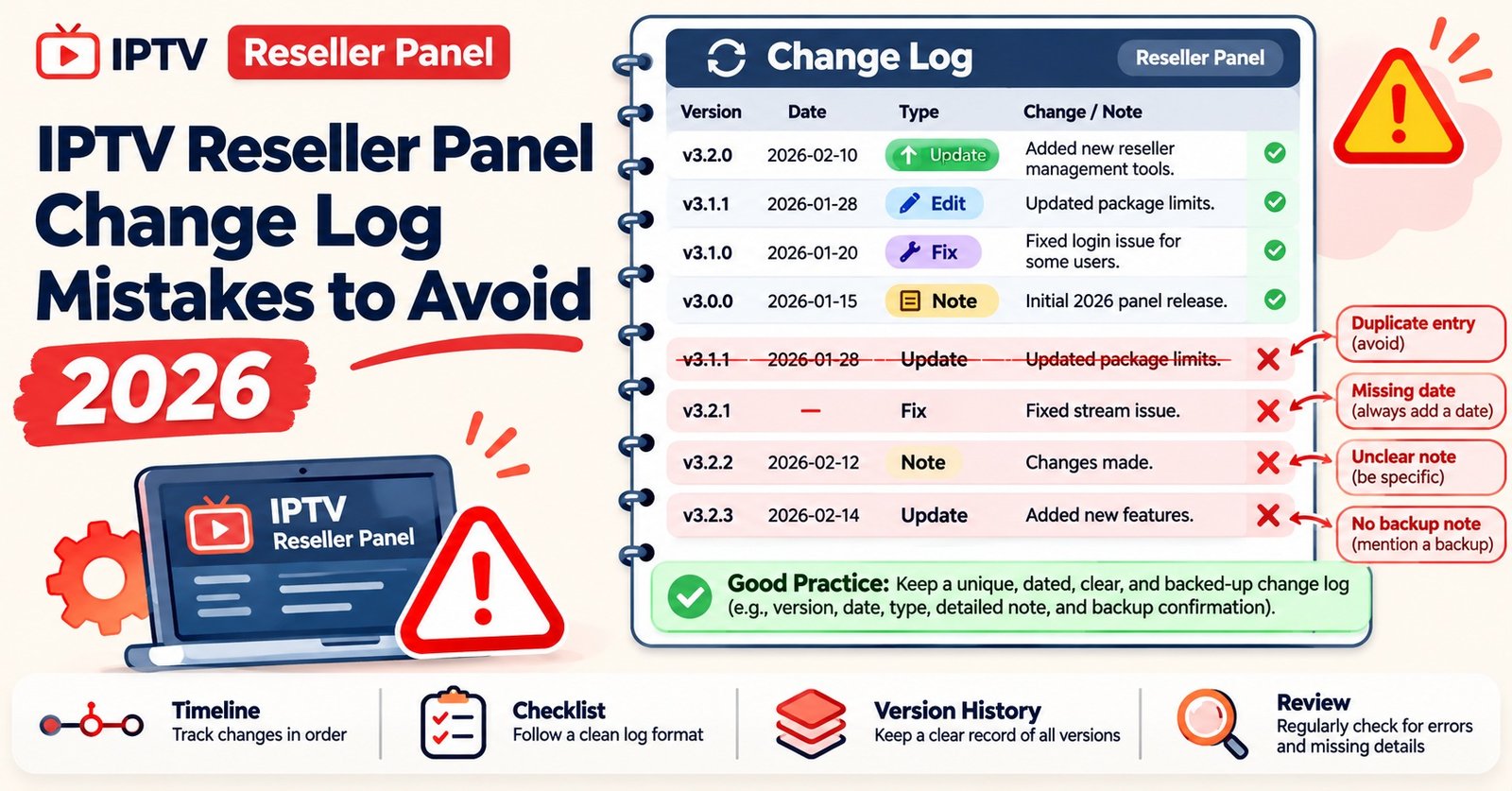

An IPTV Reseller Panel Change Log is a dated record of every deliberate change made to your reseller dashboard. Each entry shows what changed, why, who approved it, how to undo it, and which customer problems followed, if any. Keep it as one shared table with a unique ID per change. Put a simple approval rule in front of it, and link each entry both ways to your support incidents. When customers start reporting faults, you can then check what changed first instead of guessing.
Most panels already record activity on their own, such as lines created, credits spent and logins. That record is useful, but it answers a different question. An activity log tells you that a package template was edited at 14:02. It cannot tell you that the edit was meant to add one category, was signed off by nobody, and is probably why twenty customers lost their guide data that evening. The change log holds the intent, the approval and the consequences, and those are the parts you need when something goes wrong.
A Sample Change Log Worth Copying
Here is what a working log looks like after a busy month. The entries are illustrative, but the shape is the point: one row per change, newest at the bottom of the sheet or the top of a page (pick one and stay consistent), and an incident reference wherever a problem followed.
| Entry | What changed | Risk | Approved by | Linked incident |
|---|---|---|---|---|
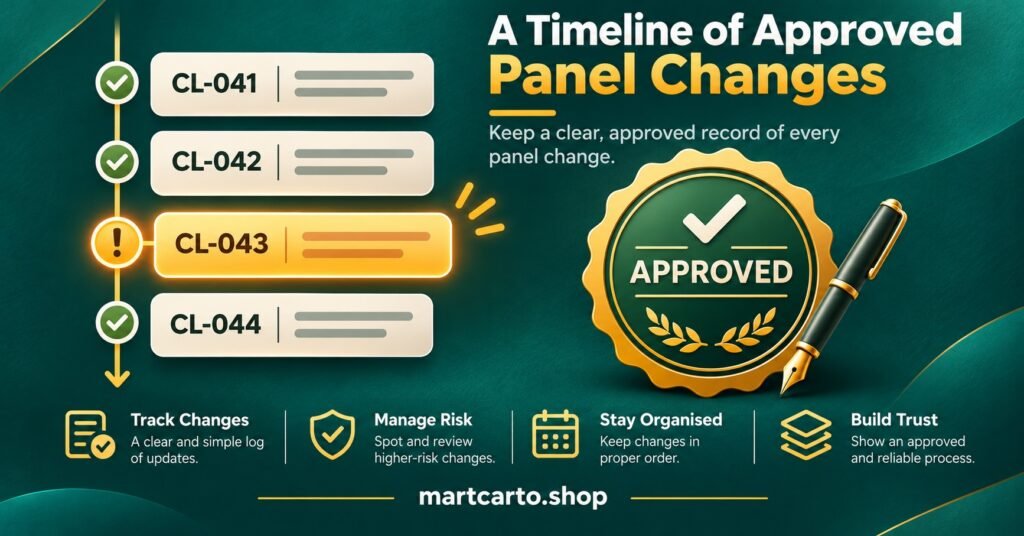
| CL-041, 2026-10-02 | New category added to the standard package template | Medium | Owner | INC-017: category showed empty on older app versions |
| CL-042, 2026-10-06 | Sub-reseller account granted permission to create trial lines | Medium | Owner | None |
| CL-043, 2026-10-09 | Renewal reminder wording updated | Low | Support lead | None |
| CL-044, 2026-10-14 | Portal URL switched for all newly created lines | High | Owner plus provider confirmation | INC-019: lines failed to load until devices restarted |
| CL-045, 2026-10-14 | Partial rollback of CL-044 for MAC-based boxes | Emergency | Owner, signed retrospectively | INC-019 |
| CL-046, 2026-10-21 | Two-step login enforced for all staff accounts | Medium | Owner | None |
Notice that CL-045 exists as a separate entry. A rollback is a change too, and logging it separately shows exactly when service returned to its earlier state. Also notice that CL-042 has no incident. Most rows will look like that, and a log full of quiet entries is a good sign, not wasted effort.
What Each Column Is Really For
Entry. The ID gives support staff something short to quote in a ticket, such as “possibly CL-044”. Dates in YYYY-MM-DD format sort correctly in any spreadsheet and avoid confusion between British and American date order. That format is one of the principles behind the widely used Keep a Changelog convention, which was written for software releases but suits panel operations just as well.
What changed. Write one sentence a tired colleague could understand at midnight. “Updated template” is useless. “Added a new category to the standard package template” is searchable. If the change touched a specific group of lines, refer to them by line ID or package name, never by customer name or credentials.
Risk. This column drives the approval rules in the next section. Writing the risk level down before the change goes live is the real discipline. Afterwards, everyone is tempted to call a change minor.
Approved by. Use a named person, not a role. “Management” approved nothing. “Ahmed, 2026-10-14 10:40” did.
Linked incident. This is the column most IPTV panel resellers skip, and it is the one that makes the log worth keeping. It is covered in detail below.
You might also want a hidden column for the rollback plan and a short “reason” field. Keep them, but leave them out of the main view so the table stays readable on a phone.
What Belongs in the IPTV Reseller Panel Change Log
The test is simple: if the change could alter what a customer sees, what a staff member can do, or how credits are spent, it gets a line.
That covers package and bouquet templates, trial rules, portal or DNS addresses handed to new lines, sub-reseller permissions, staff accounts and passwords, bulk actions such as mass extensions, automated message wording, payment or credit pricing for sub-resellers, and any change your provider announces on their side. Provider changes are easy to forget because you did not make them, yet they cause many of the problems your customers will report.
What does not belong: routine line creation, single renewals, ordinary credit top-ups. The panel’s own activity history already covers those, and logging them by hand buries the important rows.
One boundary deserves mentioning. Editing a package template only changes how content is grouped and delivered through the panel. A clean, approved change record does not establish that the content inside the package is licensed. Make template changes only to reflect what your provider is authorised to distribute, and treat any uncertainty about rights as a reason to stop rather than something to log and move past.
Three Risk Levels, Three Speeds of Approval
An approval process only works if it is light enough that people actually follow it. Three levels, plus an emergency route, cover almost everything a small reseller operation does.
| Risk level | Typical changes | Sign-off before it goes live |
|---|---|---|
| Low | Message wording, internal notes, tag names | The person making it, logged the same day |
| Medium | Package templates, trial rules, sub-reseller permissions, staff accounts | A second named person |
| High | Portal or DNS addresses, bulk extensions, credit transfers, deleting lines | Owner, plus written provider confirmation and a drafted customer message |
Low: log it and get on with it
Requiring approval for a typo fix teaches staff that the process is bureaucracy, and then they skip it for things that matter. Low-risk changes need only an entry. That is enough to keep the history complete.
Medium: four eyes, not a meeting
A second person reads the entry, asks “who notices if this goes wrong?”, and approves in the same chat thread or spreadsheet comment. For sub-reseller permissions in particular, the second person should check what the permission allows, not just its label. Panels differ in how much a “trial” or “create” permission actually grants, and the features available inside the panel are worth understanding before anyone hands them out.
High: a plan before a click
High-risk changes touch every line or many of them at once. Before approval, the entry should include:
- the exact time window, ideally outside your busiest evening hours
- a rollback step that someone has read through, not just written
- written confirmation from the provider where their infrastructure is involved
- a customer message drafted in advance, so support is not writing it during the problem
- a named person watching tickets for the first few hours afterwards
Emergency: act first, approve within a day
During an outage, waiting for a signature makes things worse. Fix it, log it with an “Emergency” risk value, and have the owner review and sign it retrospectively within 24 hours. The retrospective review matters because emergency fixes are often a quick patch that the next planned change quietly undoes.
Pro tip: If you sell to sub-resellers, add a “Notify downstream?” yes/no field. A medium change to your template becomes their customers’ problem too, and they cannot plan for a change nobody told them about.
Connecting Changes to the Incidents They Cause
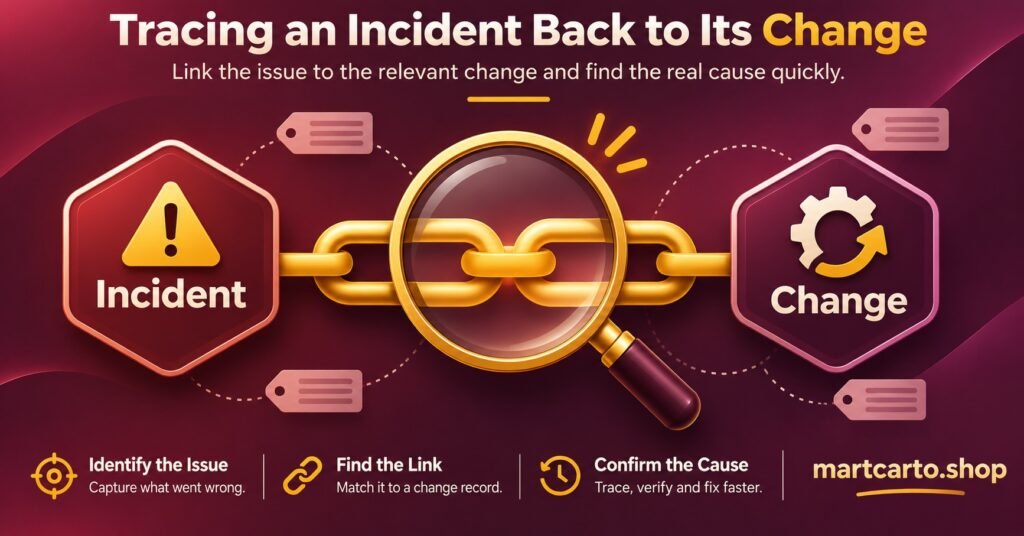
An incident here means any problem affecting customers that needed more than one routine support reply: a category vanishing, a batch of lines failing to load, trials being created with the wrong length. Give each one an ID in the same style as your changes (INC-017, INC-019) and keep it in a second tab of the same sheet.
The link has to go both ways. The change entry points to the incident, and the incident record points back to the suspected change. That way, whether someone starts from a ticket or from the log, they reach the same answer.
A useful incident record needs only a few fields. Record when it started and when it was first noticed. Describe the symptom in the customer’s words. Note roughly how many lines were affected and the suspected change ID, or “none found”. Then add what fixed it, whether customers were messaged, and a one-line lesson. The UK National Cyber Security Centre’s small business response and recovery guidance is written for security incidents, but its five stages (prepare, identify, resolve, report, learn) fit operational faults well, especially the final step of feeding lessons back into your process.
A practical habit: when a new incident opens, look first at every medium or high change from the previous 48 hours. That window is a working rule of thumb, not an industry standard, and you should widen it if your customers tend to restart devices infrequently. Problems caused by a cached portal address, for example, can show up days later.
Over a few months, the incident tab starts to show patterns. If most incidents trace back to template edits, that change type deserves a higher risk level. If almost none trace back to your own changes, the problem is more likely upstream, and that is useful evidence when you assess how reliable a panel really is.
Where Change Logs Usually Fall Apart
The commonest failure is the log written afterwards from memory. Entries made a week later have vague times and missing approvers, and they leave out the change that caused the trouble, because nobody remembers making it.
The second is the silent provider change. Your supplier moves a server or alters a package. Customers start complaining, and your log shows nothing, so support assumes the fault is on the customer’s side. Log provider changes the moment you hear about them. If you discover one only through an incident, log it with the date you noticed and a note saying so.
Third is the log that holds too much. When every renewal is entered by hand, the meaningful rows disappear and staff stop reading it. Keep it to changes, not transactions.
Fourth is personal data creeping in. A change log gets shared with staff, sub-resellers and sometimes the provider. Customer names, phone numbers or line passwords do not belong in it. Line IDs are enough to trace a problem, and keeping personal data out follows the data minimisation principle under UK data protection law.
Keeping It Running on a Small Team
A shared spreadsheet is enough for most operations. Use two tabs, Changes and Incidents. Make the ID column the first column, and use dropdowns for risk level and approver names so the values stay consistent. Restrict editing to staff who can actually change the panel, and give everyone else view access. Anyone who can edit the panel but not the log will end up making changes that never get recorded.
Set a short weekly review, ten minutes is usually enough. Check that every high change has a provider confirmation attached and that every emergency entry has been signed. Close any incident still marked open with a suspected change. If you run a sub-reseller tier, as the Mini Admin IPTV panel reseller credit packages allow, the review is also the right moment to send downstream resellers a short summary of what changed that week.
On retention, I could not find a fixed legal period that applies specifically to this kind of operational record. A sensible approach is to keep entries at least as long as your longest subscription term plus a buffer. Any change still relevant to an active customer is then still on record. Because the log should contain no personal data, keeping it longer carries little risk.
Short Answers to Questions That Come Up
Does the panel’s built-in activity history count as a change log?
Not on its own. It records actions, usually without the reason, the approval or the outcome. Use it as evidence to check your log against, especially after an incident.
Should sub-resellers see the change log?
Share a filtered summary of changes that affect them, such as template edits, portal addresses and trial rules. Internal entries like staff password changes should stay private.
What if the provider makes a change without warning?
Log it as an external change, dated when you noticed it, with a note that it was unannounced. A history of unannounced changes is useful when you review whether the supplier relationship is working.
Is a spreadsheet really enough, or do I need ticketing software?
For a small team, a well-kept spreadsheet beats an unused ticketing system. Move to dedicated tools when the volume of changes or the number of people approving them makes the sheet hard to follow.
Start With What You Already Remember
You do not need a perfect history to begin. Open a sheet today and write down the last five panel changes you can recall, with rough dates and “unknown” where the approver is unclear. Then apply the three risk levels to everything from tomorrow onwards. Within a month, the IPTV Reseller Panel Change Log becomes the first thing support checks when customers report a fault. Its value depends entirely on being written at the time of the change, not afterwards. A log that is only nearly complete will be missing the entry you need on the evening it matters.